
Shorts and long-form
Queue vertical Shorts and full-length horizontal uploads from one calendar — each with its own publish slot.
Queue Shorts and long-form videos with titles, descriptions, tags, and thumbnails set in advance — Postqued publishes them on schedule through the official YouTube API, on plans that start at $9/month.
Queue vertical Shorts and full-length horizontal uploads from one calendar — each with its own publish slot.
Attach a custom thumbnail before publish, so your video doesn't go live with an auto-generated frame.
Write the title, fill out the description with links and chapters, and add tags — all queued ahead of time.
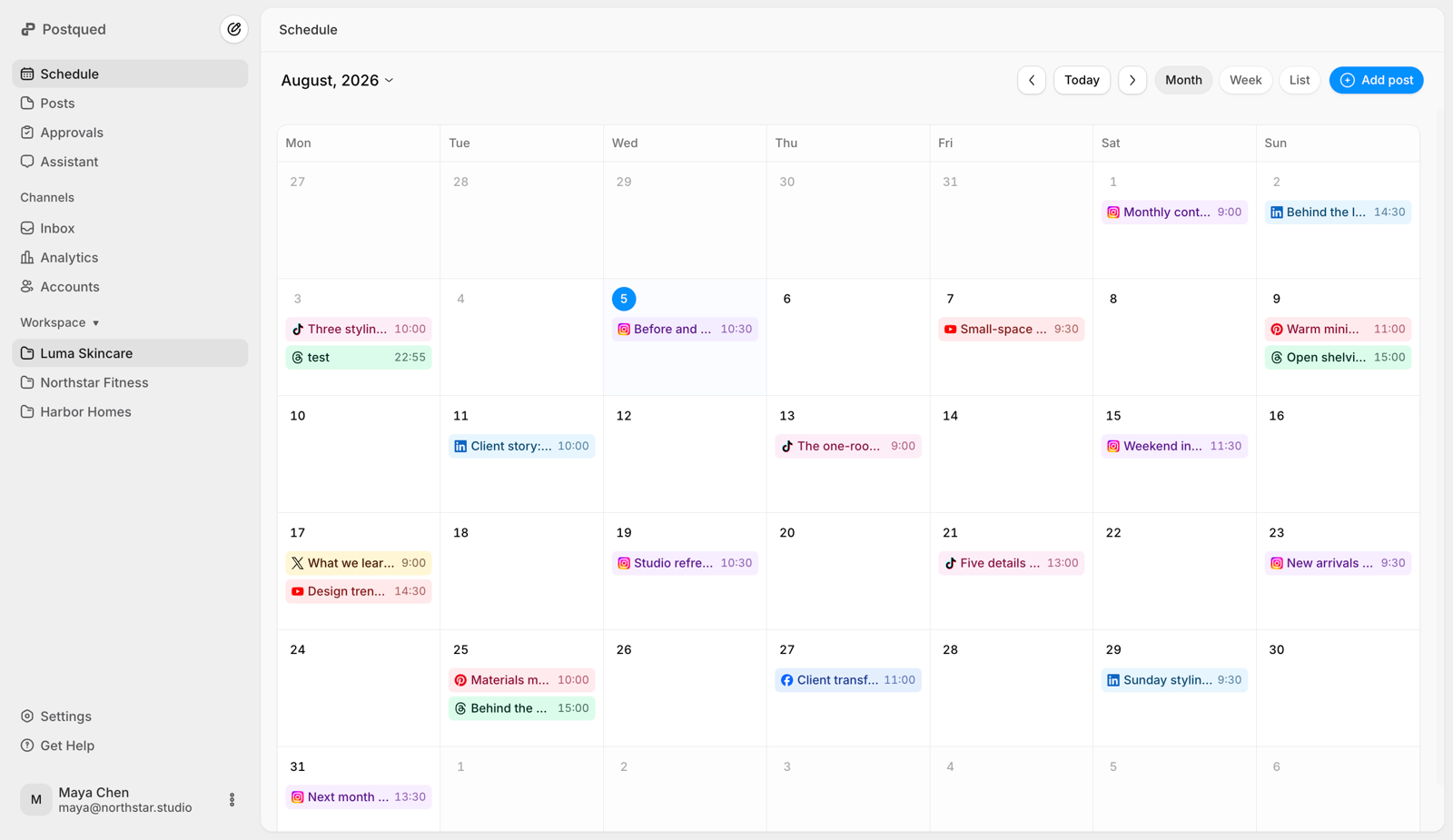
Plan a week or a month of uploads, keep Shorts and main videos on a consistent cadence, and see it all at a glance.
Run several channels or Brand Accounts? Manage every channel's queue in one place on plans that scale with you.
Publish to YouTube from scripts, backends, no-code tools, or AI agents with a single static API key — like TikTok today.
Whether you're posting daily Shorts or a weekly long-form video, getting it live at the right time — every time — is what builds an audience. Scheduling takes the manual upload step off your plate.
Finish editing on Sunday, set Tuesday 4pm, and let the upload go live on time — no waiting by your laptop to hit publish.
YouTube rewards consistency. Batch a month of Shorts and stay on a steady schedule even during busy weeks or travel.
Editors load the video, title, and thumbnail into the queue; you review and approve. No sharing channel passwords.
Postqued can upload and publish one YouTube video per scheduled post with title, description, visibility, category, tags and audience disclosures.
YouTube scheduling is live on Postqued — Shorts, long-form, thumbnails, the works. Start your 7-day free trial today.
Yes. You can queue vertical Shorts and full-length horizontal uploads from the same calendar, each with its own title, description, tags, and publish time.
Yes. Write the title and description, drop in chapters and tags, and attach a custom thumbnail before the video ever goes live — a scheduled upload publishes fully optimized, not as a bare file.
Connect your channel, upload the video file, fill in the title, description, tags, and thumbnail, pick a publish date and time, and Postqued publishes it for you automatically — including flipping it from private to public at the scheduled moment.
Yes. Postqued lets you connect multiple accounts, so creators and agencies running several YouTube channels or Brand Accounts can manage every channel's queue in one place, on plans that scale from Creator to unlimited on Agency.
Yes. Postqued is API-first — you can publish to YouTube from scripts, backend jobs, no-code tools, or AI agents using a single static API key, no per-request OAuth dance.
Yes — YouTube is live on Postqued today alongside TikTok, Instagram, and more. Start your free trial and connect your channel in minutes.