
Tweets & full threads
Queue a single tweet or compose an entire thread, then publish the whole chain in order automatically.
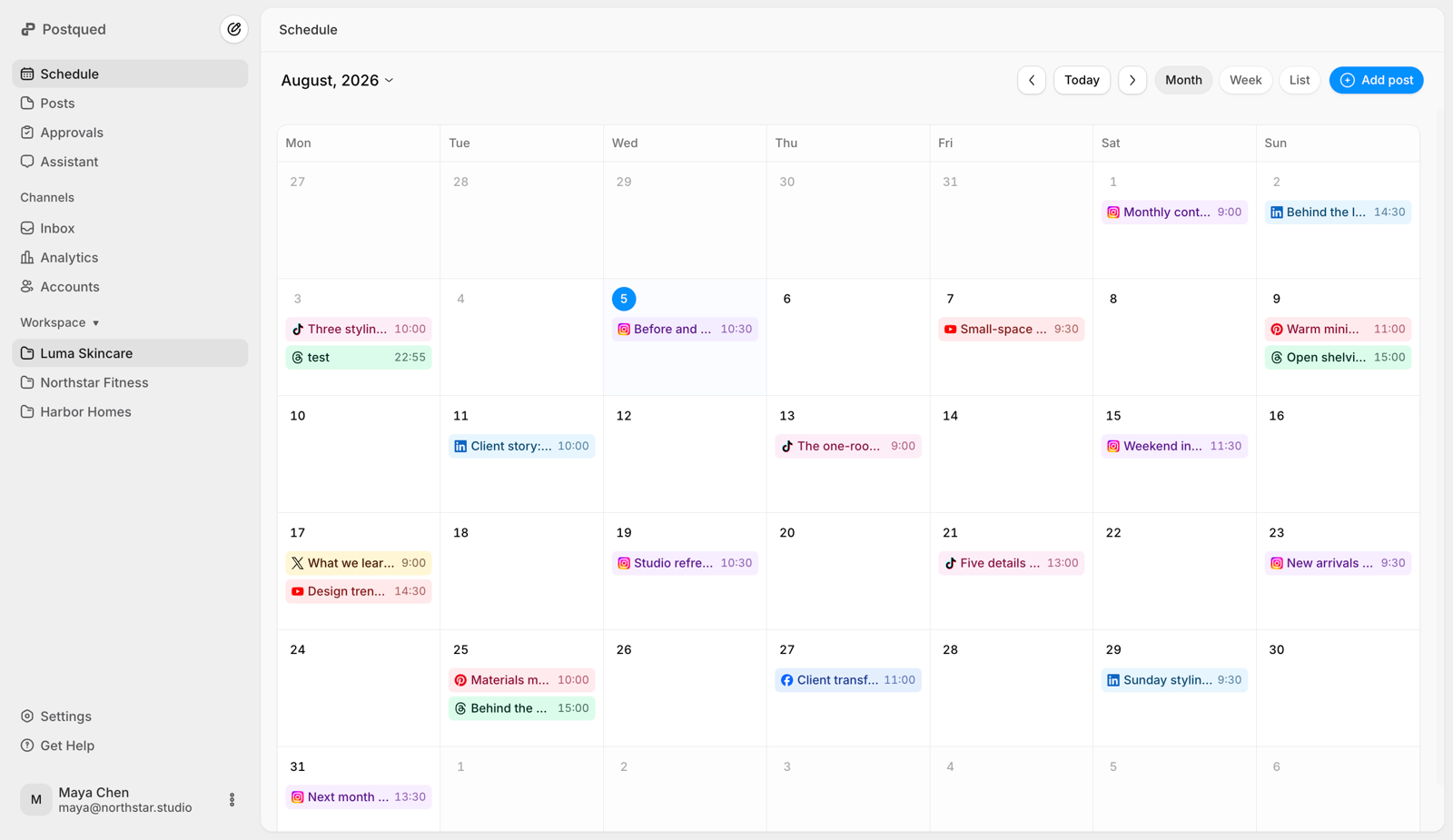
Write your tweets and threads ahead of time, set the moment they go out, and let Postqued auto-publish them to your timeline, on plans that start at $9/month.
Queue a single tweet or compose an entire thread, then publish the whole chain in order automatically.
X (Twitter) is a real-time feed. Schedule into the morning and lunch windows when your audience is actually scrolling — even while you sleep.
Batch a week of tweets in one sitting and let the queue keep your timeline active every single day.
Attach images and video, and plan replies, quote-tweets, and follow-ups around your main posts.
Publish tweets and threads from scripts, backends, and no-code tools with one key — no OAuth dance per request.
Let AI agents draft and post to X (Twitter) through Postqued's MCP integration.
X (Twitter) rewards showing up every day at the right hour. Scheduling lets you write in batches and let the queue do the posting — so your best ideas land when your audience is online, not whenever you happen to open the app.
Postqued can publish text, image, GIF and video posts to X, with reply settings and an optional first comment.
X (Twitter) scheduling is live on Postqued, included on plans that start at $9/month with all 10 platforms. Start your 7-day free trial today.
Yes — X (Twitter) scheduling is live on Postqued. You can queue single tweets and full threads in advance, and Postqued auto-publishes them at the time you pick.
Yes. Threads are a core part of how X (Twitter) works, so Postqued schedules a complete thread as one unit — write every tweet, set the order, and have the whole chain publish automatically in sequence.
Yes. Postqued is API-first: a single static API key lets you publish tweets and threads from scripts, backend jobs, no-code tools, and AI agents via MCP.
Yes — X (Twitter) scheduling is fully live today. Connect your account, schedule tweets and threads, and auto-publish through the official API right now, alongside TikTok, Instagram, and more.
Postqued plans start at $9/month, with all 10 platforms, multiple workspaces, and unlimited team seats on Pro and Agency; posts are unlimited on every plan and connected accounts scale by plan up to unlimited on Agency. X (Twitter) is included on every plan at no extra cost.
Yes. Start your 7-day free trial, connect your X account, and queue your first tweet or thread in minutes.