
Connect your TikTok account
Securely connect via TikTok's official login. No passwords stored, no screen recording, no watermarks.
Plan and auto-publish TikTok videos and photo carousels through the official TikTok API. Postqued starts at $9/month and keeps TikTok inside a complete 10-platform social calendar.
Securely connect via TikTok's official login. No passwords stored, no screen recording, no watermarks.
Add a video or photo carousel, write the caption, choose TikTok-native settings, and pick an exact publish time.
Postqued posts natively at the scheduled time through the official API. Set it and forget it.
Postqued is a social media scheduler for 10 platforms, not a TikTok-only utility. Plan TikTok beside Instagram, Facebook, Threads, LinkedIn, YouTube, Pinterest, Mastodon, Bluesky, and X.
Use the dashboard for human review or the REST API and MCP server for repeatable publishing from applications and AI agents.
Reliable native publishing through TikTok's Content Posting API — no watermarks or third-party hacks.
Schedule both TikTok videos and photo-mode posts.
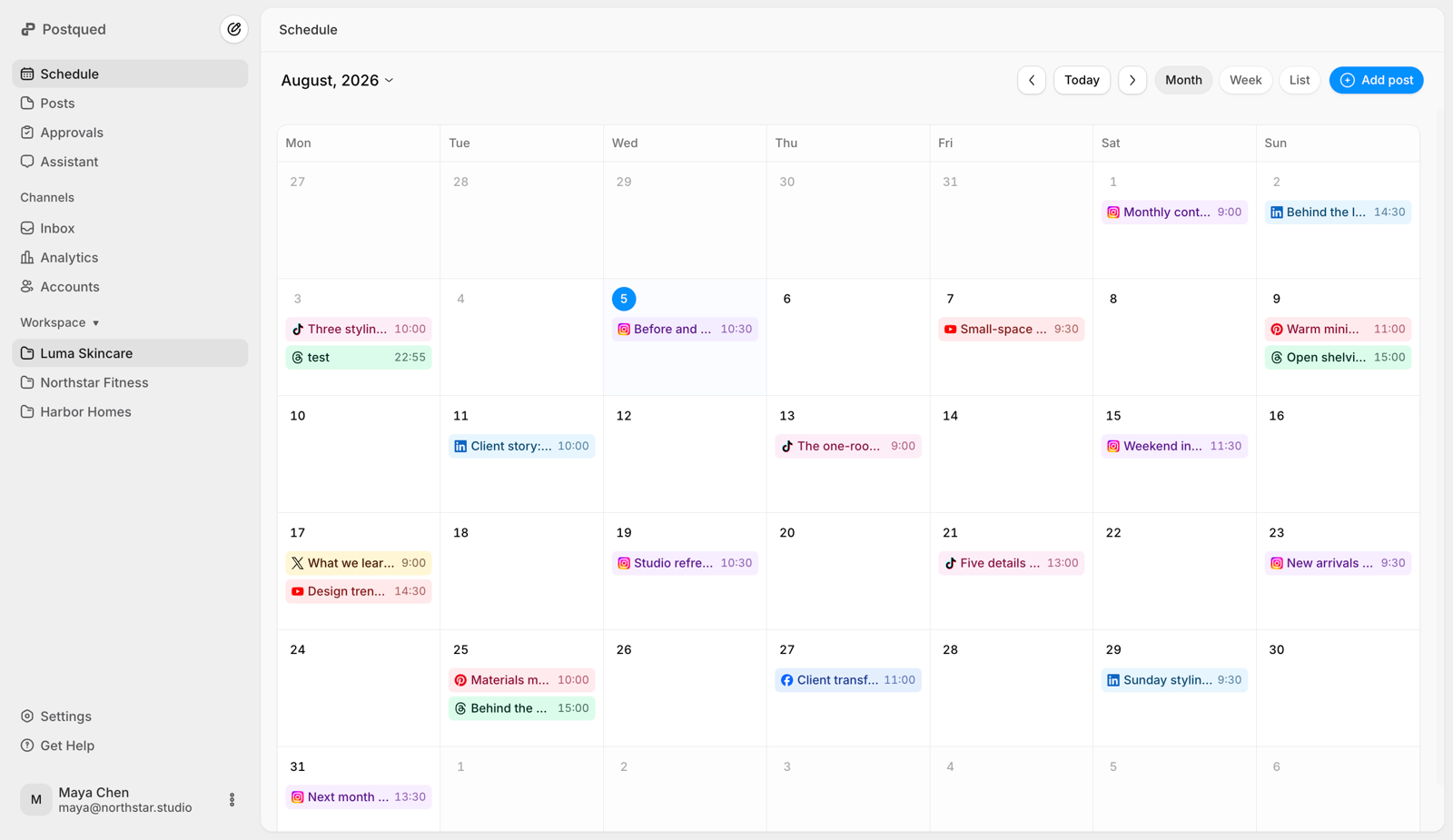
Plan a full publishing calendar and review every scheduled or completed request in one place.
Publish from scripts, backends, or no-code tools with one key — no OAuth dance per request.
Let AI agents post to TikTok via Postqued's MCP integration.
Start with five connected accounts and move up to unlimited connected accounts on Agency.
Solo includes five connected accounts and all 10 platforms.
Publish consistently without paying for a team-sized plan.
Grow your publishing workflow with room for more accounts.
Give your team more accounts and dedicated workspaces.
Run client calendars side by side without per-client pricing games.
Postqued can publish TikTok videos and photo posts after checking the connected creator account's available privacy settings and video-duration limit.
Schedule TikTok and nine other platforms with unlimited posts, official API publishing, and developer automation included. Start with a seven-day trial.
Yes. Postqued schedules TikTok videos and photo carousels in advance and auto-publishes them at the time you choose, using TikTok's official Content Posting API.
Connect your TikTok account, upload your video or photos, write your caption, pick a publish time, and Postqued posts it automatically. You can also schedule programmatically through the API.
Yes. Postqued publishes through TikTok's official Content Posting API — no watermarks, no screen recording, and reliable native publishing.
Yes. Postqued is API-first. Use a single static API key to publish TikToks from scripts, backend jobs, no-code tools, or AI agents — including via MCP.
Postqued is not a permanent free scheduler. It includes a 7-day trial, then paid plans start at $9/month with unlimited posts and all 10 supported platforms.
Use the viewer activity in your own TikTok Studio account. Generic benchmarks are only test candidates because audience location, niche, and daylight-saving changes alter the best window.
No. Postqued schedules across TikTok, Instagram, Facebook, Threads, LinkedIn, YouTube, Pinterest, Mastodon, Bluesky, and X from the same workspace.
TikTok Studio is useful for native TikTok creation and scheduling. Postqued adds a cross-platform calendar, workspaces, review and approval flows, durable publishing status, and REST API and MCP automation.