7 Best Upload-Post Alternatives in 2026
Postqued is the best Upload-Post alternative when your API calls need a real workspace around them. Solo costs $9/month for 5 accounts and gives you unlimited posts across 10 platforms, a REST API and 62-tool MCP server on every plan, and a 7-day free trial. Scripts, AI agents, and teammates share one calendar with revision-aware approvals, so nothing publishes unreviewed. Upload-Post is still the better fit when you need one API across 22 destinations, automatic media adaptation, or a white-label connection flow.
Upload-Post alternatives at a glance
| Product | Starting price | Best for | Limitation |
|---|---|---|---|
| Postqued | $9/month | Calendar, approvals, REST API and MCP | 10 platforms; no transcoding API |
| Mixpost | Free; Pro $299 one-time | Self-hosted control | You run the infrastructure |
| Buffer | Free; Essentials $6/channel | A simple queue with an API | API limits scale by plan |
| Metricool | Free; Starter $25/month | Analytics, ads, reports | API needs Advanced |
| Publer | Free; Professional from $5/month | Bulk publishing and recycling | API on Business and Enterprise only |
| Zapier | Free; Professional from $19.99/month | No-code workflows | Needs a publishing app to post |
| Make | Free; Core $9/month | Visual, branching automation | Needs a publishing app to post |
What does Upload-Post offer and cost in 2026?
Upload-Post is an API-first publishing service. Its documentation describes one API for 22 destinations, media transcoding, scheduling, webhooks, normalized analytics, JavaScript and Python SDKs, an OpenAPI spec, and an MCP server. Coverage varies by content type.
Its pricing (annual display):
- Free: 10 uploads per month, two profiles.
- Basic: $16/month, five profiles.
- Professional: $33/month, 25 profiles, white-label integration.
- Advanced: $118/month, 75 profiles.
- Business: $350/month, 225 profiles.
“No OAuth app” means you skip building your own developer app. Account owners still sign in and approve permissions through each provider.
1. Postqued: best for scheduling, approvals, and agent workflows

Postqued puts a team workspace around the API, which Upload-Post leaves to you.
- A calendar and approvals: scripts, AI agents, and people share one calendar, and revision-aware approvals mean the approved version is exactly what publishes.
- Priced by accounts, not uploads: Upload-Post Basic covers five profiles at $16/month billed yearly. Postqued Solo covers five accounts with unlimited posts at $9/month, and Pro covers 30 with unlimited seats at $49.
- Safe publishing API: dryRun validation, a required Idempotency-Key header that prevents duplicate publishes when you retry, and dispatchAt scheduling. Poll the publish status for results.
- A 62-tool MCP server for Claude and other assistants, on every plan.
- Replies and reporting: an Engagement Inbox on six networks and analytics on TikTok, Instagram, Facebook, Threads, and YouTube.
Not included: media transcoding, white-label connection pages, or outbound webhooks.
Choose Postqued when people and automation need one reviewed publishing system. Compare Postqued and Upload-Post or see pricing.
2. Mixpost: best for self-hosted control
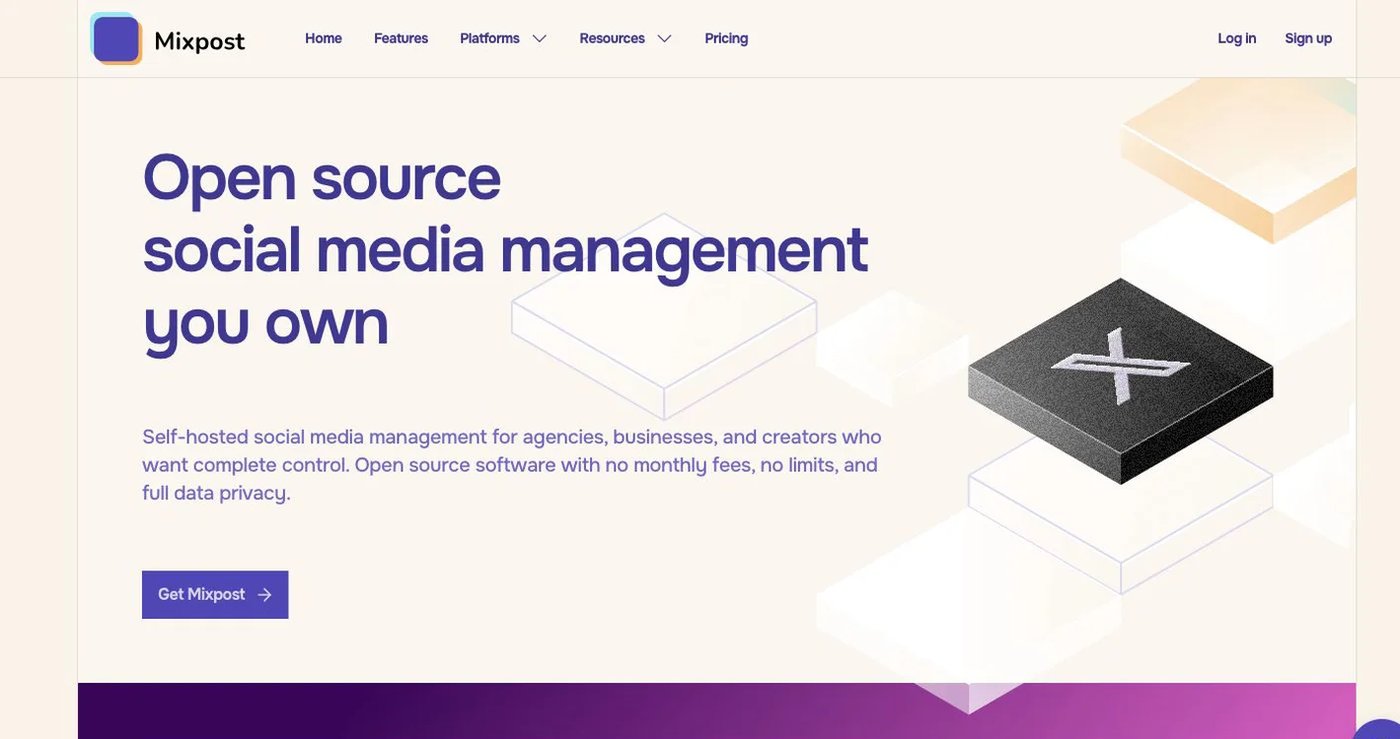
Mixpost is self-hosted social media management software. Its pricing page lists the open-source Lite edition free, Pro at $299 one-time, and Enterprise at $1,199. Pro includes analytics, engagement, approvals, API, MCP, webhooks, and unlimited accounts and team members. Enterprise adds white-label and customer-management features for SaaS builders.
You run the server, updates, backups, and provider configuration. Licenses include one year of updates.
Choose Mixpost when data location and self-hosting are hard requirements.
3. Buffer: best for a simple queue with a developer API
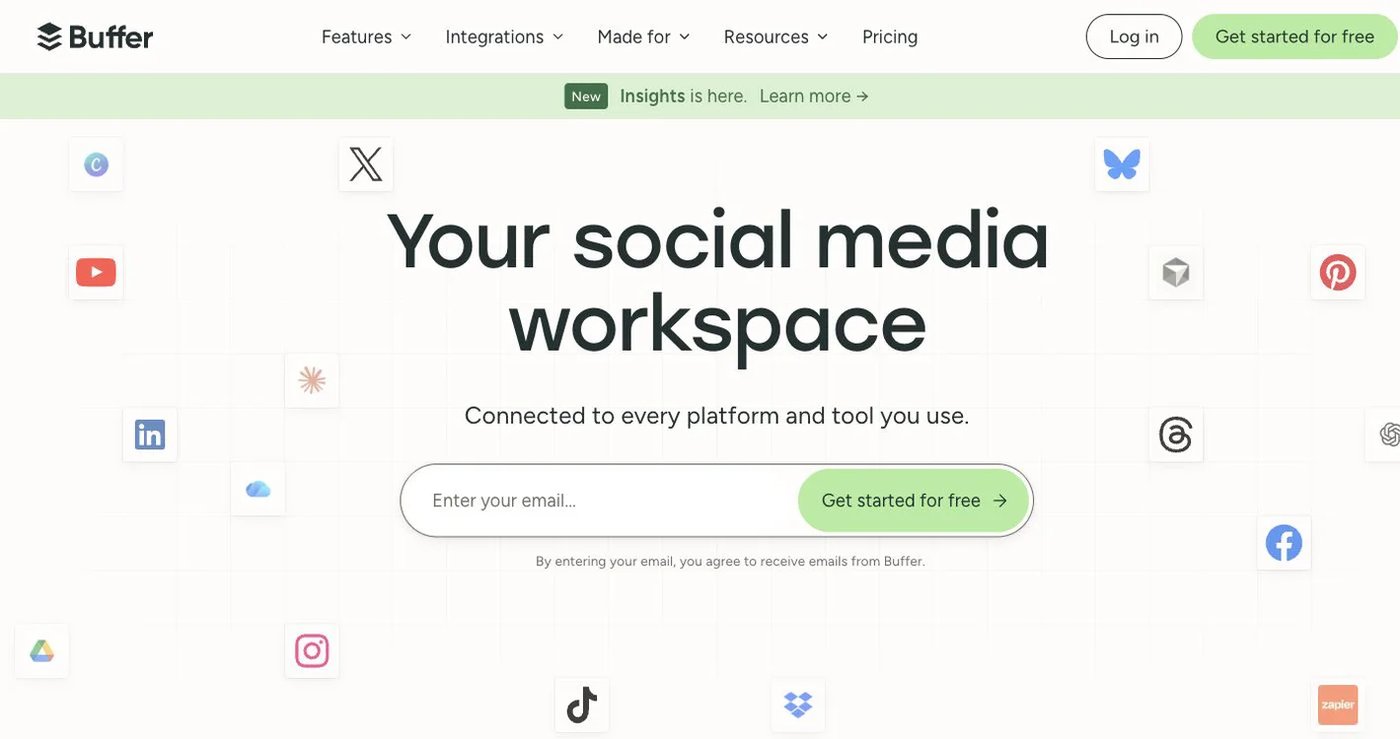
Buffer’s free plan includes three channels, one user, and 10 scheduled posts per channel. Essentials costs $6 per channel monthly; Team costs $12 and adds unlimited users, permissions, and approvals. Annual billing is lower.
Its GraphQL API allows one key and 100 requests per 24 hours on Free, three keys and 250 requests on Essentials, and five keys and 500 requests on Team.
Choose Buffer when users want a simple UI and your automation volume fits those limits.
4. Metricool: best for analytics and competitor reporting
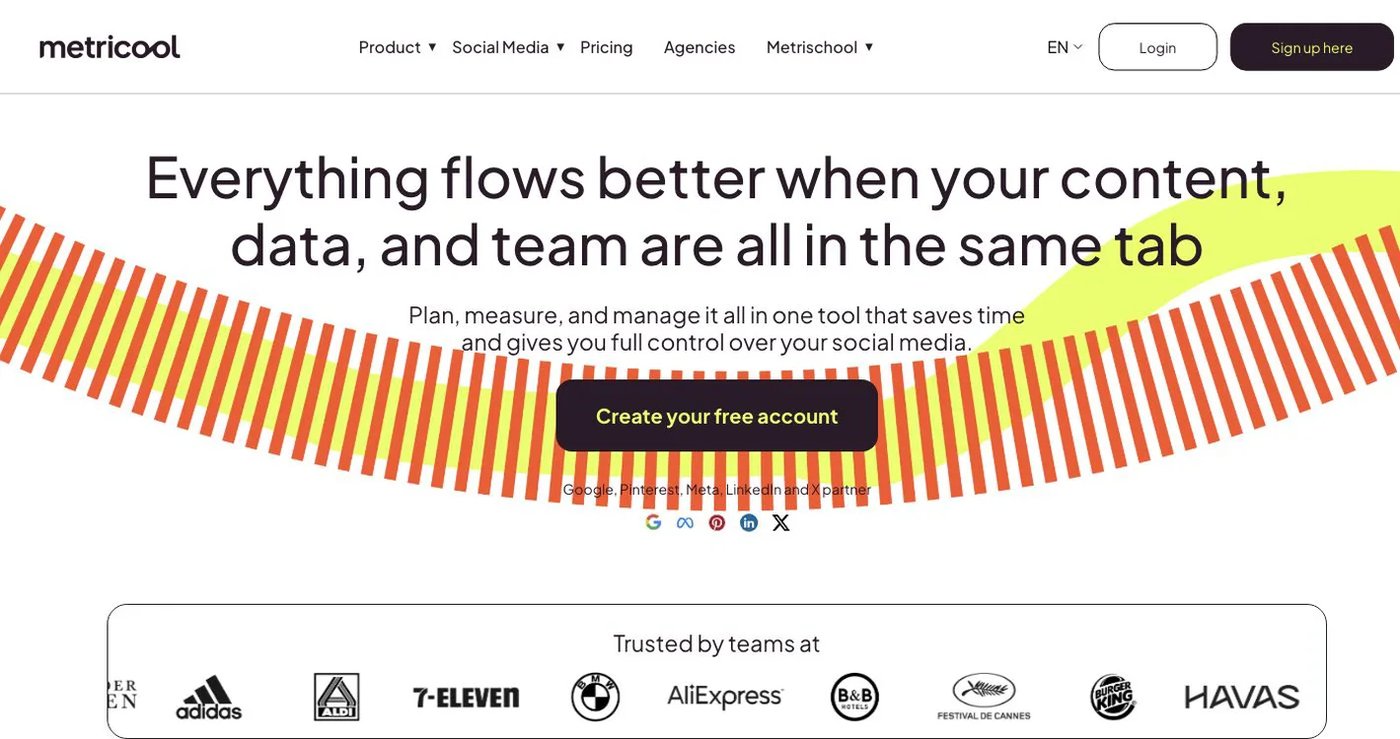
Metricool pairs a planner with analytics, ad data, competitor tracking, reports, an inbox, and SmartLinks. Free supports one brand and 20 posts per month but excludes LinkedIn and X. Starter is $25/month for five brands.
Advanced starts at $67/month for 15 brands and adds roles, approvals, custom reports, Looker Studio, and API access. Its plan guide says MCP is on all plans while the API requires Advanced or Custom.
Choose Metricool when measurement and reporting drive the purchase.
5. Publer: best for bulk publishing, RSS, and recycling
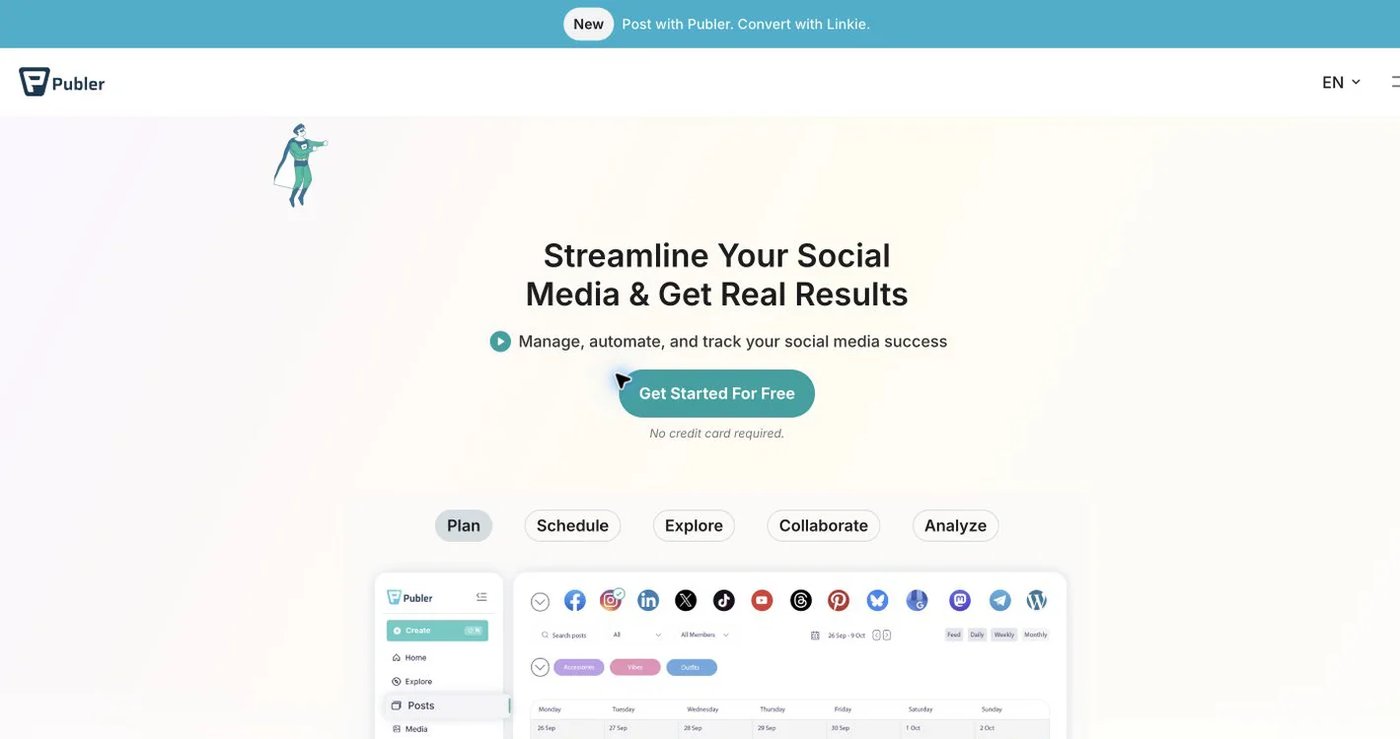
Publer offers bulk tools, RSS automations, reusable content, workspaces, and per-platform versions. Free supports three accounts with 10 pending posts each. Professional starts at $5/month for one account and Business at $10.
Business adds analytics, best-time suggestions, and automatic recycling. Publer’s API documentation makes its API available only to Business and Enterprise customers; it covers publishing, media, accounts, and analytics.
Choose Publer for a marketer-run workflow with bulk and evergreen tools.
6. Zapier: best for no-code workflows across business apps
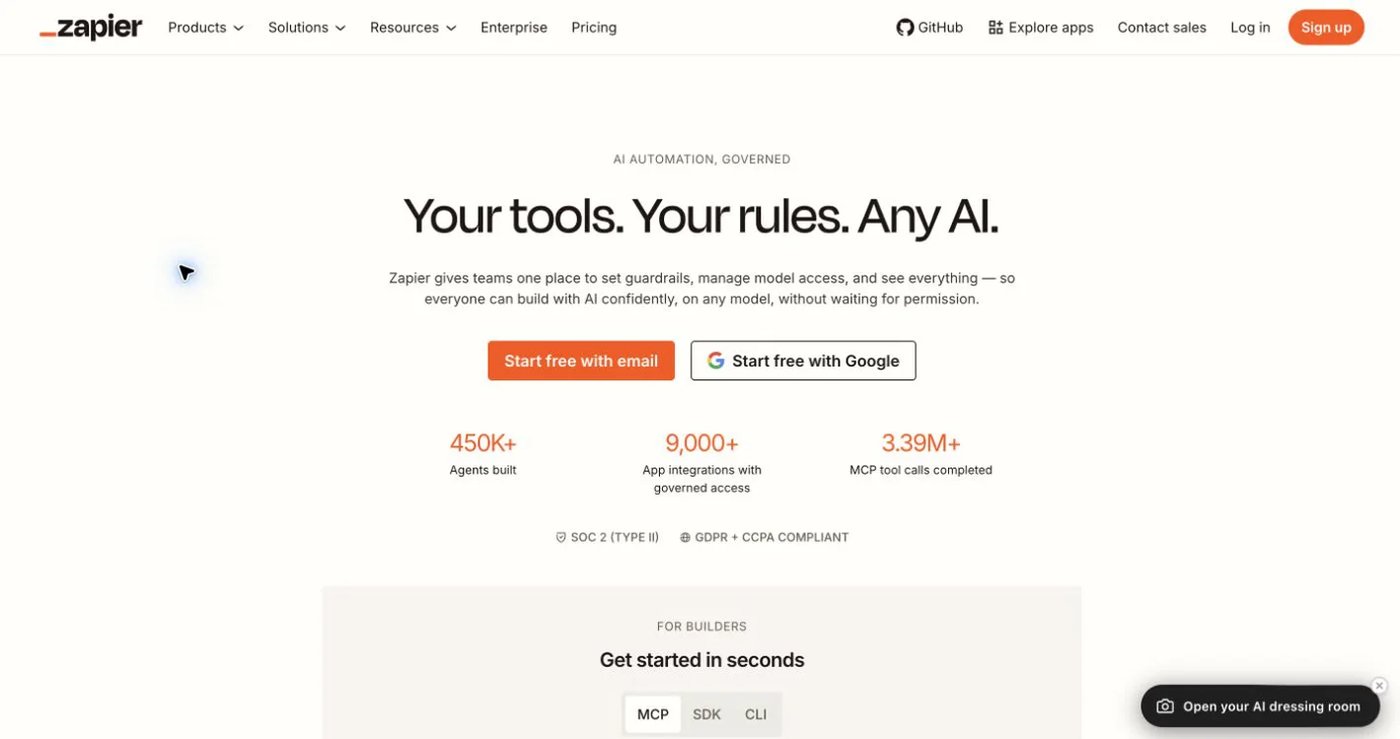
Zapier connects more than 9,000 apps. Free includes 100 tasks per month and two-step workflows. Professional starts at $19.99/month and adds multi-step workflows, premium apps, and webhooks. Team starts at $69 for 25 users.
Zapier orchestrates; it does not publish. A workflow can collect content, request approval, and hand it to a scheduler’s API. Network coverage and media limits come from that destination.
Choose Zapier when social publishing is one step in a larger business workflow, and budget for the publishing tool too.
7. Make: best for visual, branching automation

Make uses a visual scenario builder with routers, filters, webhooks, and HTTP modules. Free includes 1,000 credits per month. At 10,000 credits, Core is $9/month, Pro $16, and Teams $29. Core adds unlimited active scenarios and one-minute schedules.
Like Zapier, Make calls a publishing API such as Upload-Post or Postqued rather than replacing one. Each module action consumes credits.
Choose Make when branching logic and visual debugging matter.
How do you choose an Upload-Post alternative?
- List every destination and content type you publish.
- Decide whether users need a dashboard, approvals, or a white-label connection page.
- Test idempotency, status checks, retries, and partial failures.
- Price profiles, seats, API requests, automation credits, and media processing together.
- Run a small multi-platform batch before moving production work.
Final recommendation
Pick Postqued if your automation needs a calendar, approvals, and teammates around it. You get 10 platforms, unlimited posts, and a REST API plus 62-tool MCP server from $9/month. Pick Mixpost for self-hosting, Buffer for a simple queue, Metricool for measurement, Publer for recycling, or Zapier and Make for orchestration. Keep Upload-Post if its 22 destinations and media processing are the real requirement.
If your scripts need a calendar and reviewers, Solo at $9/month covers five accounts; Pro at $49 adds unlimited seats. Start a 7-day free trial.