7 Best Unbox Social Alternatives in 2026
Postqued is the best Unbox Social alternative when publishing is your daily job. Solo costs $9/month for 5 accounts and gives you unlimited posts across 10 platforms, a REST API and 62-tool MCP server on every plan, and a 7-day free trial. Unbox Social publishes to three networks; Postqued adds TikTok, LinkedIn, YouTube Shorts, Threads, Pinterest, and more, with approvals built in. Unbox Social is still the better fit when competitor groups, influencer tracking, and exportable research reports are the main deliverable.
Unbox Social alternatives at a glance
| Product | Starting price | Best for | Limitation |
|---|---|---|---|
| Postqued | $9/month | 10-platform publishing, approvals, API and MCP | No influencer research or competitor tracking |
| Metricool | Free; Starter $25/month | Analytics, reports, ads, competitors | API and approvals need Advanced |
| Agorapulse | $99/user monthly | Inbox, moderation, and reporting | Extra users and profiles raise cost |
| Sendible | $35/month (Core) | Client workspaces and recurring reports | Six profiles per workspace |
| Loomly | $65/month | Calendars, approvals, creative planning | Three users and 12 accounts on Starter |
| Buffer | Free; Essentials $6/channel | A simple publishing queue | Cost grows with channel count |
| Vista Social | $99/month ($950/year) | Inbox, reviews, listening, DMs | Two users on Professional |
What does Unbox Social offer and cost in 2026?
Unbox Social combines analytics, competitor tracking, influencer tracking, campaign analysis, reports, and newer publishing tools. Its pricing page lists:
- Starter: $9/month, one user, two profiles.
- Basic: $29/month, one user, six profiles.
- Pro: $39/month, three users, eight profiles.
- Enterprise: $99/month, 10 users, 30 profiles.
Annual billing is cheaper, and there is a 14-day trial. Analytics and competitor tracking cover Instagram, Facebook, X, and YouTube, with PDF, PPT, and XLS exports. Publishing covers Instagram, Facebook, and X; YouTube is marked as coming soon. It does not document a public posting API or MCP server.
Before you leave, export the competitor, influencer, and campaign reports you rely on. They will not import into a scheduler.
1. Postqued: best for broad publishing with approvals and automation

Postqued is a publishing upgrade for Unbox Social users, not a research replacement.
- Ten networks vs three: Unbox Social publishes to Instagram, Facebook, and X. Postqued adds TikTok, YouTube Shorts, LinkedIn, Pinterest, Threads, Bluesky, and Mastodon.
- Similar price, more accounts: Unbox Basic costs $29/month for six profiles and one user. Postqued Creator costs $29 for 20 accounts, and Solo costs $9 for five.
- Team approvals: revision-aware approvals on every plan, so the approved version is exactly what publishes, with external reviewers by email.
- Automation: a REST API and a 62-tool MCP server on every plan; Unbox documents neither.
- Analytics on the networks you publish: TikTok, Instagram, Facebook, Threads, and YouTube, plus comment replies on six networks.
Not included: influencer discovery, competitor tracking, DMs, or social listening.
Choose Postqued when planning, approving, and publishing are the daily job. Compare Postqued and Unbox Social or see pricing.
2. Metricool: best for cross-network analytics and competitors
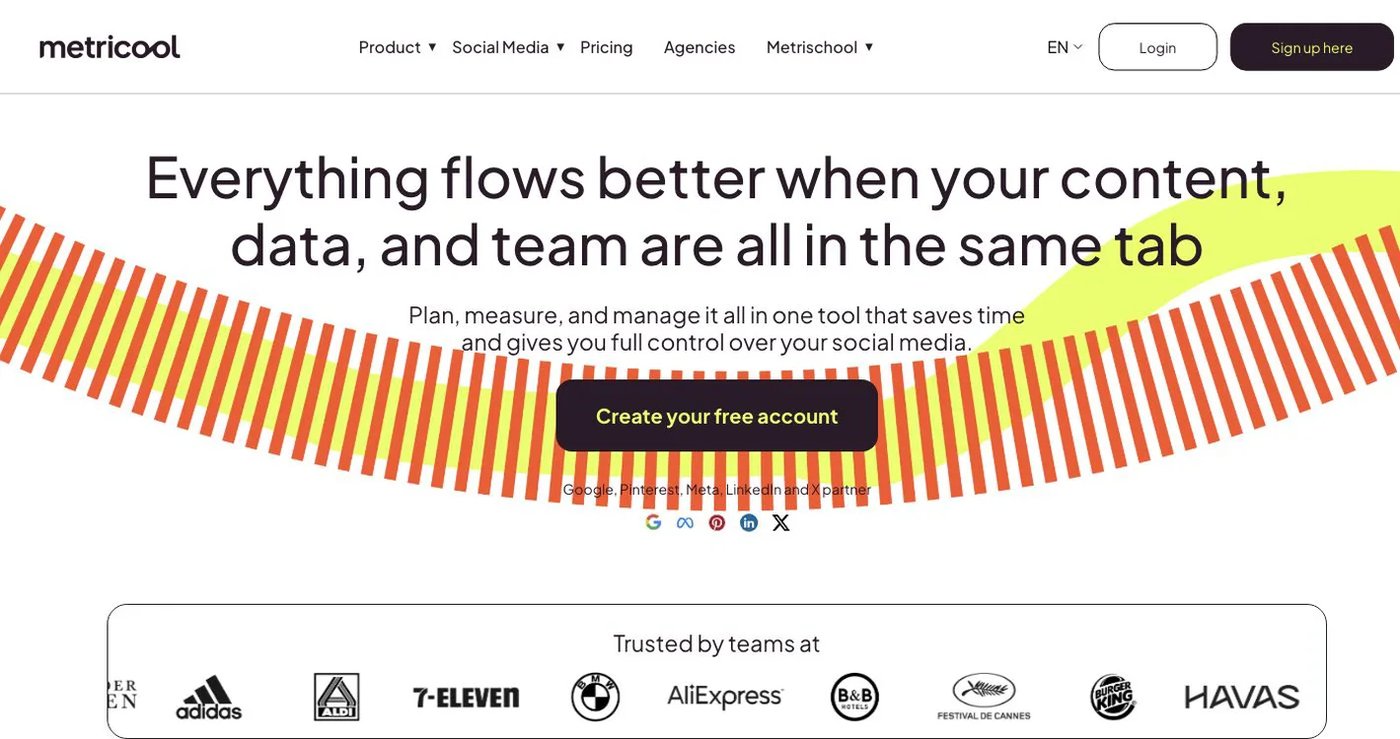
Metricool pairs a planner with analytics, reports, competitor analysis, an inbox, ad data, and SmartLinks. Free supports one brand and 20 posts per month but excludes LinkedIn and X.
Starter is $25/month for five brands with unlimited publishing, reports, and analytics history. Advanced starts at $67/month for 15 brands and adds roles, approvals, custom reports, Looker Studio, and API access. Its plan guide says MCP is on every plan. X can involve an add-on.
Choose Metricool when you want reporting and competitor analysis next to publishing.
3. Agorapulse: best for inbox-led social operations
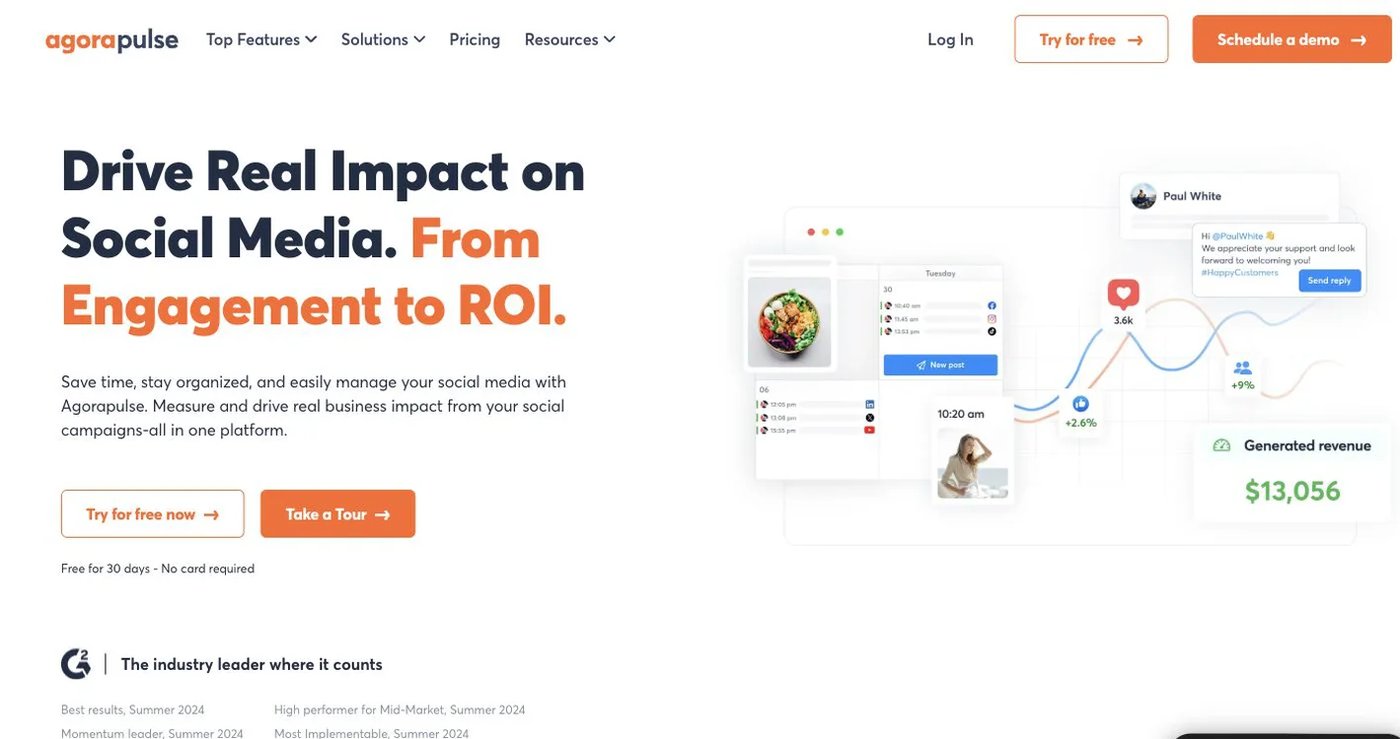
Agorapulse combines unlimited publishing with a unified inbox, moderation, assignments, and reports. Its pricing page lists Standard at $99 per user monthly ($79 yearly), Professional at $149 ($119), and Advanced at $199 ($149). Each plan includes 10 profiles; extra users and profiles cost more.
Advanced adds saved replies, automation rules, ROI analysis, and competitor benchmarking. API integration is on Custom, and Advanced Listening is an add-on.
Choose Agorapulse when comments, messages, and moderation outweigh influencer research.
4. Sendible: best for client workspaces and recurring reports
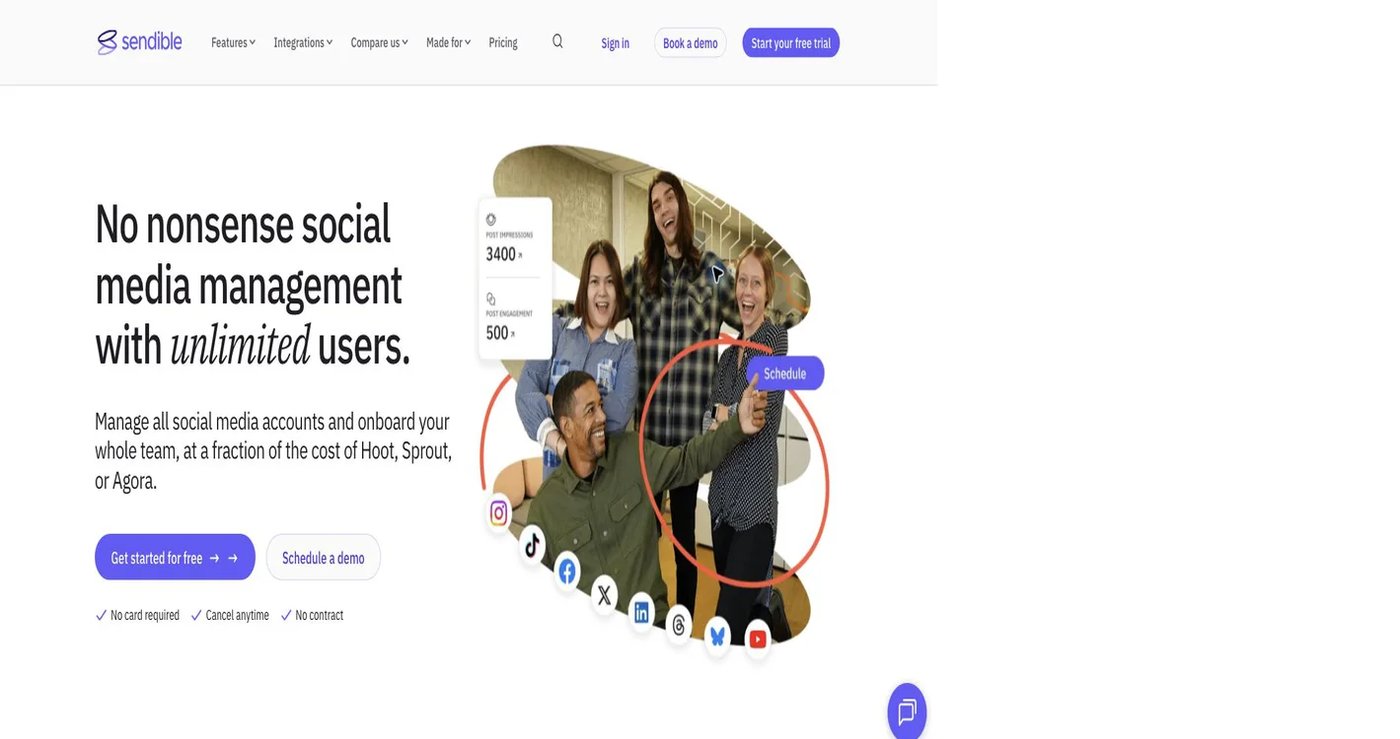
Sendible gives each client or brand its own workspace with six profiles. Its pricing page lists Core from $35/month for one workspace, with Plus (3 workspaces), Premium (7), Elite (15, $299/month), and Enterprise (50, $750/month). Every plan includes unlimited users, and Core drops to $31/month billed annually.
Plus adds assignments and approvals; higher tiers add branded reports, permissions, and white-label options. Its engagement tools document comment replies on Facebook, Instagram, and LinkedIn.
Choose Sendible when client separation and recurring stakeholder reports matter more than influencer research.
5. Loomly: best for calendars and approval workflows
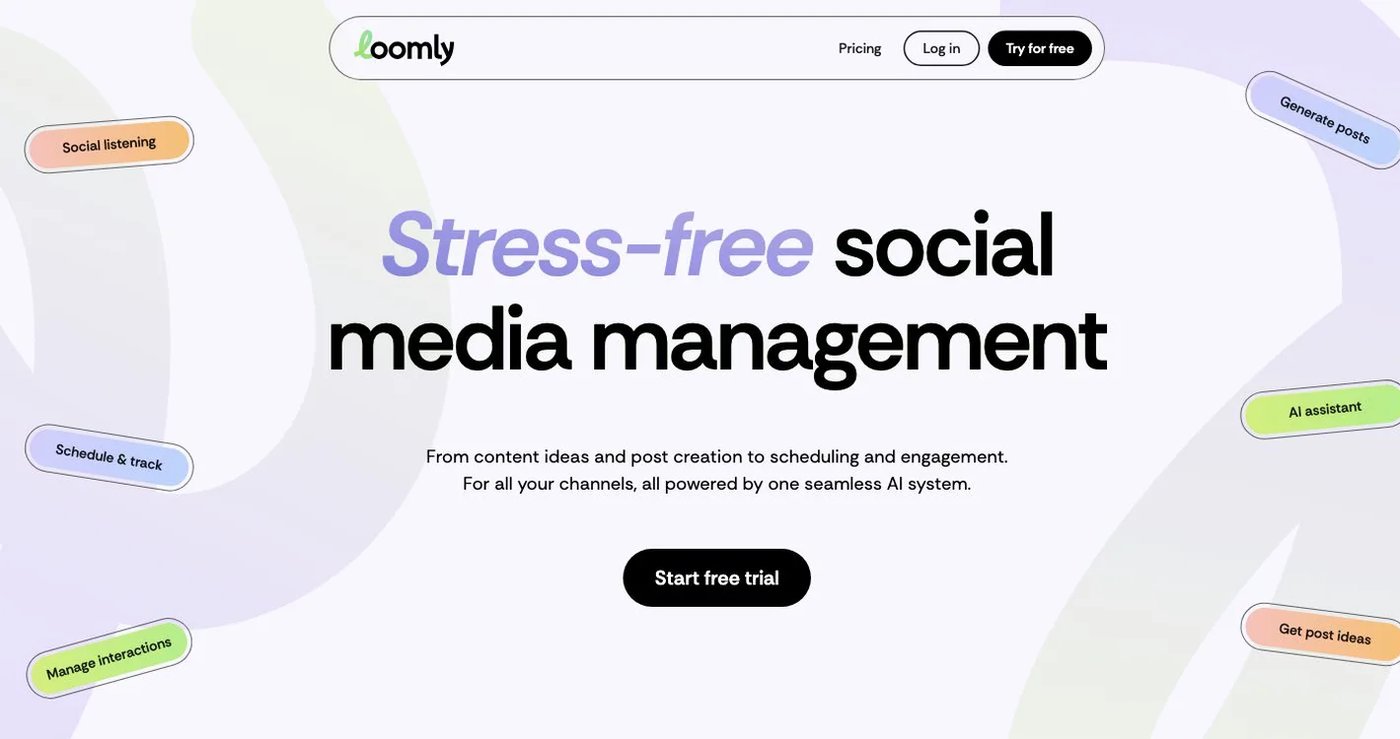
Loomly centers on collaborative calendars, post previews, approvals, and reporting. Its pricing page lists Starter at $65/month for three users and 12 accounts, and Beyond at $332/month for unlimited users, 60 accounts, custom roles, and branding. Annual billing is lower.
Starter already includes approval workflows, scheduling, and advanced analytics, plus content ideas, recurring posts, and saved replies.
Choose Loomly when structured creative review matters more than competitor intelligence.
6. Buffer: best for a straightforward publishing queue
Buffer’s free plan covers three channels with 10 scheduled posts each. Essentials costs $6 per channel monthly and adds unlimited posts and deeper analytics. Team costs $12 per channel and adds unlimited users, permissions, and approvals. Annual billing and volume discounts lower the rate.
Buffer has a GraphQL API with plan-specific limits.
Choose Buffer for a small set of channels and a predictable routine. Price it at your real channel count.
7. Vista Social: best for broad engagement and review work
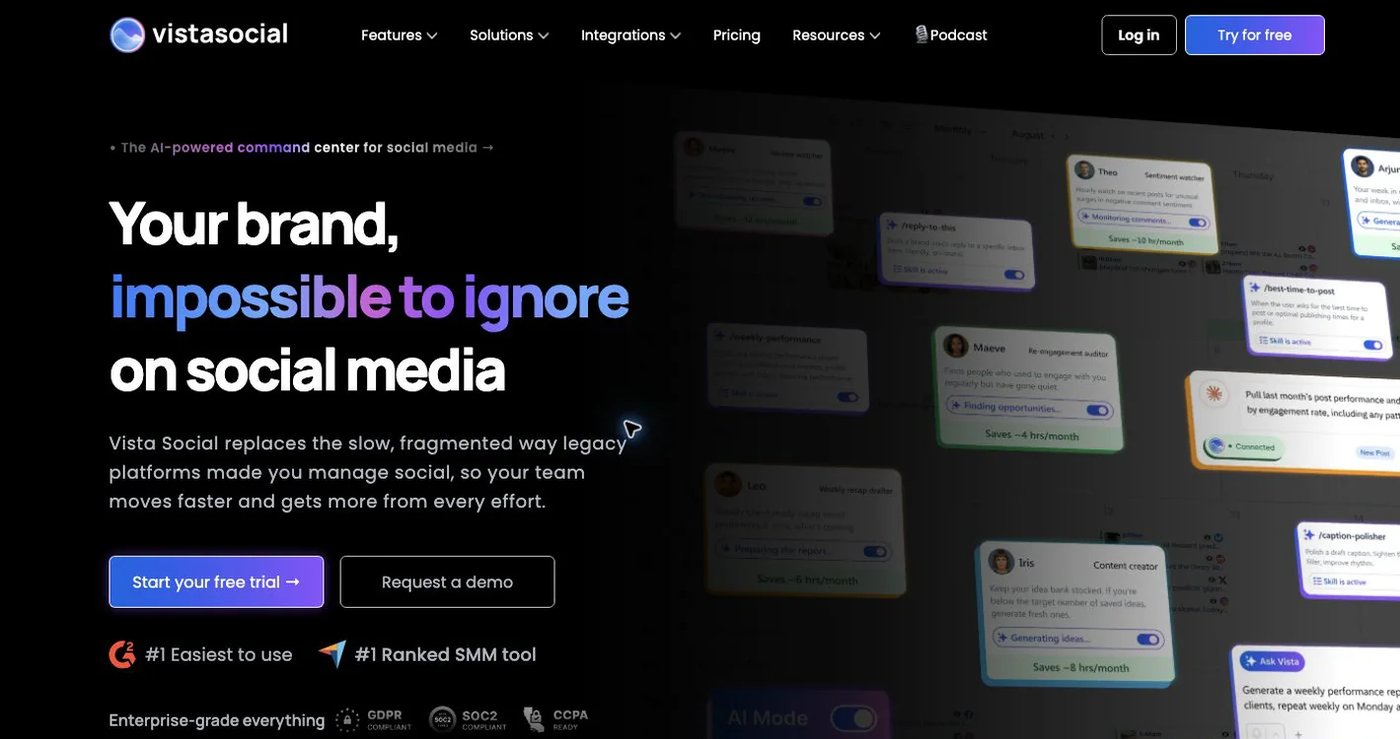
Vista Social combines publishing, approvals, reporting, an inbox, review monitoring, listening, link-in-bio pages, and DM automation. Its pricing page lists Professional at $99/month ($950/year) for 15 profiles and two users, Advanced at $199 ($1,910/year) for 30 profiles and three users, and Scale at $449 ($4,310/year) for 70 profiles and four users.
X costs an extra $29/month, and listening across social, web, and news starts at $75/month.
Choose Vista Social when DMs, reviews, and listening must sit beside publishing.
How do you choose an Unbox Social replacement?
- Separate publishing networks from analytics, competitor, and influencer networks.
- List every report format your stakeholders expect.
- Split engagement needs into comments, DMs, ad comments, and reviews.
- Count profiles, workspaces, users, and external reviewers.
- Export required reports, then test a small publishing batch before cancelling.
Final recommendation
Pick Postqued if your team spends its day planning, approving, and publishing. You get 10 platforms, revision-aware approvals, and API plus MCP automation from $9/month. Pick Metricool for analytics, Agorapulse for inbox work, Sendible for client workspaces, Loomly for creative review, Buffer for a basic queue, or Vista Social for DMs and reviews. Keep Unbox Social if influencer and competitor research is the product you pay for.
Teams that mostly publish can replace Unbox Social Basic with Solo at $9/month for five accounts. Start a 7-day free trial.