7 Best The Social Poster Alternatives in 2026
Postqued is the best The Social Poster alternative for teams that want clear pricing, approvals, and automation. Solo costs $9/month for 5 accounts, compared with The Social Poster at $39/month, and includes unlimited posts across 10 platforms. Every plan adds revision-aware approvals, a REST API, a 62-tool MCP server, and a 7-day free trial.
The Social Poster is still the better fit when Caption AI, Canva, and a combined comments-and-DMs inbox are the core of your routine.
The Social Poster alternatives at a glance
| Product | Starting price | Best fit | Main limit |
|---|---|---|---|
| Postqued | $9/month | Publishing, approvals, API and MCP | No Caption AI, DMs, or listening |
| Publer | Free; paid plans scale by account | Bulk scheduling, RSS, and recycling | API on Business and Enterprise only |
| Pallyy | Free; Pro $25/month | Visual planning, approvals, and inbox | Pro includes one user and one social set |
| Buffer | Free; paid per channel | A clean queue and GraphQL API | Cost grows with channel count |
| SocialPilot | $20/month | Agency approvals, reporting, and bundles | API is not in the standard tiers |
| OneUp | $25/month | Repeating posts, RSS, API and MCP | Starter holds 300 scheduled posts |
| Hootsuite | $99/user/month, billed annually | DMs, listening, and governance | More than most small teams need |
What does The Social Poster offer and cost in 2026?
The Social Poster’s homepage and purchase section list Facebook, Instagram, TikTok, X, LinkedIn, Pinterest, YouTube, and Canva. Its main features are Caption AI, content creation, an unlimited content library, campaign scheduling with recurring times, and a social inbox for comments and DMs.
The purchase card lists $3 for a three-day trial, then $39 per month, or $390 per year. A FAQ on the same page still says $50 monthly and $500 annually, so confirm the amount at checkout.
The page does not publish limits for accounts, users, workspaces, or analytics history, and it does not document a REST API or MCP server. Look for an alternative when you need team approvals, clear account limits, or developer access.
1. Postqued: best for publishing, approvals, and agent workflows

Postqued gives The Social Poster’s users published limits, team approvals, and developer access at a lower price.
- $9 vs $39: The Social Poster costs $39/month (its FAQ still says $50). Postqued Solo costs $9/month for five accounts with unlimited posts.
- Limits you can read: The Social Poster does not publish account or user limits. Postqued lists them: 5, 20, 30, or unlimited accounts, with unlimited seats on Pro ($49) and Agency ($199).
- Approvals: revision-aware approvals on every plan, so the approved version is exactly what publishes, with external reviewers by email.
- More networks: Threads, Bluesky, and Mastodon join TikTok, Instagram, YouTube Shorts, Facebook, LinkedIn, Pinterest, and X.
- Automation: a REST API and a 62-tool MCP server on every plan; The Social Poster documents neither.
Not included: DMs, Caption AI, or social listening.
Choose Postqued when review control and programmatic publishing are the priority. See Postqued pricing, learn about Postqued, or compare Postqued and The Social Poster.
2. Publer: best for bulk and reusable publishing
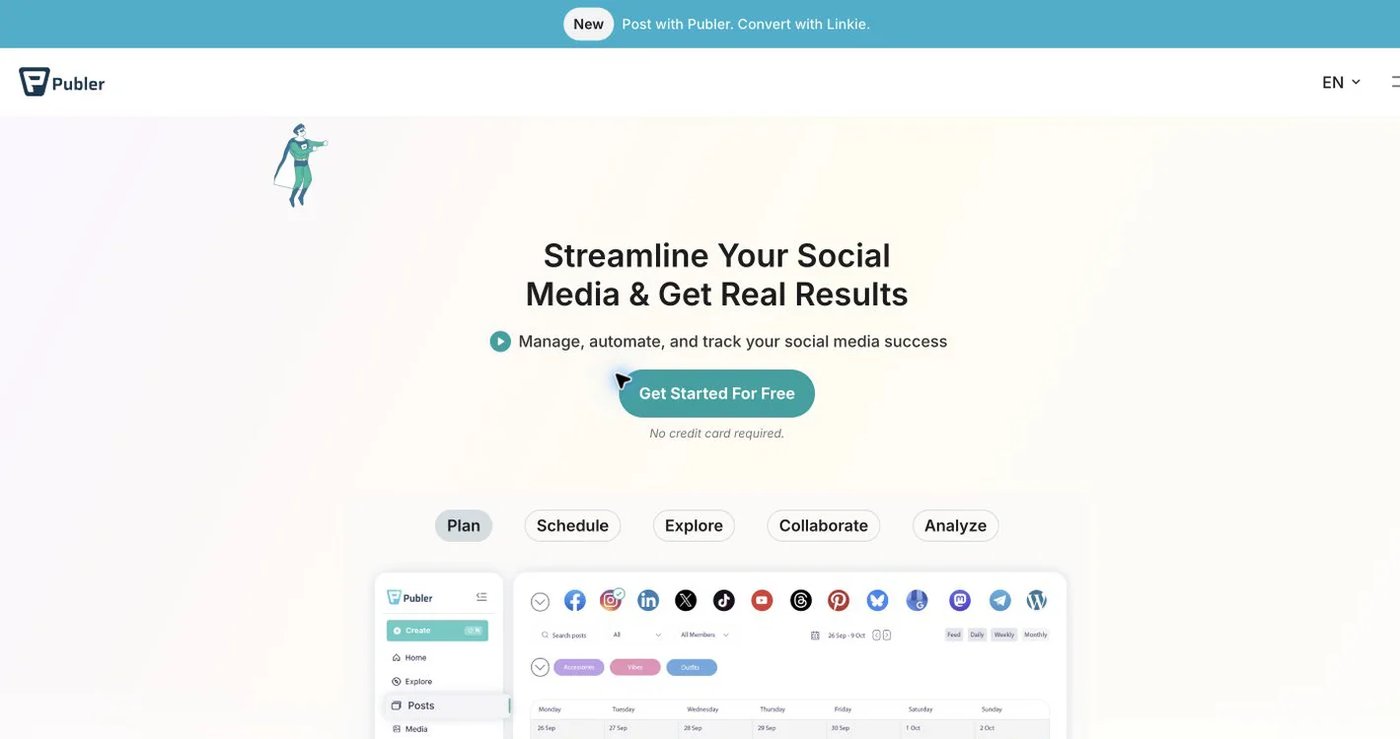
Publer provides bulk scheduling, CSV imports, RSS feeds, recurring and recycled posts, unlimited paid workspaces, analytics, and AI-assisted writing. Free supports three accounts, excluding X, with 10 pending posts each.
Professional starts at $5 monthly for one account. Business starts at $10 and adds analytics reports, best-time recommendations, recycling, and team features. Extra accounts and members raise the price. API access is available only on Business and Enterprise. See Publer’s plan guide and API eligibility.
Choose Publer when bulk production and RSS matter more than Canva.
3. Pallyy: best for visual planning and client review
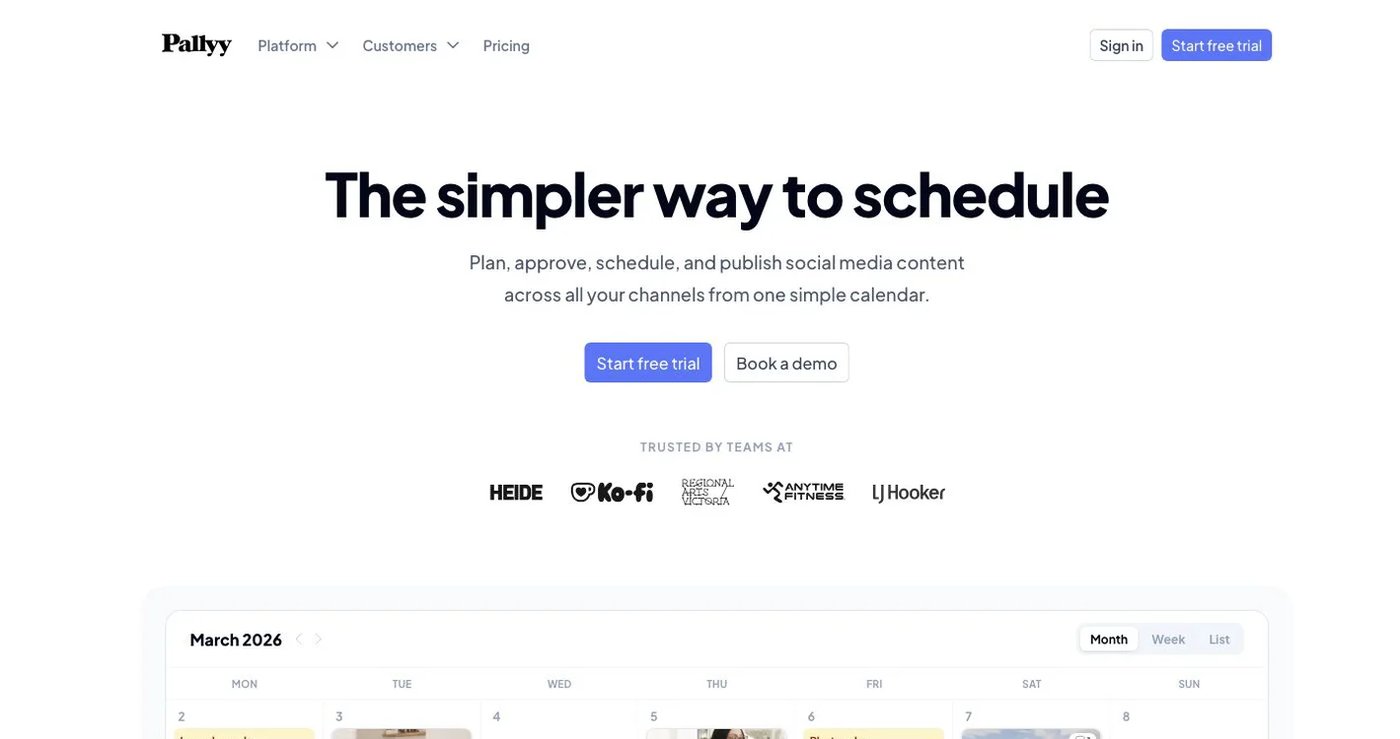
Pallyy combines a visual calendar, Instagram grid preview, media library, Link in Bio, analytics, approvals, shared calendars, and a social inbox. Free includes one social set and 15 image posts per month. Starter is $15 monthly for two accounts and 20 posts.
Pro costs $25 per month for one social set of up to 11 accounts, one user, and unlimited posts, with AI captions, client approvals, and the inbox. Team members start on the Agency plan, and extra sets cost $10 per month. See Pallyy pricing.
Choose Pallyy when visual planning and client review matter most.
4. Buffer: best for a straightforward queue
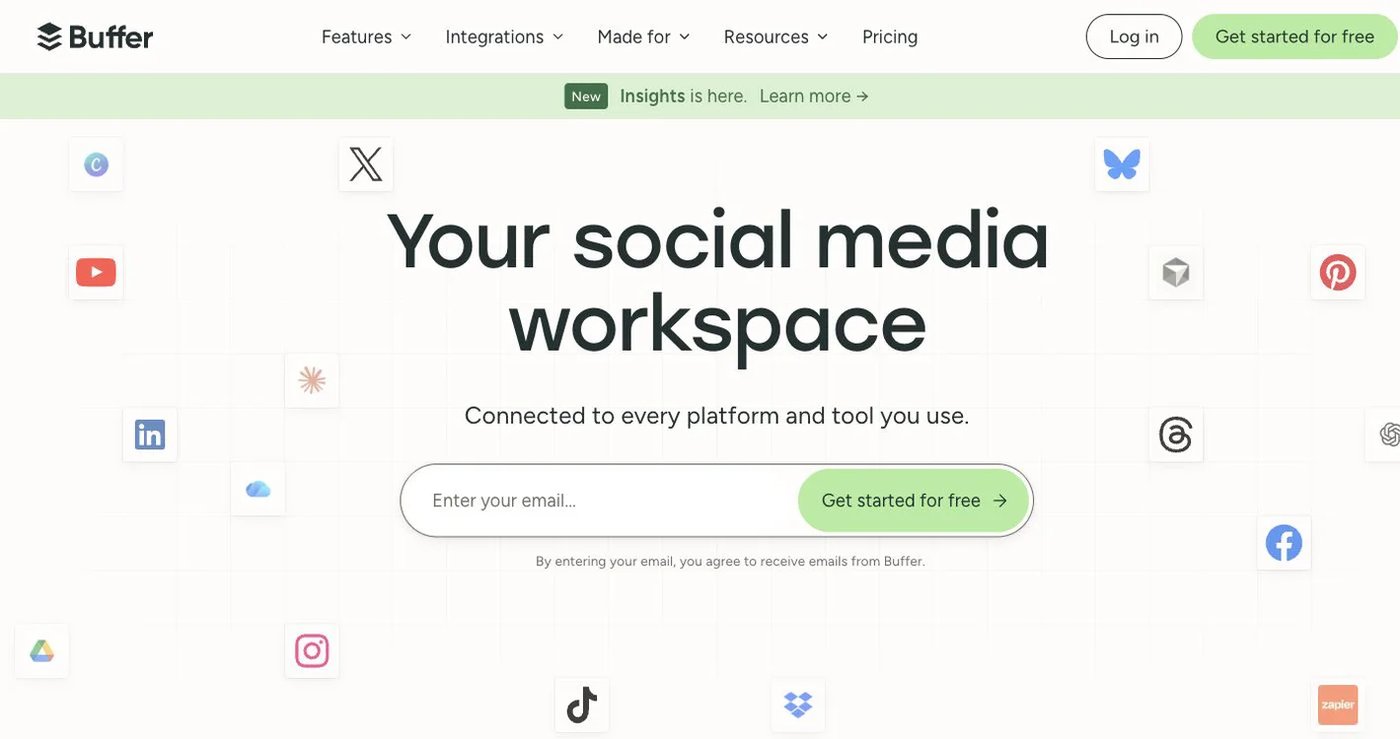
Buffer’s free plan includes three channels, one user, and 10 queued posts per channel. Essentials costs $6 per channel monthly or $5 billed annually. Team costs $12 monthly or $10 annually per channel and adds unlimited users, permissions, and approvals.
Buffer offers a GraphQL API on Free, Essentials, and Team. Its Community feature handles supported public comments, not a full DM workflow. See Buffer pricing and the Buffer API.
Choose Buffer for an easy queue with a modest channel count.
5. SocialPilot: best for agency approvals and reports
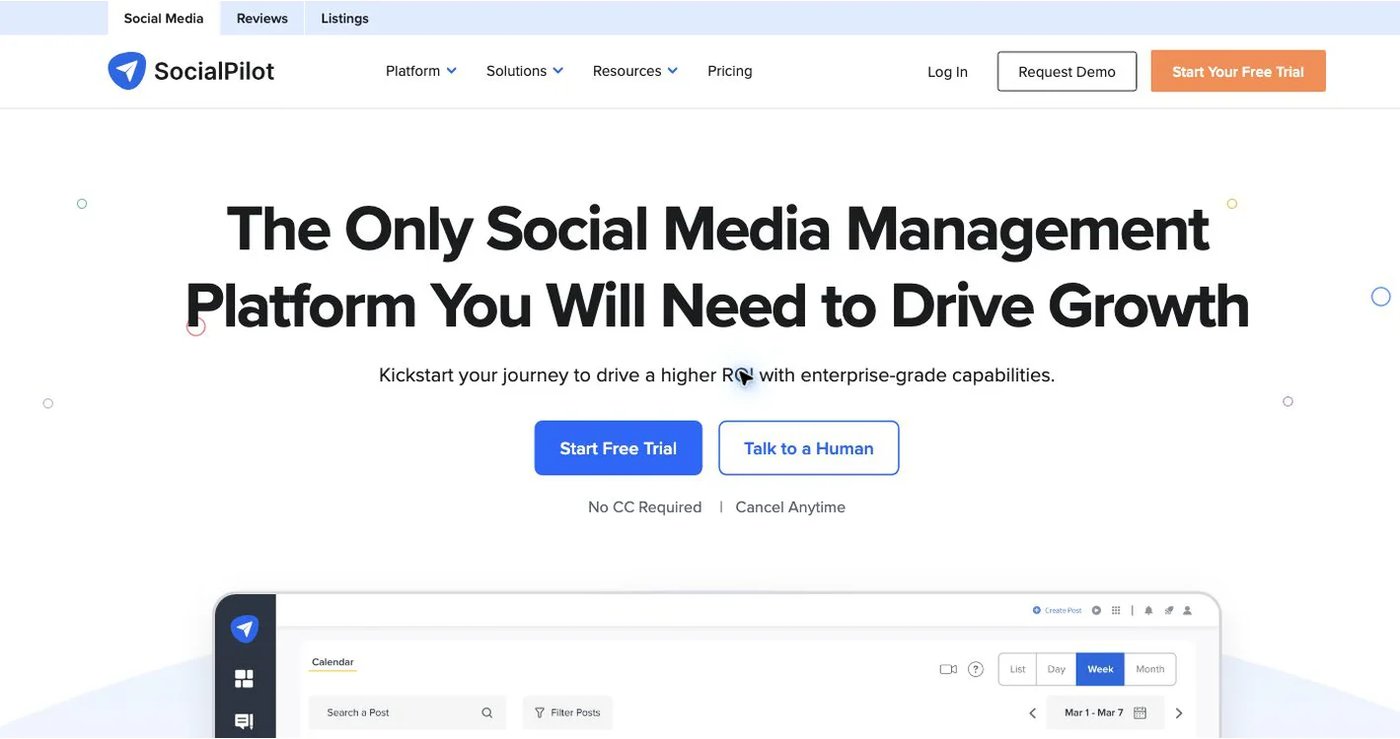
SocialPilot bundles accounts and users instead of charging per channel. Essentials costs $20 monthly for five accounts and one user. Standard is $40 for 10 accounts and three users, with bulk scheduling and the inbox. Premium is $100 for 20 accounts and six users, with client approval, advanced analytics, and white-label reports.
SocialPilot documents an MCP server on current plans, while its developer API is enterprise-oriented. See SocialPilot pricing and its MCP documentation.
Choose SocialPilot when client approvals and branded reports drive the work.
6. OneUp: best for recurring posts and developer access
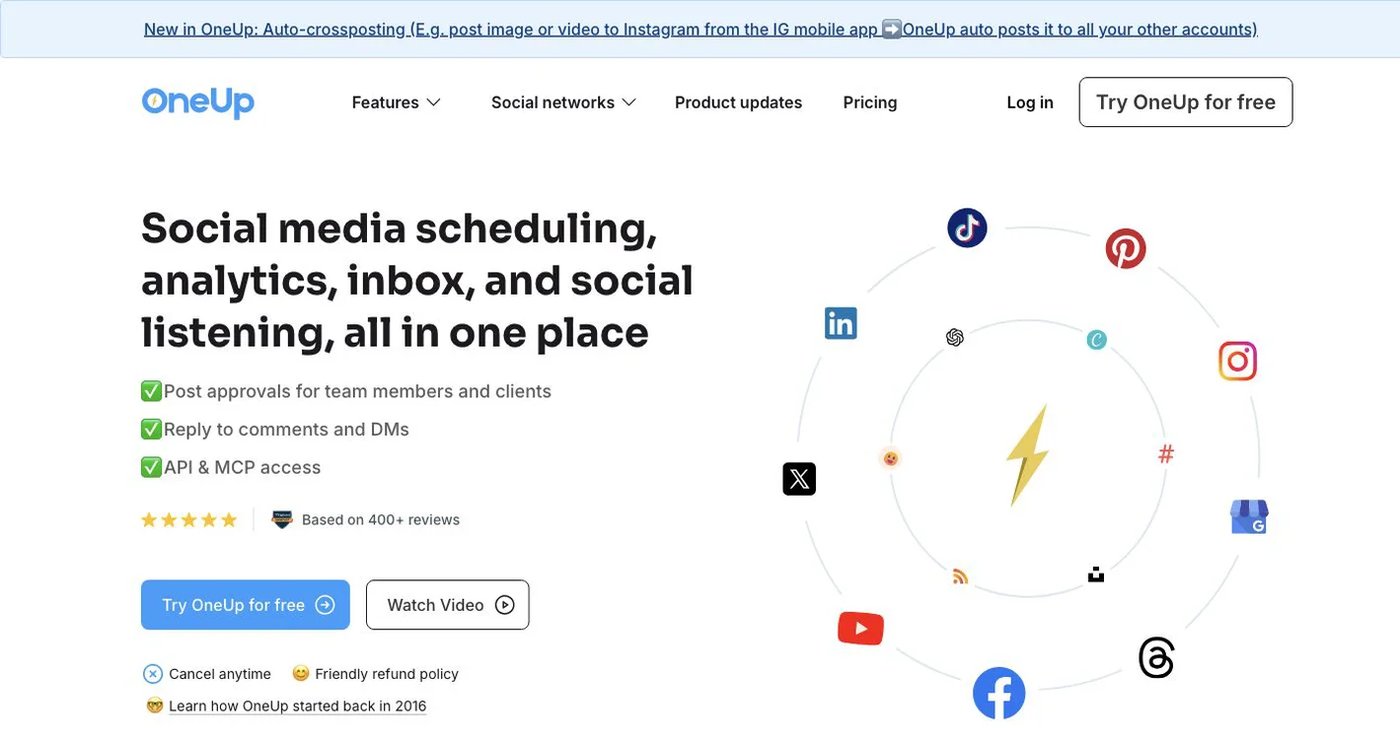
OneUp supports repeating posts, queue schedules, RSS automation, bulk uploads, cross-posting workflows, an inbox, listening, reports, API access, and MCP.
Starter costs $25 monthly, or $15 per month billed annually, for five accounts, 300 scheduled posts, and API and MCP scheduling. Intermediate is $60 monthly, or $48 annually, for 15 accounts, unlimited posts, and two extra team members. See OneUp pricing.
Choose OneUp when recurring campaigns and RSS matter more than Caption AI.
7. Hootsuite: best for listening and broader customer care
Hootsuite combines publishing, analytics, a multi-network inbox, private messages, listening, competitor benchmarking, ads tools, and governance. The Hootsuite plans page lists Standard from $99 per user per month and Professional from $199, both billed annually, with Advanced up to $399.
Standard includes 10 social accounts, unlimited scheduling, a unified inbox, and competitor benchmarks. Professional adds unlimited accounts and custom reports. Advanced adds approvals and message routing.
Choose Hootsuite when customer care, listening, and governance outgrow The Social Poster.
How do you choose a The Social Poster replacement?
- Copy reusable content, drafts, Canva assets, and upcoming campaigns.
- Record recurring schedules and decide which should keep repeating.
- Separate public comments from DMs, since inbox support varies by tool.
- Count every profile, user, and approver you need.
- Test one scheduled post, one approval, and one comment reply in each finalist.
- Keep The Social Poster active until your upcoming schedule runs in the new tool.
Final recommendation
Pick Postqued if you want transparent plans, team approvals, and automation. You get 10 platforms, unlimited posts, revision-aware approvals, and API plus MCP from $9/month. Pick Publer or OneUp for recurring automation, Pallyy for visual planning, Buffer for a simple queue, SocialPilot for agency reporting, and Hootsuite for customer care. Keep The Social Poster if Caption AI, Canva, and DMs are your daily workflow.
Solo at $9/month covers five accounts with published limits and approvals. Start a 7-day free trial.