7 Best SocialKiwi Alternatives in 2026
Postqued is the best SocialKiwi alternative because it publishes to 10 platforms today, not two. Solo costs $9/month for 5 accounts with unlimited posts, revision-aware approvals, and analytics, and every plan includes a REST API plus a 62-tool MCP server. Every plan has a 7-day free trial.
SocialKiwi is still enough for a tiny Instagram or TikTok calendar that fits its permanent free plan.
SocialKiwi alternatives at a glance
| Product | Starting price | Best for | Main limit |
|---|---|---|---|
| Postqued | $9/month | Publishing, approvals, API and MCP | No DMs or social listening |
| Buffer | Free; $5/channel/month (annual) | Simple queues and a GraphQL API | Cost grows per channel |
| Pallyy | Free; Starter $15/month | Visual planning and Instagram tools | Starter caps 20 posts/month |
| Metricool | Free; Starter $25/month | Analytics and reports | API and approvals on Advanced |
| Nuelink | $18/month | RSS, store, and source automations | Approvals marked “Soon” |
| OneUp | $25/month | Repeating posts and bulk publishing | Starter caps 300 scheduled posts |
| SocialBee | $29/month | Category queues and recycling | No public API |
What does SocialKiwi offer and cost in 2026?
SocialKiwi’s pricing page lists two plans:
| Plan | Price | Social sets | Scheduled posts |
|---|---|---|---|
| Free | €0 | 1 | 5 per month |
| Pro | €18/month | 2 (extra sets €9/month) | Unlimited |
Yearly billing saves 15%, and Pro has a seven-day trial. Instagram and TikTok are the only networks consistently shown as available. Facebook, LinkedIn, Google Business Profile, and Pinterest are marked coming soon, and the page conflicts on X. Analytics, Teams, and Bio Link are also coming soon, and the AI Assistant is labeled “Coming Soon” despite monthly AI tokens on the plan cards. SocialKiwi documents no customer API or MCP server.
1. Postqued: best for broader publishing and controlled automation

Postqued fills the gaps SocialKiwi still marks “coming soon”: more networks, analytics, and team review.
- Ten live networks, not two: Instagram and TikTok plus Facebook, LinkedIn, Pinterest, X, YouTube Shorts, Threads, Bluesky, and Mastodon. Google Business Profile is not included.
- Analytics today: TikTok, Facebook, Instagram, Threads, and YouTube.
- Team review: revision-aware approvals on every plan, so the approved version is exactly what publishes, with external reviewers invited by email.
- Similar price, more accounts: SocialKiwi Pro is €18/month for two social sets. Postqued Solo is $9/month for five accounts with unlimited posts.
- Automation: a REST API and a 62-tool MCP server on every plan; SocialKiwi documents neither.
Not included: DMs, social listening, review management.
See Postqued pricing or compare Postqued and SocialKiwi.
2. Buffer: best for a simple queue with developer access
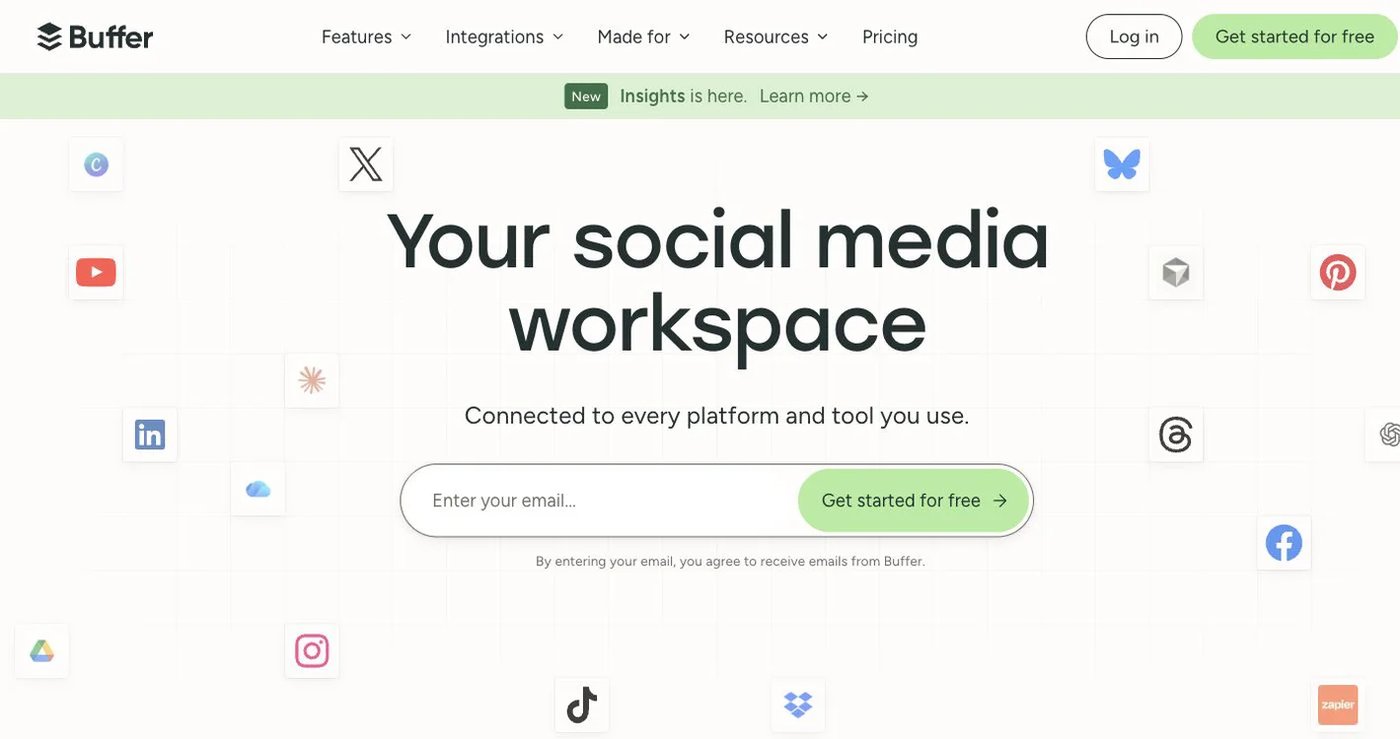
Buffer Free connects three channels with 10 queued posts each and one API key. Essentials costs $5 per channel per month billed annually, with unlimited scheduled posts, advanced analytics, and three API keys. Team costs $10 per channel billed annually and adds unlimited users, permissions, and approvals. Its GraphQL API is on every plan, and Buffer advertises an MCP server.
Choose Buffer for an established queue on a few channels. See Buffer pricing.
3. Pallyy: best for visual planning and client review
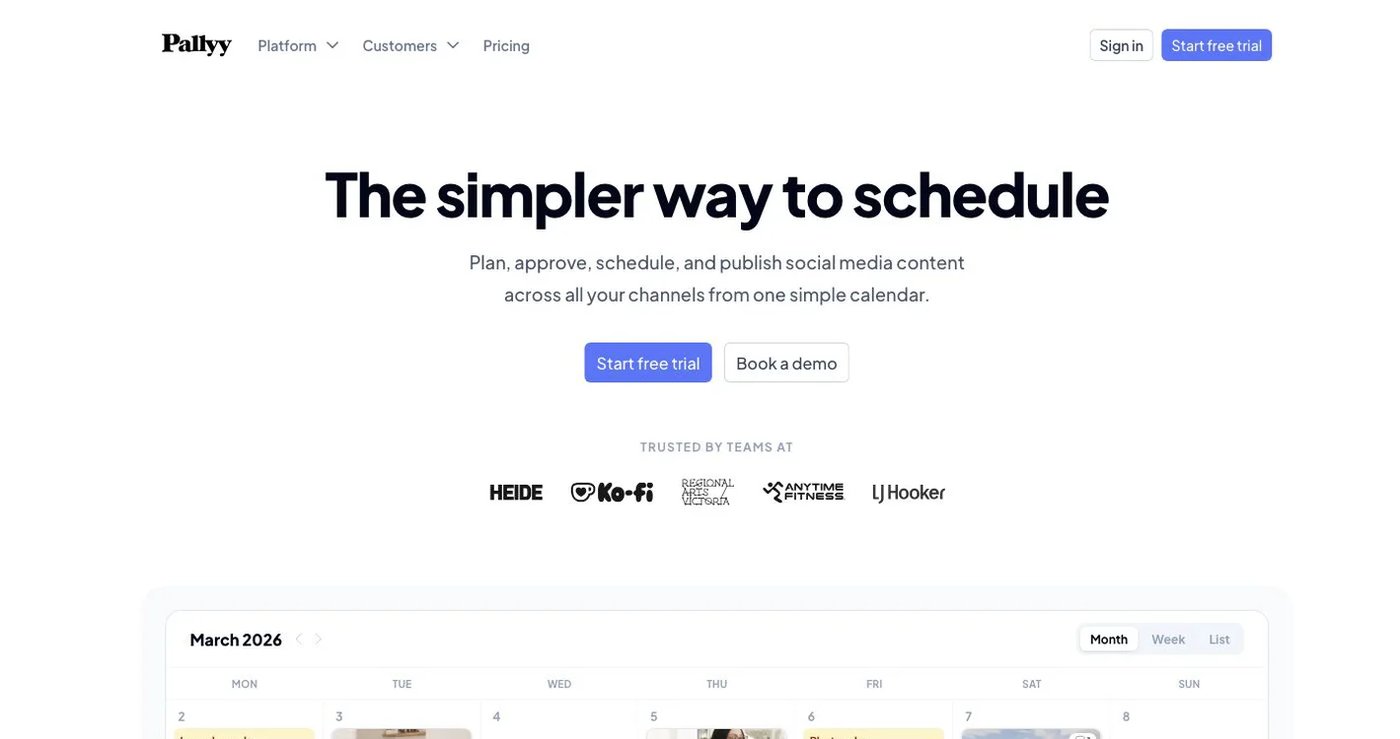
Pallyy offers a calendar, Instagram grid preview, Link in Bio, analytics, approvals, and an inbox. Free includes one social set and 15 image posts per month. Starter costs $15/month for two accounts and 20 posts. Pro costs $25/month for one social set of up to 11 accounts, unlimited posts, one user, approvals, and the inbox. Extra social sets cost $10/month. Team invitations start on Agency, at $10 per extra user.
Choose Pallyy when visual Instagram work matters more than API automation. See Pallyy pricing.
4. Metricool: best for analytics and competitor tracking
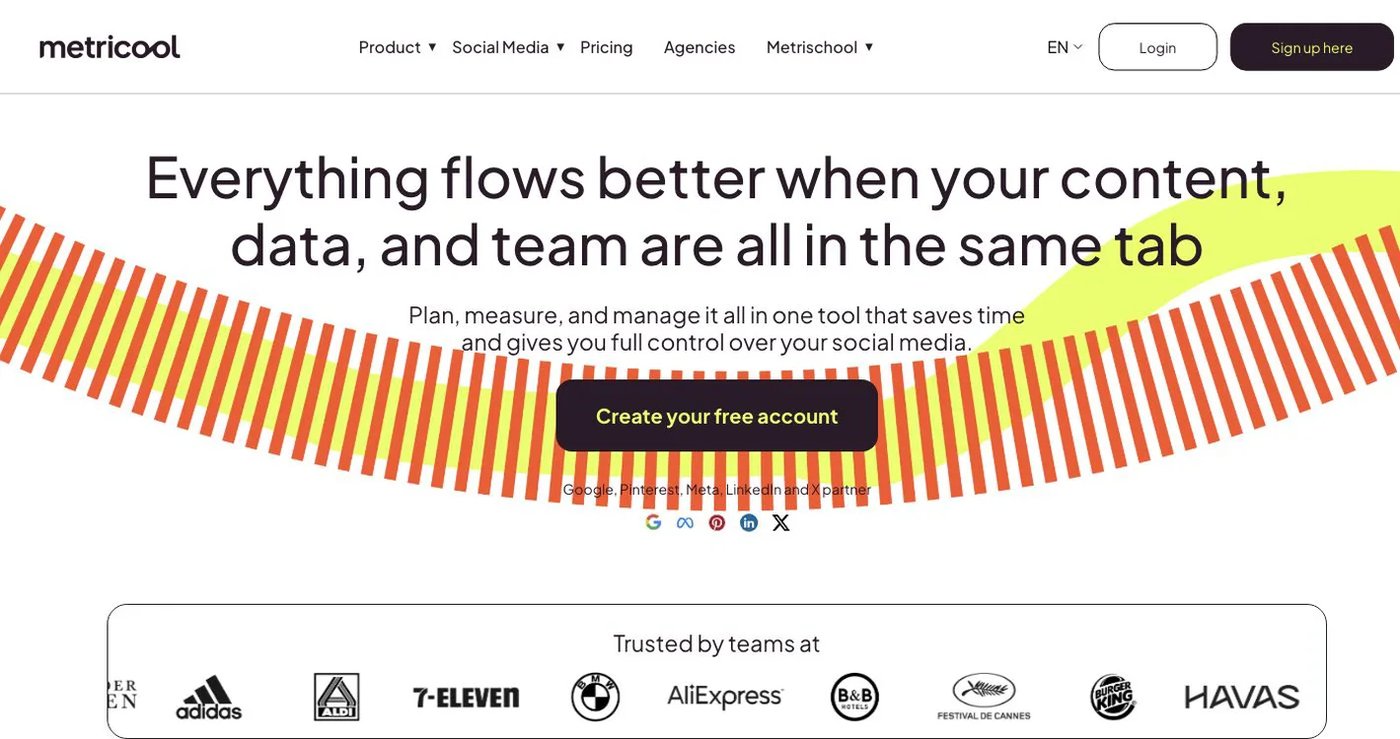
Metricool combines scheduling with analytics, reports, ad data, and competitor tracking. Free includes one brand, 20 posts per month, five competitors, and 30 days of analytics, without LinkedIn or X. Starter costs $25/month for five brands with unlimited publishing (fair use), LinkedIn, and full analytics history. Advanced costs $67/month and adds approvals, client management, Looker Studio, and API integrations.
Choose Metricool when measurement is the gap. See Metricool pricing.
5. Nuelink: best for feeds, stores, and source automations
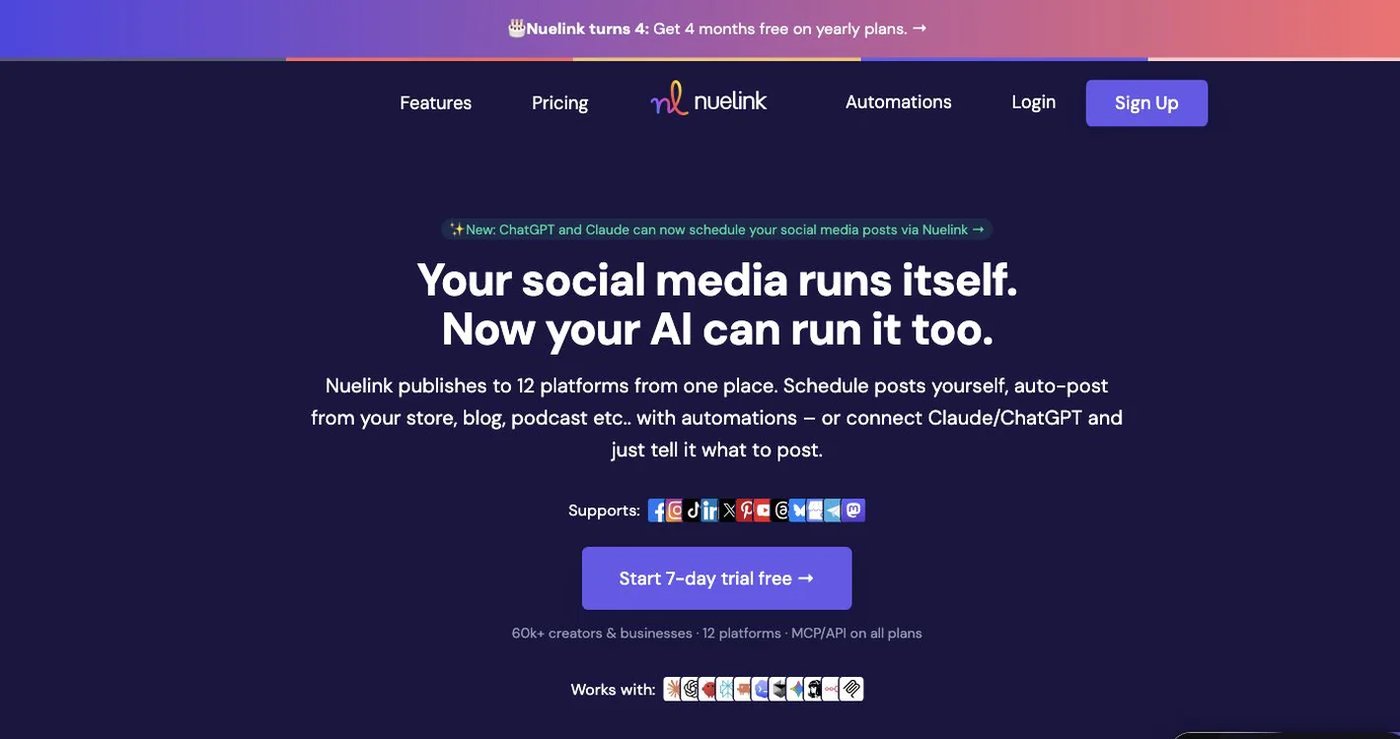
Nuelink fills a queue from RSS feeds, blogs, podcasts, stores, and reviews. Standard costs $18/month for one brand, 10 channels, one member, 10 automations, 365 queued posts, and API/MCP access. Premium costs $48/month for three brands, 30 channels, three members, and unlimited queued posts. Approvals, branded reports, and report export are marked “Soon.”
Choose Nuelink for source-based automation. See Nuelink pricing.
6. OneUp: best for repeating posts and bulk scheduling
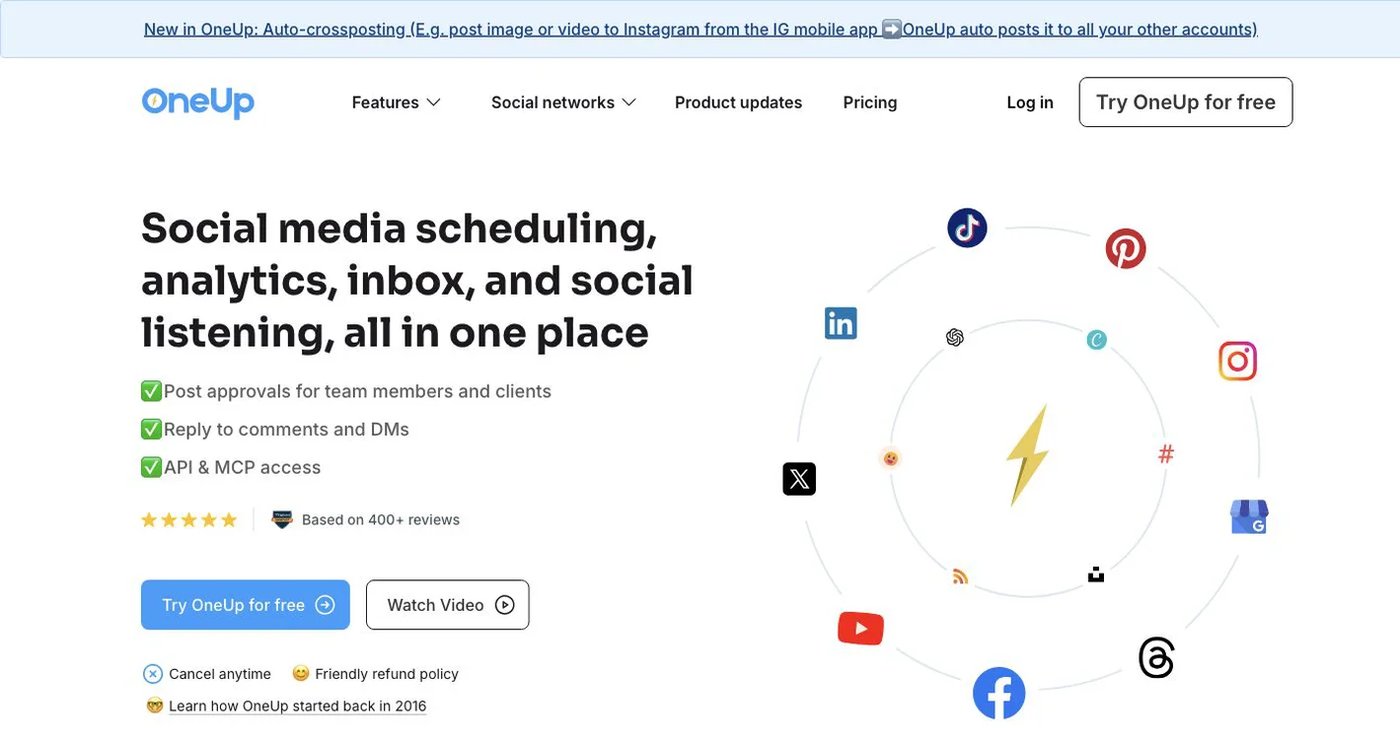
OneUp supports repeating posts, queue schedules, RSS automation, bulk uploads, an inbox, listening, and API or MCP workflows. Starter costs $25/month ($15 billed annually) for five accounts, 300 scheduled posts, and API/MCP scheduling. Intermediate costs $60/month ($48 billed annually) for 15 accounts, unlimited posts, two extra team members, and API/MCP comment replies.
Choose OneUp when evergreen repetition and bulk uploads matter most. See OneUp pricing.
7. SocialBee: best for evergreen categories

SocialBee builds schedules from content categories and recycles evergreen posts. Bootstrap costs $29/month for five profiles, one user, one workspace, and three months of analytics. Accelerate costs $49 for 10 profiles with bulk editing, CSV upload, approvals, and advanced analytics. SocialBee has no public API.
Choose SocialBee for a reusable content library. See SocialBee pricing.
How do you choose a SocialKiwi replacement?
- List every network, account type, and format you publish.
- Treat SocialKiwi’s “coming soon” items as unavailable.
- Decide which you need: approvals, analytics, inbox replies, reusable queues, or an API.
- Price your real account and user count under each tool’s model.
- Reconnect accounts and test one image post and one video post.
- Keep SocialKiwi active until the sample publishes correctly.
Final recommendation
Pick Postqued if you have outgrown SocialKiwi’s two-network calendar. You get 10 live networks, analytics, and team approvals today, plus an API and MCP server, from $9/month. Pick Buffer for a simple queue, Pallyy for visual Instagram work, Metricool for analytics, Nuelink for feed automation, and OneUp or SocialBee for recycled content.
Outgrowing SocialKiwi’s two networks? Solo at $9/month covers five accounts on 10 platforms. Start a 7-day free trial.