Best Social Media Schedulers for Startups in 2026
Postqued is the best social media scheduler for startups. Solo costs $9/month for 5 accounts with unlimited posts across 10 platforms, so you pay for accounts, not per channel or per post. Every plan includes a REST API and a 62-tool MCP server, letting your AI agents and internal tools schedule posts. When you hire, Pro adds unlimited workspaces and seats for $49/month. Start with a 7-day free trial.
For the broader category, see the best social media scheduling tools in 2026.
Which startup schedulers are worth comparing?
| Option | Best startup fit | Entry price | Scale model | Main trade-off |
|---|---|---|---|---|
| Postqued | 10-platform publishing with API and agent workflows | $9/month for 5 accounts | Flat account bundles, unlimited posts | No permanent free plan |
| Buffer | A free queue for three channels | Free; Essentials from $6/channel | Per channel | Cost grows with every channel |
| Postiz | Broad channels or open source | $29/month for 5 cloud channels | Channel bundles or self-hosting | Higher cloud entry price |
| Mixpost | Startups that must self-host | Free Lite; $299 one-time Pro | Unlimited accounts plus your infrastructure | Lite covers only Facebook Pages, X, and Mastodon |
| Native platform tools | One or two networks, one operator | No subscription | One tool per network | Separate calendars, logins, and analytics |
What should a startup decide first?
- Count accounts, not logos. A company LinkedIn Page, a founder profile, TikTok, Instagram, YouTube, and X is six accounts.
- Define the review flow. A solo founder needs a queue. A startup with an agency or several marketers needs approvals.
- Separate publishing from analytics. Ten-platform publishing does not mean ten-platform analytics.
- Decide if you need automation. An API or MCP server matters when posts come from a CMS, script, or AI agent.
- Price the next stage. Model today’s accounts and the count after your next launch.
1. Postqued: best value for multi-network startups

Postqued gives founders, marketers, and AI agents one shared calendar for 10 platforms: TikTok, Instagram, YouTube (Shorts), Facebook, LinkedIn, Pinterest, Threads, Bluesky, Mastodon, and X.
| Plan | Monthly price | Yearly price | Connected accounts |
|---|---|---|---|
| Solo | $9 | $7/month | 5 |
| Creator | $29 | $19/month | 20 |
| Pro | $49 | $39/month | 30 |
| Agency | $199 | $159/month | Unlimited |
Pro and Agency add unlimited workspaces and team seats. Agency also includes onboarding.
Every plan includes:
- Unlimited posts and timezone-aware scheduling.
- REST API with
dryRunvalidation and idempotent publishes, plus a 62-tool MCP server. - Analytics on TikTok, Facebook, Instagram, Threads, and YouTube.
- Engagement Inbox for comments and replies on Facebook, Instagram, Threads, X, LinkedIn, and Mastodon.
- A 7-day free trial.
Approvals are revision-aware: the version you approve is exactly what publishes.
Not included: DMs, social listening, competitor tracking, or ad management.
Choose Postqued when you publish to several networks and want one calendar your team and your tools share.
2. Buffer: best for a free three-channel start
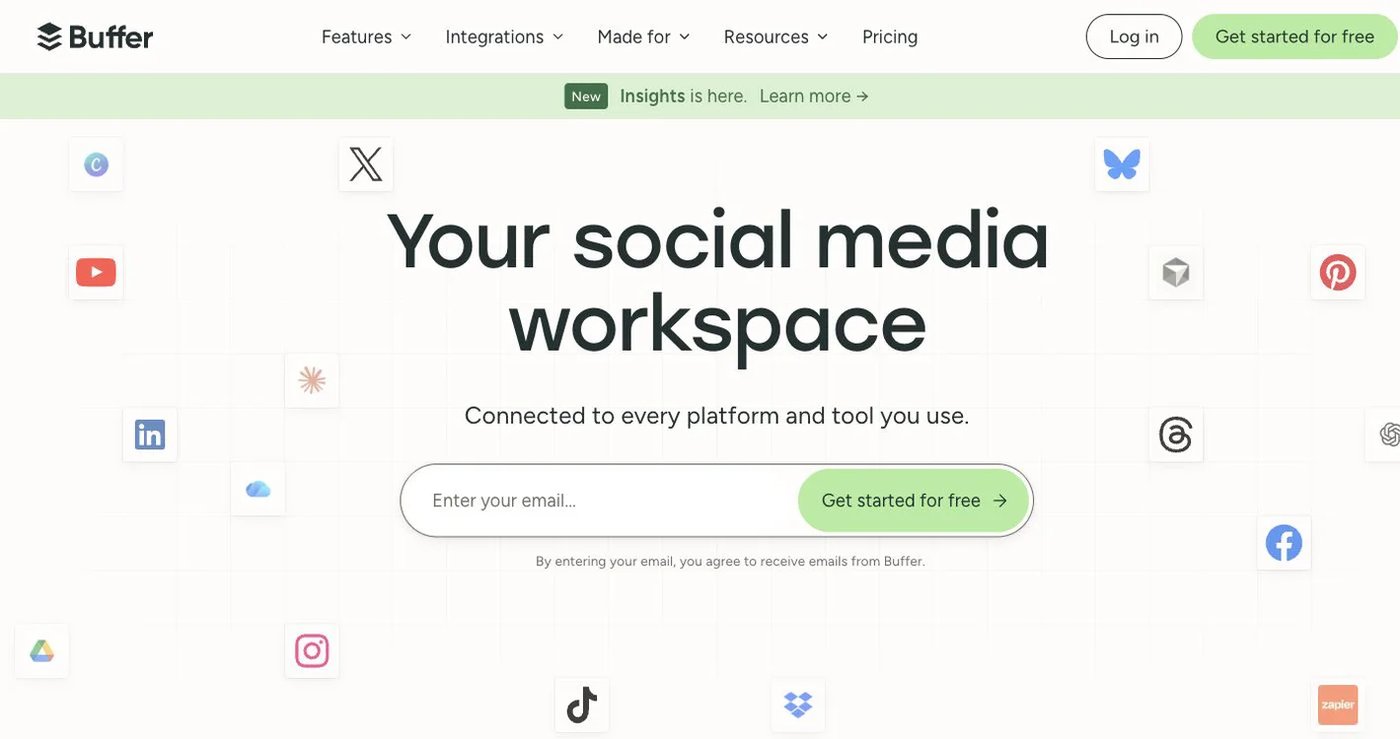
Buffer Free includes three channels, one user, analytics, and up to 10 scheduled posts per channel. Essentials costs $6 per channel per month for channels 1 to 10, with lower rates beyond. Team starts at $12 per channel and adds unlimited users and approvals. It supports TikTok, Instagram, Facebook, LinkedIn, X, YouTube Shorts, Threads, Pinterest, Google Business Profile, Bluesky, and Mastodon.
Cost rises with every channel, and collaboration needs Team.
Choose Buffer when you have three channels or fewer and want a free plan. See Buffer pricing.
3. Postiz: best for broad channels and open source
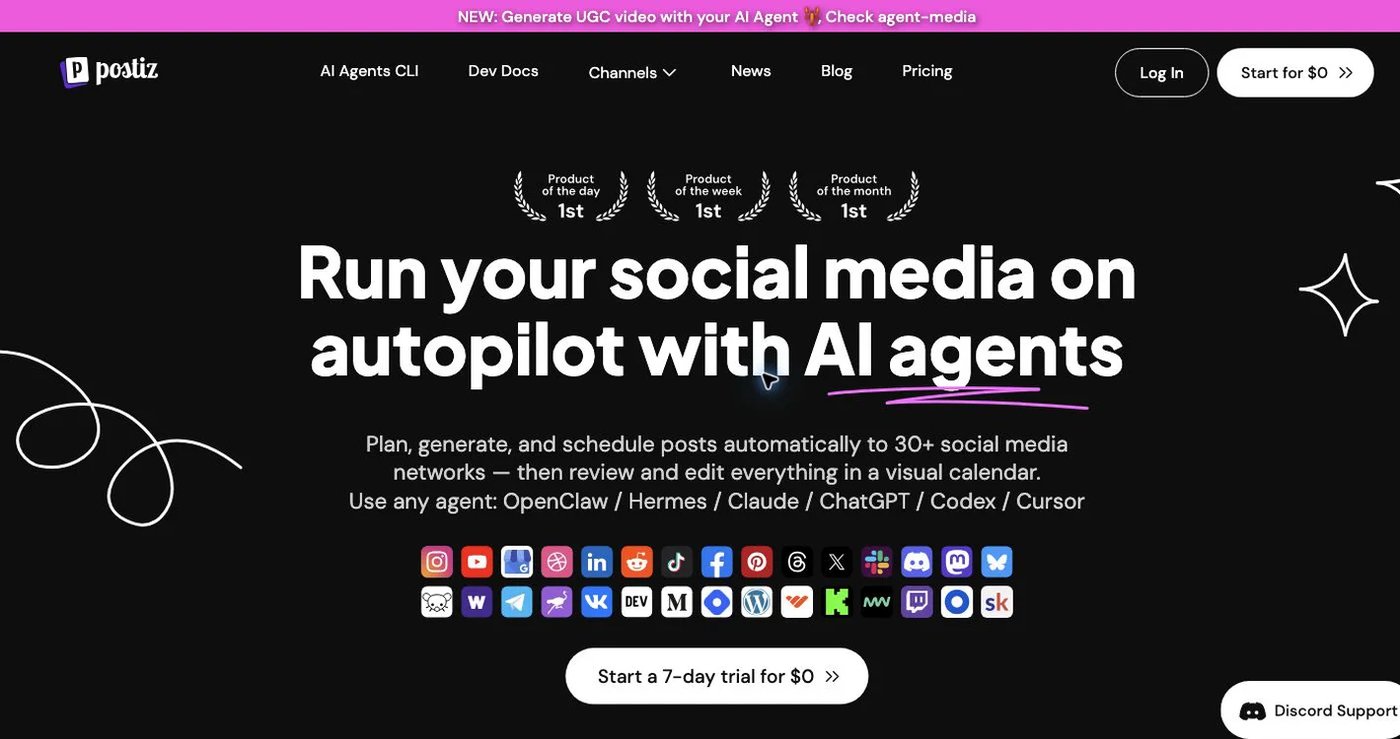
Postiz supports TikTok, Instagram, Facebook, LinkedIn, X, YouTube, Threads, Pinterest, Reddit, Discord, Bluesky, Mastodon, and more. Cloud plans: Standard $29/month for five channels, Team $39 for 10, Pro $49 for 30, and Ultimate $99 for 100, with unlimited posts, API, webhooks, analytics, AI tools, and a seven-day trial. Self-hosting is available.
Self-hosting adds deployment, platform-app approval, monitoring, backups, and security work.
Choose Postiz when Reddit, Discord, or open source matters. See Postiz pricing.
4. Mixpost: best when self-hosting is required
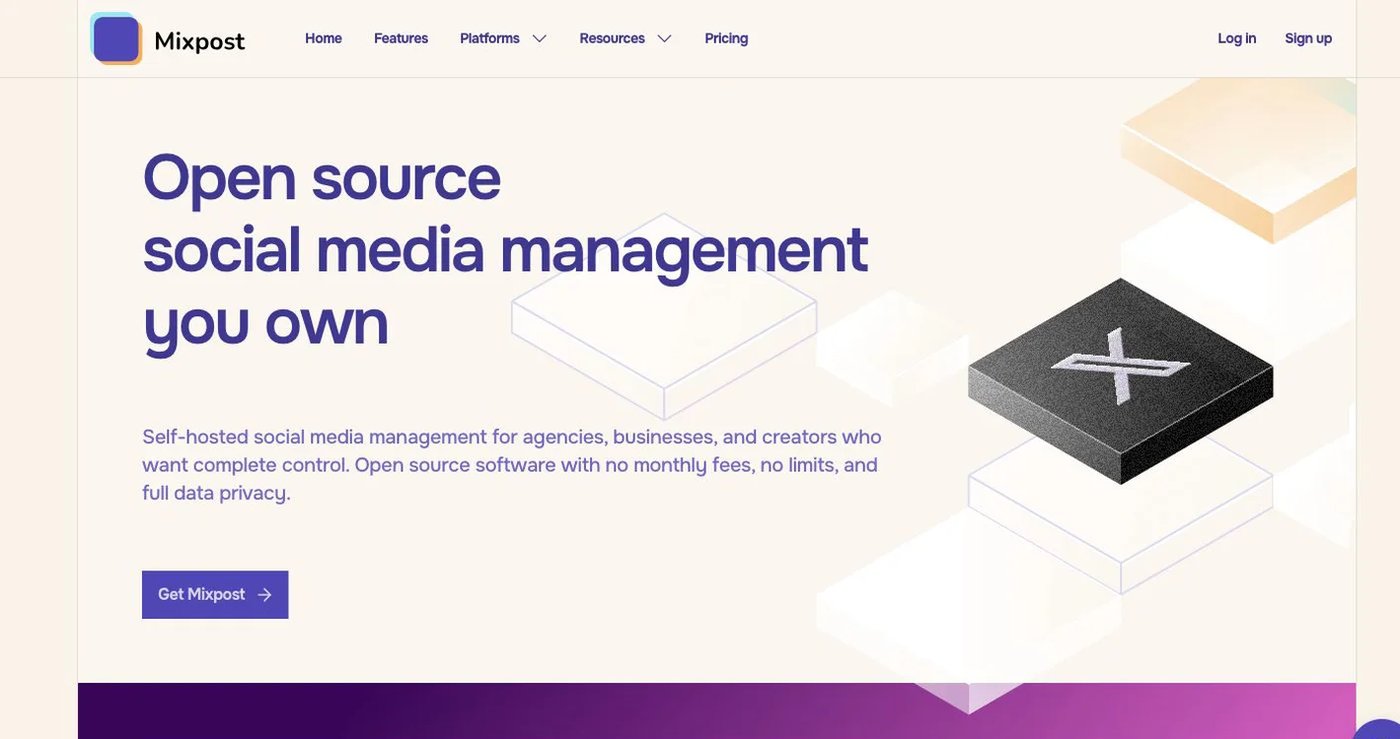
Mixpost Lite is free and covers Facebook Pages, X, and Mastodon. Pro is a $299 one-time license with the full platform catalog, unlimited accounts and team members, workspaces, approvals, API, MCP, and webhooks. It includes one year of updates; continued updates need renewal. Hosting and engineering time are extra, and Pro cannot be resold as a commercial SaaS.
Choose Mixpost when you must control deployment and have engineers to run it. See Mixpost pricing.
5. Native schedulers: best for one or two networks
Native tools cost nothing and expose platform-specific controls. The cost shows up as fragmentation: separate logins, calendars, uploads, and analytics. TikTok’s native web scheduler, for example, schedules only 10 days ahead and does not allow edits after scheduling.
Use native tools while one person runs one or two networks.
How much does each option cost as you grow?
Month-to-month prices:
| Connected accounts | Postqued | Buffer Essentials | Postiz cloud | Mixpost |
|---|---|---|---|---|
| 3 | $9/month | Free or $18/month | $29/month | Free Lite if its three networks fit; otherwise $299 plus hosting |
| 5 | $9/month | $30/month | $29/month | $299 plus hosting |
| 10 | $29/month | $60/month | $39/month | $299 plus hosting |
| 30 | $49/month | About $135/month | $49/month | $299 plus hosting |
Postqued is the lowest paid managed price at 3, 5, and 10 accounts, and matches Postiz at 30.
Final recommendation
Choose Postqued if your startup publishes to several networks and wants automation built in. Solo covers 5 accounts for $9/month, Creator covers 20 for $29, and Pro adds unlimited workspaces and seats for $49 when the team grows. Every plan includes unlimited posts, 10 platforms, and API and MCP access. Pick Buffer for a free three-channel start, Postiz for Reddit or Discord, Mixpost if you must self-host, and native tools for one or two networks.
Start on Solo at $9/month and move to Pro at $49 when you hire a marketer. Start a 7-day free trial and schedule your launch week.
Sources
- Postqued: pricing, features, platforms, About Postqued
- Buffer: pricing, plan details, TikTok scheduling
- Postiz: pricing, documentation
- Mixpost: pricing
- TikTok: native Video Scheduler