7 Best SocialBee Alternatives in 2026
Postqued is the best SocialBee alternative for teams that want unlimited publishing and automation for less. Solo costs $9/month for 5 accounts with unlimited posts across 10 platforms, and every plan includes a REST API plus a 62-tool MCP server. SocialBee Bootstrap costs $29/month for the same five accounts and has no public API. Every Postqued plan has a 7-day free trial.
SocialBee is still the better fit when content categories, RSS sources, and automatic evergreen recycling are the heart of your workflow.
SocialBee alternatives at a glance
| Product | Starting price | Best for | Main limit |
|---|---|---|---|
| Postqued | $9/month | Publishing, approvals, API and MCP | No evergreen category recycling |
| OneUp | $25/month | Repeating posts plus API and MCP | Starter caps 300 scheduled posts |
| RecurPost | $9/month | Evergreen libraries | Two accounts on Starter |
| Publer | Free; Professional from $5/month | Bulk scheduling and recycling | API on Business and Enterprise only |
| Buffer | Free; $6/channel monthly | Simple queue | No category library |
| Metricool | Free; Starter $25/month | Analytics and competitor tracking | X and advanced analytics cost extra |
| Sendible | $35/month | Client workspaces and reports | Six profiles per workspace |
What does SocialBee offer and cost in 2026?
SocialBee’s pricing page lists three monthly plans:
| Plan | Price | Profiles | Categories |
|---|---|---|---|
| Bootstrap | $29 | 5 | 10 |
| Accelerate | $49 | 10 | 50 |
| Pro | $99 | 25 | Unlimited |
Bootstrap includes one user and one workspace. Pro includes five workspaces and three users per workspace. Accelerate adds bulk editing, CSV upload, approvals, and two years of analytics. Pro adds analytics exports and internal notes.
SocialBee’s core feature is the category system: each category gets its own cadence, posts recycle, and they can expire after a date or share count. It also imports RSS feeds and publishes to Facebook, Instagram, Threads, LinkedIn, X, Pinterest, TikTok, YouTube, Google Business Profile, and Bluesky. SocialBee confirms it has no public API.
1. Postqued: best for publishing, approvals, and agent workflows

Postqued trades SocialBee’s category engine for lower prices, approvals on the entry plan, and developer access SocialBee does not have.
- Same five accounts for less: SocialBee Bootstrap costs $29/month for five profiles and one user. Postqued Solo costs $9/month for five accounts with unlimited posts.
- More seats at 25 to 30 accounts: SocialBee Pro costs $99/month for 25 profiles and three users per workspace. Postqued Pro costs $49/month for 30 accounts with unlimited seats and workspaces.
- Approvals without upgrading: SocialBee adds approvals on Accelerate. Postqued’s revision-aware approvals are on every plan, and the approved version is exactly what publishes.
- An API and MCP server: SocialBee confirms it has no public API. Postqued includes a REST API and a 62-tool MCP server on every plan.
- Mastodon support, plus analytics on TikTok, Facebook, Instagram, Threads, and YouTube and comment replies on six networks.
Not included: evergreen category recycling, RSS ingestion, DMs, social listening.
See Postqued pricing, learn about Postqued, or compare Postqued and SocialBee.
2. OneUp: best for repeating posts plus developer access
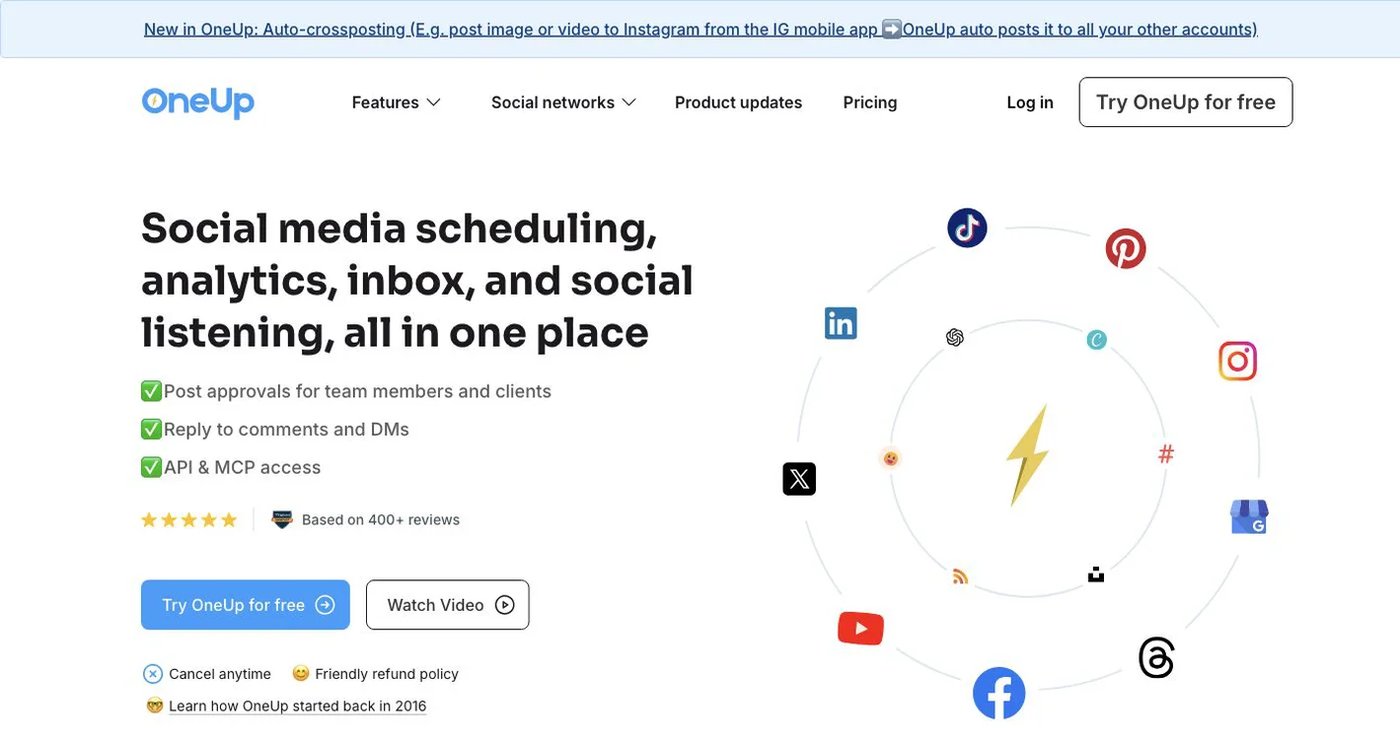
OneUp combines repeating posts, queue times, RSS automation, bulk uploads, an inbox, listening, and reports. Starter costs $25/month for five accounts, 300 scheduled posts, one cross-posting workflow, and API and MCP scheduling. Intermediate costs $60/month for 15 accounts and unlimited posts, and adds two team members, video bulk upload, and API or MCP comment replies. Annual billing lowers the price.
Choose OneUp when repeating posts and programmatic scheduling must live in one tool. See OneUp pricing.
3. RecurPost: best for evergreen libraries
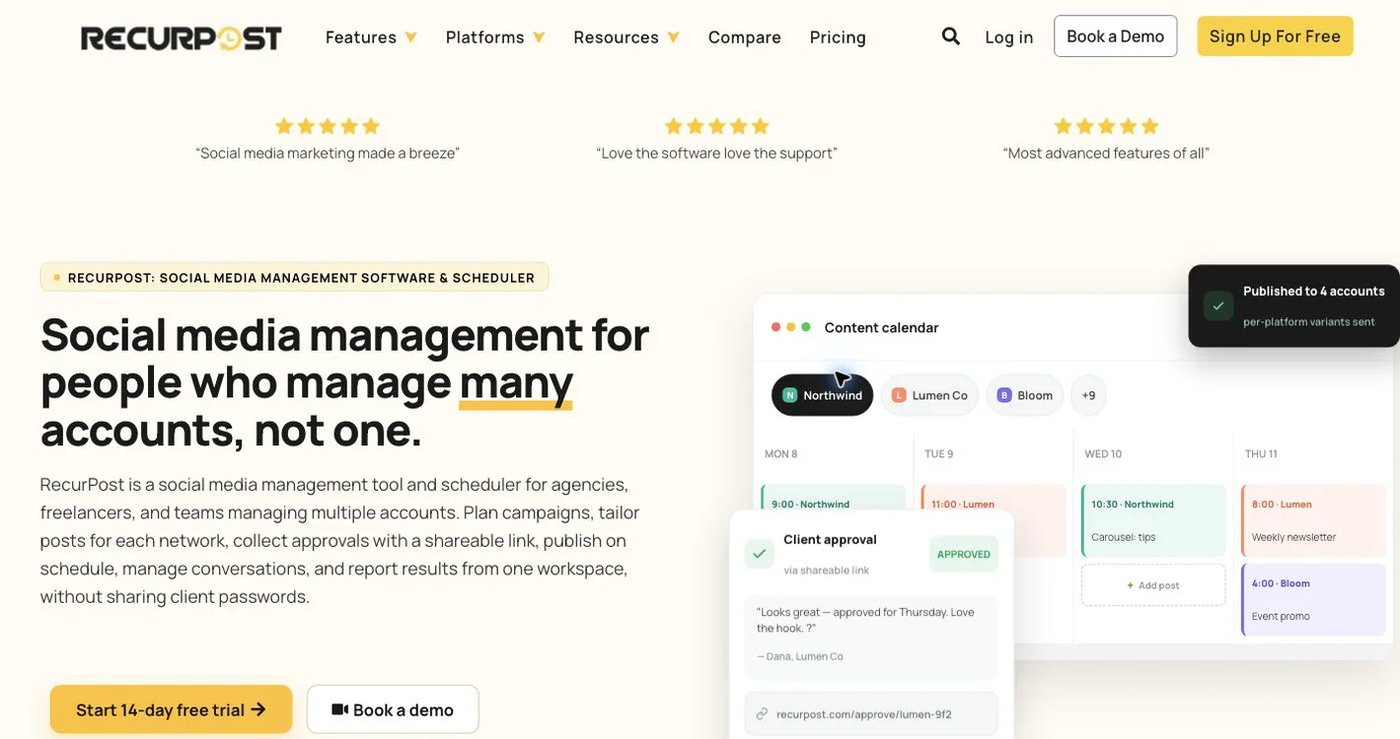
RecurPost stores reusable content in libraries that publish again on a schedule, with bulk tools for large backlogs. Starter costs $9/month for two social accounts, Personal $25 for five, and Agency $79 for 20.
Choose RecurPost when keeping an evergreen library running cheaply is the main goal. See RecurPost pricing.
4. Publer: best for bulk scheduling and recycling
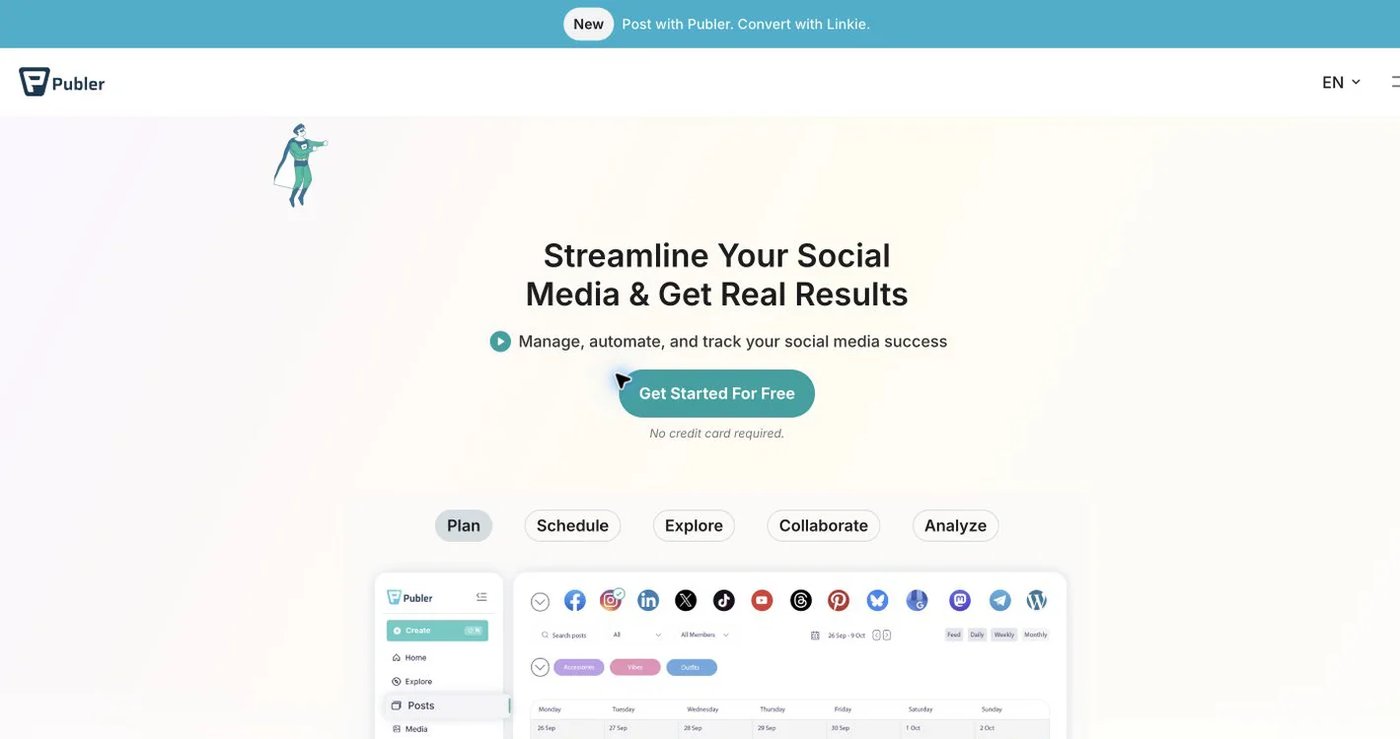
Publer supports CSV bulk scheduling, recurring and recycled posts, RSS feeds, workspaces, analytics, and AI content tools. It has a free tier. Professional starts at $5/month and Business at $10, with pricing that grows per account and team member. API access is available only on Business and Enterprise.
Choose Publer when bulk production and recycled queues matter most. See Publer plans.
5. Buffer: best for a straightforward queue
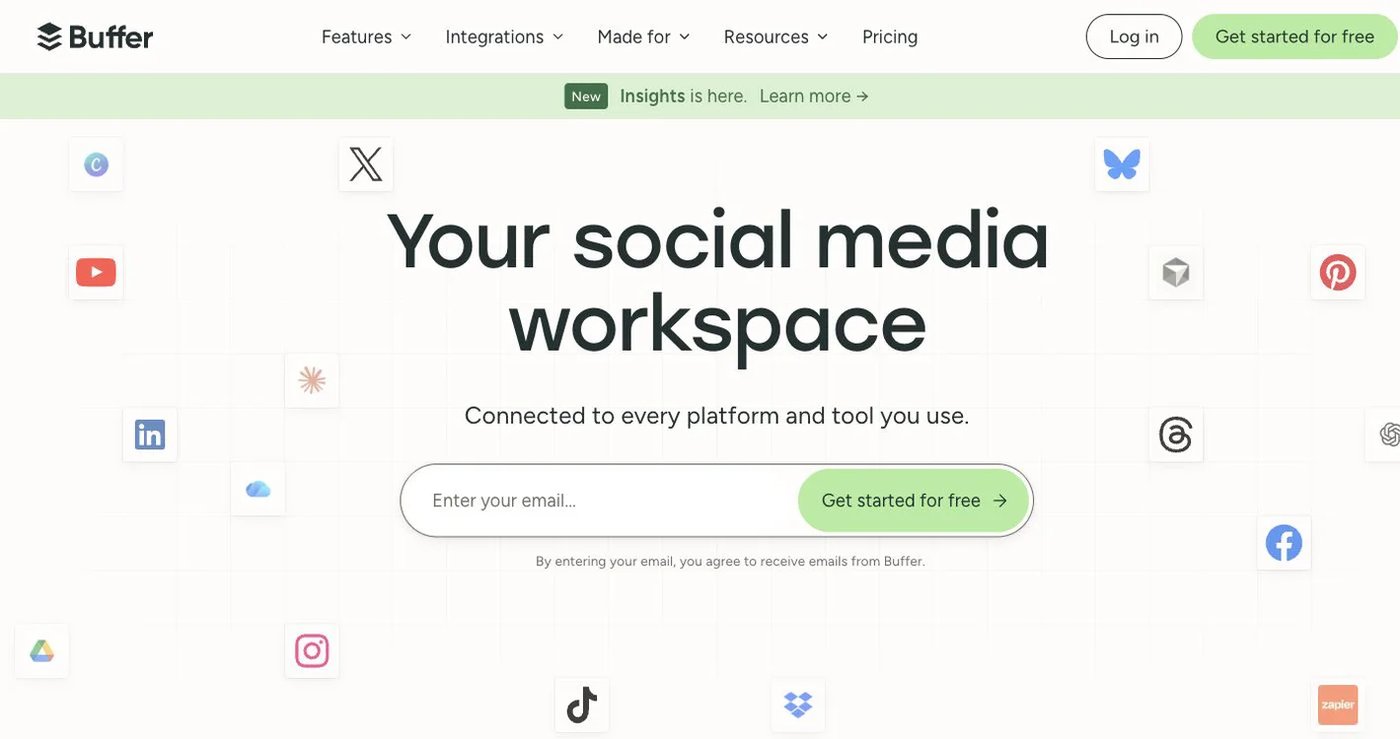
Buffer gives each channel its own queue. The free plan covers three channels, one user, and 10 scheduled posts per channel. Essentials costs $6 per channel monthly. Team costs $12 per channel and adds unlimited users, permissions, and approvals. Buffer also offers a GraphQL API.
Choose Buffer for a clean manual queue without categories, RSS sources, or client workspaces. See Buffer pricing.
6. Metricool: best for analytics and competitor tracking

Metricool combines publishing with analytics, reports, competitor tracking, ad data, an inbox, and SmartLinks. The free plan covers one brand and 20 scheduled posts per month. Starter costs $25/month for five brands. Advanced costs $67/month for 15 brands and adds roles, approvals, report templates, Looker Studio, API, Zapier, and Make. MCP is available on every plan. X connections and advanced analytics can cost extra.
Choose Metricool when you are leaving SocialBee for better analytics or competitor data. See Metricool pricing.
7. Sendible: best for client workspaces and recurring reports
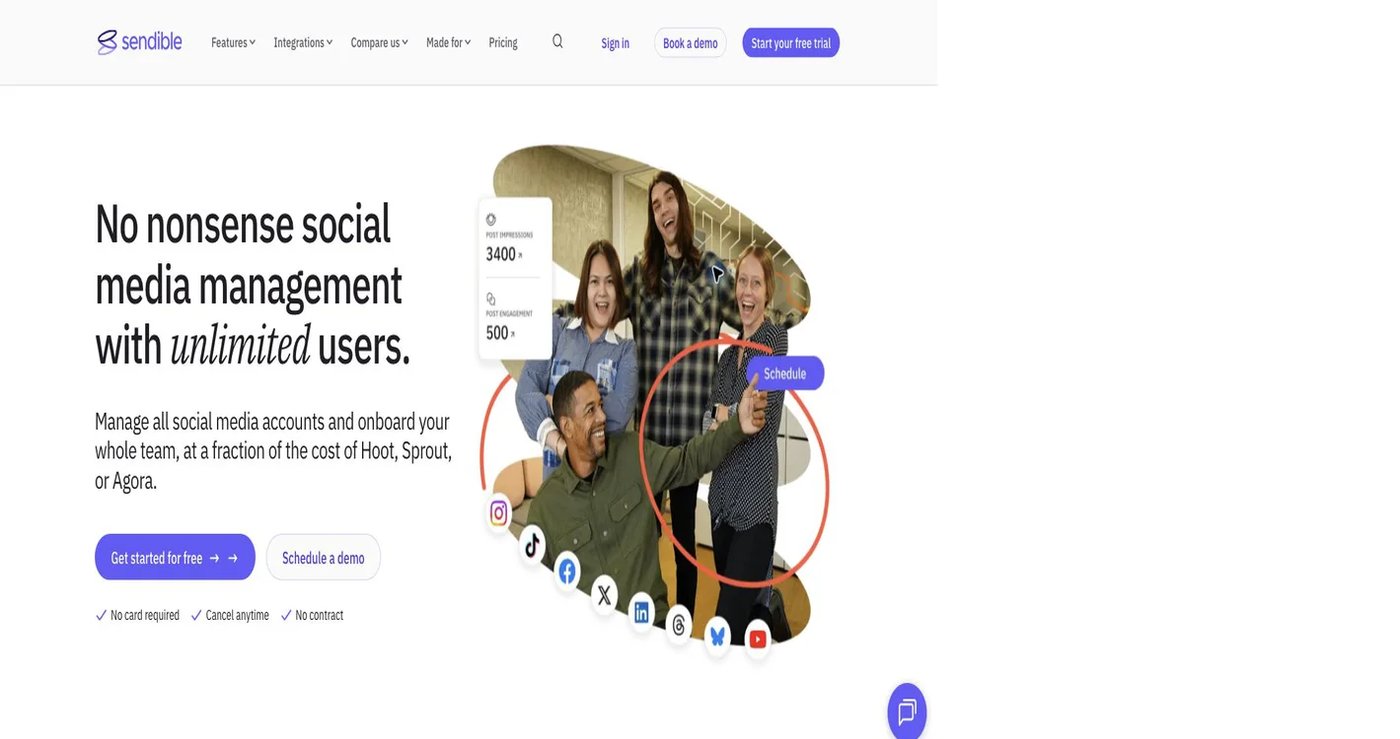
Sendible sells workspaces of six profiles each, with unlimited users. Core costs $35/month for one workspace ($31 billed annually), Plus $99 for three, Premium $199 for seven, Elite $299 for 15, and Enterprise $750 for 50. Higher plans add approvals, branded reports, client dashboards, and a white-label add-on.
Choose Sendible when client separation and recurring reports matter more than evergreen recycling. See Sendible pricing.
How do you choose a SocialBee replacement?
- Export future posts, assets, reports, and RSS sources.
- Label each category as evergreen, seasonal, promotional, or one-time.
- Note the recycle and expiry rules you depend on.
- Count profiles, workspaces, users, and reviewers.
- Rebuild one category and one approval cycle in each finalist.
- If automation matters, test the API or MCP calls you need.
- Keep SocialBee running until the replacement publishes your sample correctly.
Final recommendation
Pick Postqued if you use SocialBee mainly to plan, approve, and publish. You get five accounts for $9 instead of $29, approvals on every plan, and the API SocialBee does not offer. Pick OneUp, RecurPost, or Publer if automatic recycling is essential, Buffer for a small queue, Metricool for analytics, and Sendible for client reporting.
Leaving SocialBee Bootstrap? Solo at $9/month covers the same five accounts with unlimited posts. Start a 7-day free trial.