7 Best RADAAR Alternatives in 2026
Postqued is the best RADAAR alternative for most teams: unlimited posts on 10 platforms, revision-aware approvals, and REST API plus MCP access on every plan from $9/month, with a 7-day free trial. Agents draft through the 62-tool MCP server, and a reviewer approves the exact snapshot that publishes.
RADAAR still wins when you need listening, a task manager, and contacts at a very low price.
What are the best RADAAR alternatives?
| Product | Starting price | Best for | Main limit |
|---|---|---|---|
| Postqued | $9/month | Publishing, approvals, API and MCP | No DMs, listening, or task manager |
| Buffer | Free; $6/channel monthly | A simple queue and public API | Price grows per channel |
| ContentStudio | $29/month | Discovery, recycling, and AI creation | Broad suite to learn |
| Agorapulse | $99/user monthly | Inbox, reporting, and moderation | Per-user pricing; API on Custom |
| Planable | Free; $39/workspace monthly | Visual content review | Post caps; add-ons for analytics |
| NapoleonCat | $89/month | Customer care and moderation | API on Enterprise |
| SocialBee | $29/month | Category queues and recycling | No public API |
How much does RADAAR cost?
RADAAR’s pricing matrix lists five tiers:
- Basic: $4.99/month for three profiles, one user, and 90 posts.
- Standard: $9.99 for six profiles, three users, unlimited posts, a social inbox, analytics, three recurring-post slots, and a content pool.
- Professional: $29.99 for 12 profiles and six users, adding monitoring and contacts.
- Advanced: $149.99 for 24 profiles and unlimited users.
- Enterprise: from $749.99.
Its integration matrix shows scheduling for Facebook, Instagram, TikTok, X, Threads, Bluesky, Mastodon, LinkedIn, YouTube, Pinterest, Vimeo, and Google Business Profile. Inbox and analytics support varies by network.
1. Postqued: best for publishing and agent workflows

Postqued fits teams that want reviewers to sign off on exactly what publishes. Reviewers comment or suggest an exact caption change, and approvals are revision-aware, so the approved snapshot is what publishes. You can invite external reviewers by email.
Scripts and AI agents use the same queue through the REST API and a 62-tool MCP server. The Publish API supports dryRun validation, an Idempotency-Key header for real publishes, and dispatchAt scheduling.
RADAAR Standard is cheaper at $9.99 for six profiles, so Postqued earns its price with approvals, the API, and MCP: Solo covers 5 accounts for $9/month, Creator 20 for $29, Pro 30 with unlimited seats for $49, and Agency unlimited accounts for $199. Yearly billing lowers Solo, Creator, Pro, and Agency to $7, $19, $39, and $159. Every plan includes unlimited posts, the Engagement Inbox for comments on 6 networks, analytics for TikTok, Facebook, Instagram, Threads, and YouTube, and a 7-day free trial.
Postqued has no DMs, listening, or task manager.
See Postqued pricing or compare Postqued vs RADAAR.
2. Buffer: best for a simple queue
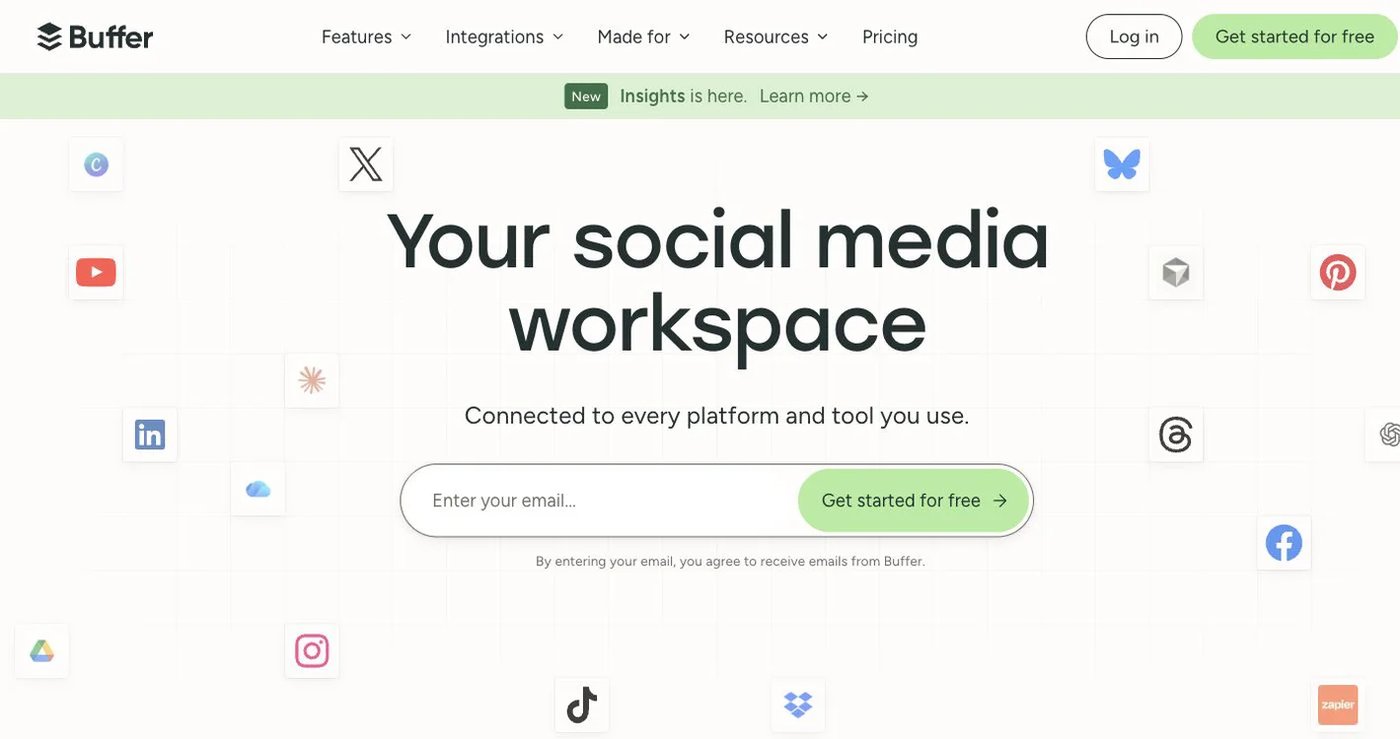
Buffer lets you connect channels, fill a queue, and publish from a clean calendar. The free plan covers three channels with 10 scheduled posts each. Essentials costs $6 per channel monthly for channels one through 10, with one user and unlimited scheduled posts under fair use. Team costs $12 per channel and adds unlimited users and approvals.
Buffer also publishes a GraphQL API. It has no task manager, monitoring, or contacts.
Choose it when a small team wants a simple scheduler with documented developer access. See Buffer plan details.
3. ContentStudio: best for discovery and automation
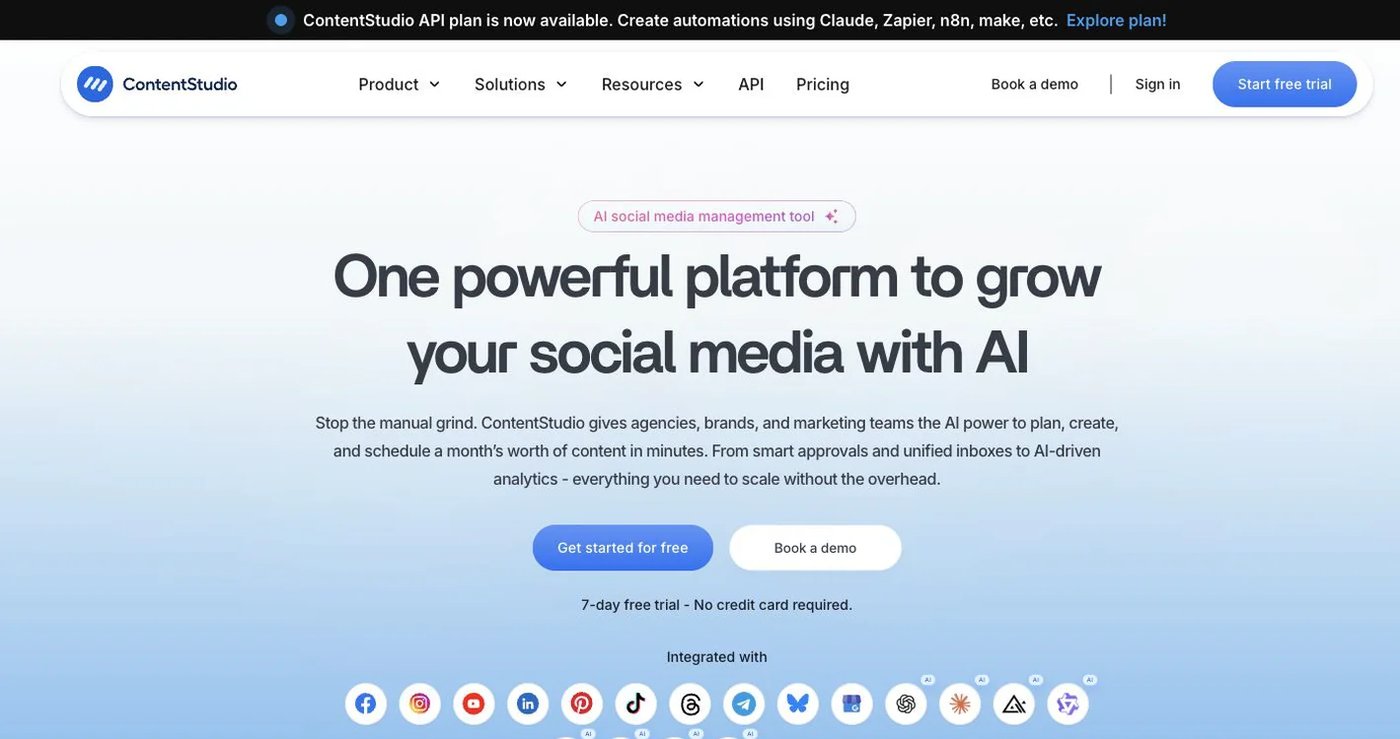
ContentStudio is the closest match here to RADAAR’s all-in-one approach. It combines publishing with AI creation, content discovery, RSS automation, evergreen recycling, competitor analytics, an inbox, and optional listening.
Standard costs $29/month for five accounts, one user, and unlimited posting. Advanced costs $69 for 10 accounts and two users, and adds approvals, recycling, CSV scheduling, and RSS autoposting. Agency Unlimited costs $139 for 25 accounts plus unlimited users and workspaces. The pricing page lists API and MCP access.
Choose it when discovery, feeds, and recycling matter as much as scheduling. See ContentStudio pricing.
4. Agorapulse: best for a staffed social inbox

Agorapulse combines publishing with a unified inbox, moderation, assignments, and reporting. It has no free plan; a 30-day free trial is available.
Standard costs $99 per user monthly or $79/user/month billed annually, with 10 profiles included. Professional is $149 or $119, and Advanced is $199 or $149. The Reports open API is on Custom only.
The 10 profiles are shared across the subscription, so seats drive the total.
Choose it when customer care and governed inbox work are the job. See Agorapulse pricing.
5. Planable: best for visual content review

Planable focuses on moving content from draft to approval. Teams and clients review realistic previews, comment in context, and use required or multi-level approvals.
The free plan allows 50 total posts. Basic costs $39 per workspace monthly for four pages and 60 posts per month. Pro costs $59 for 10 pages and 150 posts, with required approvals. Enterprise is custom. Analytics costs $14 per workspace monthly and Engagement $9.
Choose it when stakeholder review is your main pain. See the Planable pricing guide.
6. NapoleonCat: best for moderation
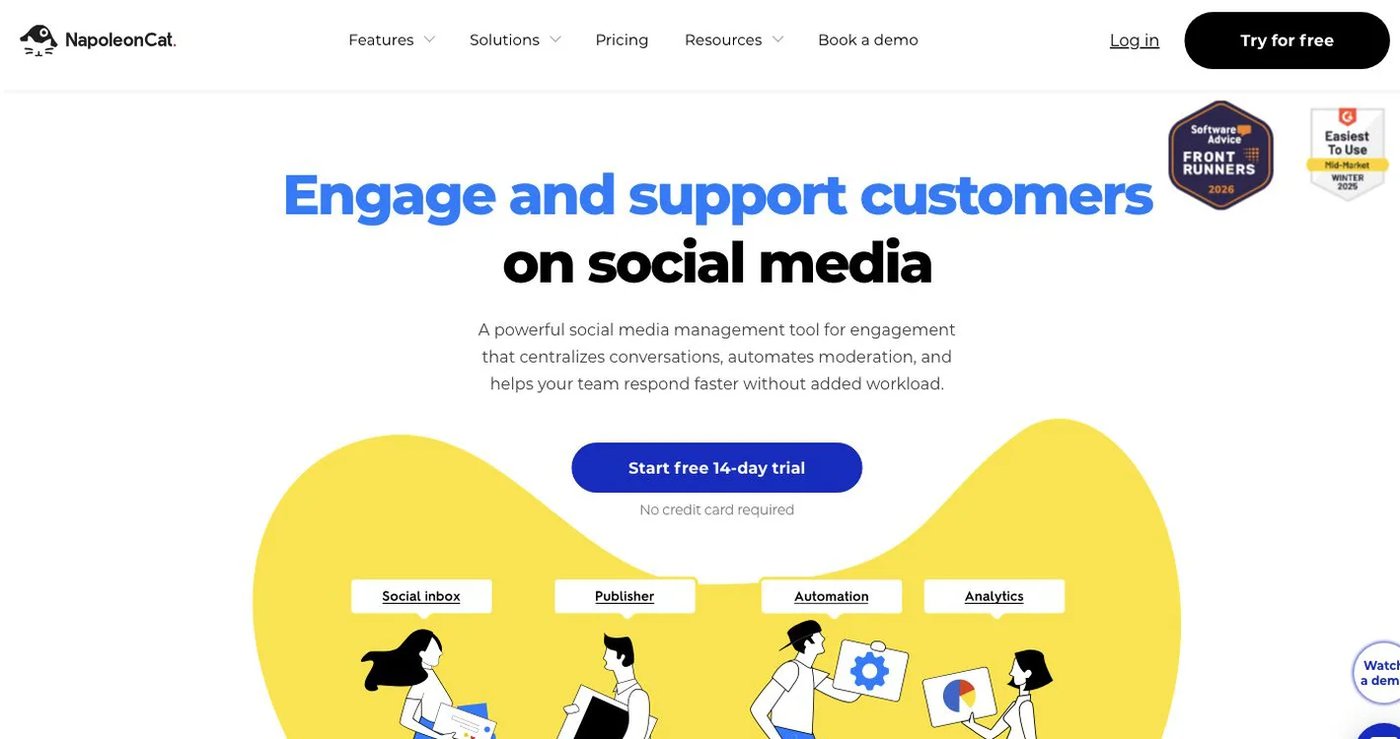
NapoleonCat is built for social customer care and automated moderation. Standard costs $89/month for two users and five profiles, with unlimited scheduled posts, analytics, and competitor tracking. Pro costs $109 and adds the Social Inbox. Expert costs $139 and adds automated moderation and sentiment analysis.
API access starts on Enterprise, listed from $465/month. Prices may exclude VAT.
Choose it when you handle a large comment volume or enforce moderation rules. See NapoleonCat pricing.
7. SocialBee: best for category queues and recycling

SocialBee sorts content into categories, imports RSS feeds, creates post variations, and recycles evergreen posts.
Bootstrap costs $29/month for five accounts, one user, and 10 categories. Accelerate costs $49 for 10 accounts and adds CSV upload, approvals, and advanced analytics. Pro costs $99 for 25 accounts, five workspaces, and three users per workspace.
SocialBee’s help center says it has no public API.
Choose it when RADAAR’s recurring posts are the feature you use most. See SocialBee pricing.
How do you choose a RADAAR alternative?
- List every profile type and post format you publish.
- Separate comments from DMs, listening, and reviews.
- Note whether you use recurring posts, tasks, contacts, or landing pages.
- Price the replacement with your real users, profiles, and add-ons.
- Confirm the plan that includes API or MCP access.
- Keep RADAAR active until scheduled posts work in the new tool.
Which RADAAR alternative should you choose?
Postqued is the right pick for most teams: unlimited posts, revision-aware approvals, and API plus MCP access from $9/month. Choose Buffer for a simple queue, ContentStudio or SocialBee for recycling, Agorapulse or NapoleonCat for a staffed inbox, and Planable for client review.
Primary sources
- RADAAR pricing, integration matrix, and Social Inbox coverage
- Buffer pricing and plan limits and Buffer API
- ContentStudio pricing and billing documentation
- Agorapulse pricing and per-user pricing explanation
- Planable pricing guidance
- NapoleonCat pricing
- SocialBee pricing and public API status
Add approvals and MCP to your workflow with Postqued Solo at $9/month, starting with a 7-day free trial: See Postqued pricing.