7 Best PostSyncer Alternatives in 2026
Postqued is the best PostSyncer alternative for most teams: unlimited posts on 10 platforms, revision-aware approvals, an Engagement Inbox, and REST API plus MCP access on every plan from $9/month, with a 7-day free trial. You get the automation PostSyncer sells from a $9 entry price instead of $29.
PostSyncer still wins if you rely on its AI media tools or Telegram publishing.
What are the best PostSyncer alternatives?
| Product | Starting price | Best for | Main limit |
|---|---|---|---|
| Postqued | $9/month | Publishing, approvals, API and MCP | No social listening or DMs |
| Publer | Free; paid by account count | RSS and recurring posts | API needs Business or Enterprise |
| Zapier | Free; Pro from $29.99/month | Connecting business apps | Not a social workspace |
| Make | Free; Core $9/month | Visual, branching automations | Not a social workspace |
| SocialBee | $29/month | Content categories and recycling | Five profiles on Bootstrap |
| Postiz | $29/month hosted; self-host option | Open-source control | Self-hosting is your job |
| Ayrshare | $149/month | Embedding social posting in software | No calendar or team workspace |
How much does PostSyncer cost?
PostSyncer’s pricing page lists three paid plans:
- Starter: $29 on monthly billing, or $24/month billed yearly.
- Pro: $49 monthly, or $39/month billed yearly.
- Pro Plus: the top tier, with the highest API cap.
- API caps: 100 API posts per day on Starter, 250 on Pro, 500 on Pro Plus.
- Included: calendar, queue, bulk scheduling, approvals, inbox, analytics, AI media tools, REST API, and MCP.
- Networks: Instagram, Facebook, LinkedIn, TikTok, Pinterest, YouTube, Telegram, Bluesky, Threads, and X.
1. Postqued: best for shared publishing and agent workflows

Postqued puts the calendar, approvals, publishing, analytics, and comment replies in one workspace, and your scripts or AI agents use the same queue through the REST API and a 62-tool MCP server.
Approvals are revision-aware, so the approved snapshot is what publishes. You can invite external reviewers by email. The Publish API supports dryRun validation and dispatchAt scheduling, and an Idempotency-Key header prevents duplicate publishes when you retry. The Engagement Inbox handles comments and replies on Facebook, Instagram, Threads, X, LinkedIn, and Mastodon, and analytics cover TikTok, Facebook, Instagram, Threads, and YouTube.
PostSyncer Starter costs $29/month; Postqued Creator costs the same $29 and covers 20 accounts. Solo is $9 for 5 accounts, Pro $49 for 30 with unlimited workspaces and seats, and Agency $199 for unlimited accounts. Yearly billing drops Solo, Creator, Pro, and Agency to $7, $19, $39, and $159. Every plan includes unlimited posts on TikTok, Instagram, YouTube Shorts, Facebook, LinkedIn, Pinterest, Threads, Bluesky, Mastodon, and X, plus a 7-day free trial.
Postqued has a built-in AI assistant (uses AI credits) but no AI media studio, social listening, DMs, or Telegram publishing.
See Postqued pricing or compare Postqued vs PostSyncer.
2. Publer: best for RSS and recurring content
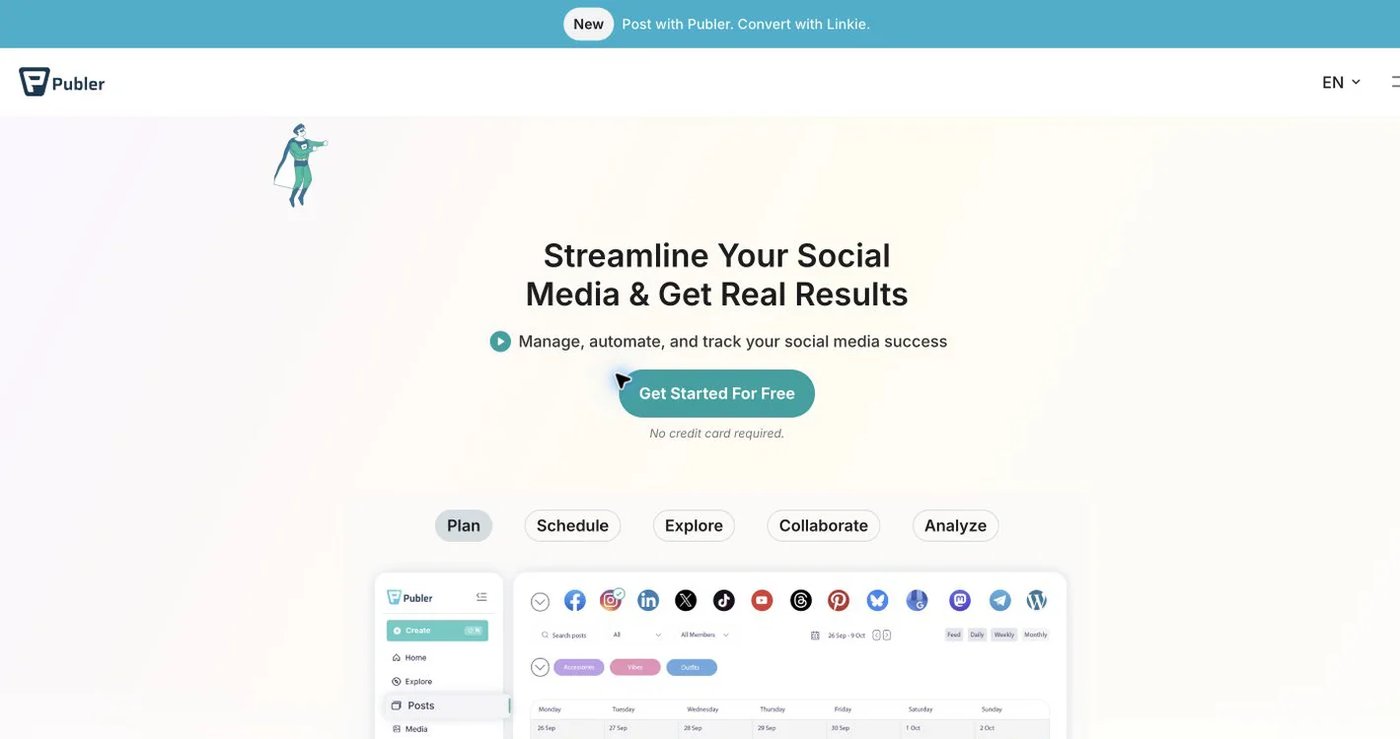
Publer combines queues, RSS automation, bulk scheduling, recurring posts, feed previews, link-in-bio tools, workspaces, and approvals. The free plan covers three social accounts other than X, with 10 scheduled posts per account.
Professional adds unlimited RSS automations, unlimited workspaces, and full post history. Business adds analytics, competitor analysis, best-time suggestions, Spintax recycling, and API access. Price scales with accounts and members, so configure your real totals.
Per Publer’s API help article, the API is available exclusively to Business and Enterprise customers. It is not on Professional.
Choose it when RSS feeds and recycling drive your calendar.
3. Zapier: best for connecting business applications
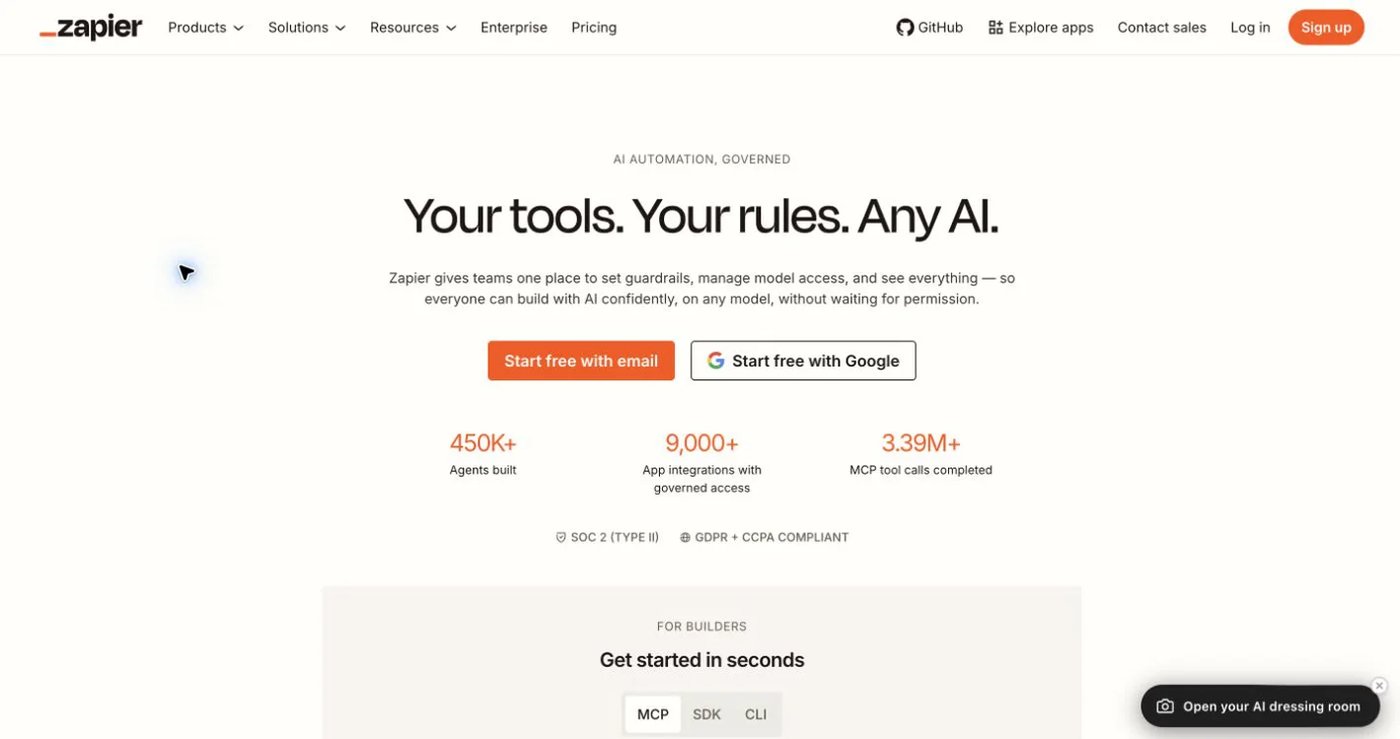
Zapier runs trigger-and-action workflows across thousands of apps. It works well for pushing approved records from a CRM, spreadsheet, or form into a publishing step.
Zapier pricing starts with a free plan at 100 tasks per month. Pro starts at $29.99 monthly or $19.99/month billed annually for 750 tasks, and Team starts at $103.50 monthly or $69/month billed annually. Every action step counts as a task, so model a real workflow before comparing costs.
Zapier is not a content calendar, approval system, or inbox. Each social connector supports only some formats.
Choose it when social posting is one step in a wider business process.
4. Make: best for visual, branching automation

Make uses a visual scenario builder with routers, filters, iterators, and error handling. It suits content that passes through several systems or branches by status or network.
Make pricing includes a free plan with 1,000 credits per month. Core costs $9/month, Pro $16, and Teams $29, each with 10,000 credits on the base tier. Annual billing saves 15% or more. One scenario run can use several credits.
Like Zapier, Make has no calendar, post previews, or engagement inbox.
Choose it for complex orchestration across many tools, paired with a scheduler.
5. SocialBee: best for category-based recycling

SocialBee sorts posts into categories, gives each category a schedule, and recycles evergreen posts.
Its pricing page lists Bootstrap at $29/month for 5 profiles, one user, and 10 categories. Accelerate costs $49 for 10 profiles and adds approvals and bulk editing. Pro costs $99 for 25 profiles, three users per workspace, and five workspaces.
Postqued does not recycle posts automatically, so SocialBee fits better when an evergreen library is the core workflow.
Choose it when rotating evergreen content matters more than API and MCP access.
6. Postiz: best for open-source control
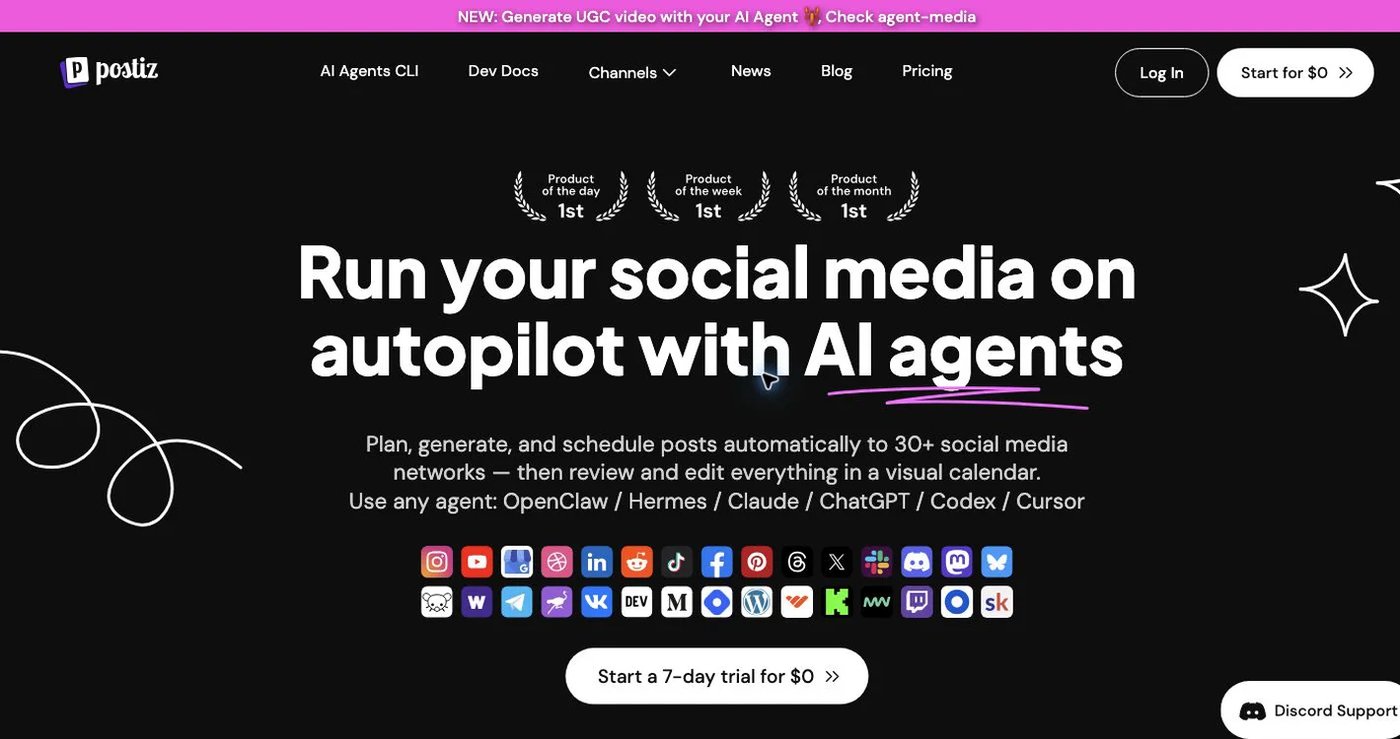
Postiz offers a hosted scheduler and an open-source codebase you can self-host. Its pricing page lists Standard at $29/month ($23 billed yearly) for 5 channels, Team at $39 for 10 channels, Pro at $49 for 30, and Ultimate at $99 for 100. Every hosted plan includes unlimited posts, the public API, MCP, and webhooks.
Self-hosting means your team owns deployment, updates, storage, queues, backups, and each network’s developer app setup. Source code lives on GitHub.
Choose it when code-level control matters more than a managed service.
7. Ayrshare: best for embedding social features in software
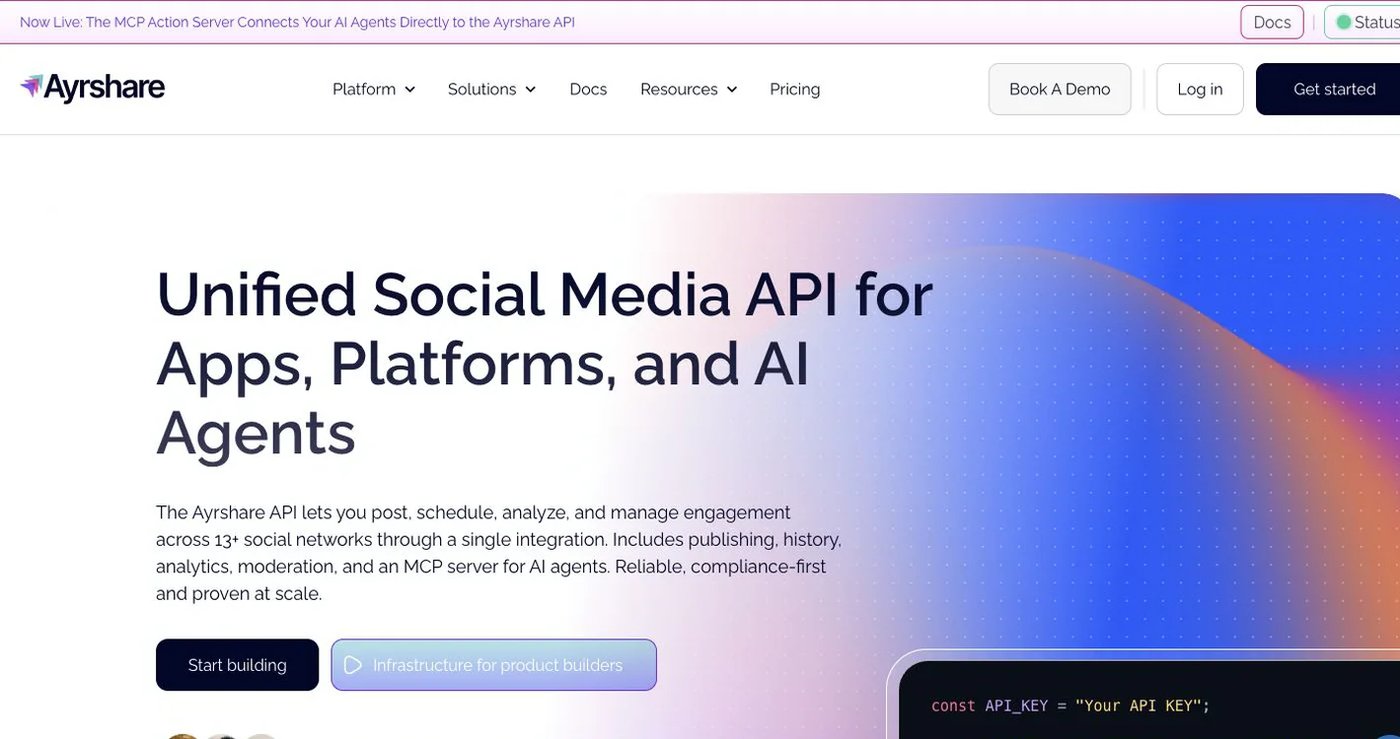
Ayrshare is an API-first service for developers adding social posting, analytics, and account linking to their own product. It has no editorial calendar for a marketing team.
Ayrshare pricing has no free plan. Premium costs $149/month for one profile. Launch costs $299 for up to 10 profiles and includes a 28-day free trial. Business costs $599 with 30 profiles included, and Enterprise is custom from 300 profiles.
Choose it when the API is your product’s foundation and you will build the interface yourself.
How do you choose a PostSyncer alternative?
- List every account type and post format you publish today.
- Separate dashboard volume from API volume; ask each vendor about both caps.
- Decide who drafts, who reviews, and which version is cleared to publish.
- Compare monthly prices with monthly prices and annual with annual.
- Connect accounts and publish one test post per format before migrating.
- Keep PostSyncer active until the new calendar is verified.
Which PostSyncer alternative should you choose?
Postqued is the right pick for most teams: unlimited posts, approvals, and API plus MCP access start at $9/month. Choose Publer or SocialBee for recycling, Zapier or Make for cross-app orchestration, Postiz for self-hosting, and Ayrshare for building social posting into your own app.
Primary sources
- PostSyncer pricing and plan limits
- Publer plans and Publer API eligibility
- Zapier pricing and Make pricing
- SocialBee pricing
- Postiz pricing and Postiz source code
- Ayrshare pricing
Move your API workflows to Postqued Creator at $29/month, starting with a 7-day free trial: See Postqued pricing.