7 Best PostPlanify Alternatives in 2026
Postqued is the best PostPlanify alternative for most teams: unlimited posts on all 10 platforms, revision-aware approvals, and REST API plus MCP access from $9/month with a 7-day free trial. PostPlanify starts at $99/month for a 15-account bundle; Postqued Creator covers 20 accounts for $29/month.
PostPlanify still wins when its social inbox, AI creation tools, or Google Business Profile support drive the purchase.
What are the best PostPlanify alternatives?
| Product | Starting price | Best for | Main limit |
|---|---|---|---|
| Postqued | $9/month | Publishing, approvals, REST API and MCP | No DMs or white-label reports |
| SocialPilot | $20/month | Client approvals and white-label reports | API on Enterprise only |
| Buffer | Free; Essentials $6/channel monthly | A simple queue with an API | Cost grows with channel count |
| Metricool | Free; Starter $25/month | Analytics, ads, competitors, reports | API and approvals start on Advanced |
| SocialBee | $29/month | Evergreen content categories | No public API |
| Postiz | $29/month | Broad channels and self-hosting | Self-hosting means running servers |
| Mixpost | Free Lite; Pro $299 once | Commercial self-hosted workspace | Hosting and provider apps are yours |
How much does PostPlanify cost?
PostPlanify’s plan guide lists:
- Growth: $99 monthly or $79/month billed annually; 15 accounts, five workspaces, three users, unlimited posts, analytics, social inbox, bulk scheduling, AI assistant, API and MCP.
- Premium: $199 monthly or $159/month billed annually; 30 accounts, 15 workspaces, six users, approvals, roles, team comments, reports.
- Scale: 100 accounts, 50 workspaces, 12 users. PostPlanify’s pages show different Scale prices, so confirm at checkout.
Approvals start on Premium, so the $99 Growth plan has no formal review flow. Growth’s three users can also limit agencies with several account managers. PostPlanify’s MCP setup guide uses a personal API key in a bearer header and documents 22 tools for posts, media, analytics, comments, accounts, and workspaces. The key can be revoked.
1. Postqued: best for controlled publishing and agent workflows

Postqued closes PostPlanify’s biggest gap: approvals start on its $199 Premium plan, while Postqued includes them on every plan alongside the API. Every plan includes unlimited posts on TikTok, Instagram, YouTube Shorts, Facebook, LinkedIn, Pinterest, Threads, Bluesky, Mastodon, and X.
Approvals are on every plan and are revision-aware, so the approved version is what publishes. Teammates can comment and suggest caption changes, and you can invite external reviewers by email. Developers get a REST API with dryRun validation, an Idempotency-Key header for real publishes, and dispatchAt scheduling. AI agents get a 62-tool MCP server.
The Engagement Inbox handles comments and replies on Facebook, Instagram, Threads, X, LinkedIn, and Mastodon. Analytics cover TikTok, Facebook, Instagram, Threads, and YouTube. Formats include Instagram Stories and Reels, TikTok photo posts up to 35 images, send-to-TikTok-drafts, Threads posts with up to 20 media items, and first comments on six networks.
For 15 accounts, Postqued Creator at $29/month replaces PostPlanify Growth at $99 and adds approvals. Solo covers 5 accounts for $9, Pro covers 30 with unlimited workspaces and seats for $49, and Agency at $199 removes the account cap. On Pro and Agency, adding reviewers does not raise the bill. Every plan starts with a 7-day free trial. Postqued has no DMs, listening, Google Business Profile, or white-label reports.
See Postqued pricing or compare Postqued vs PostPlanify.
2. SocialPilot: best for conventional agency operations
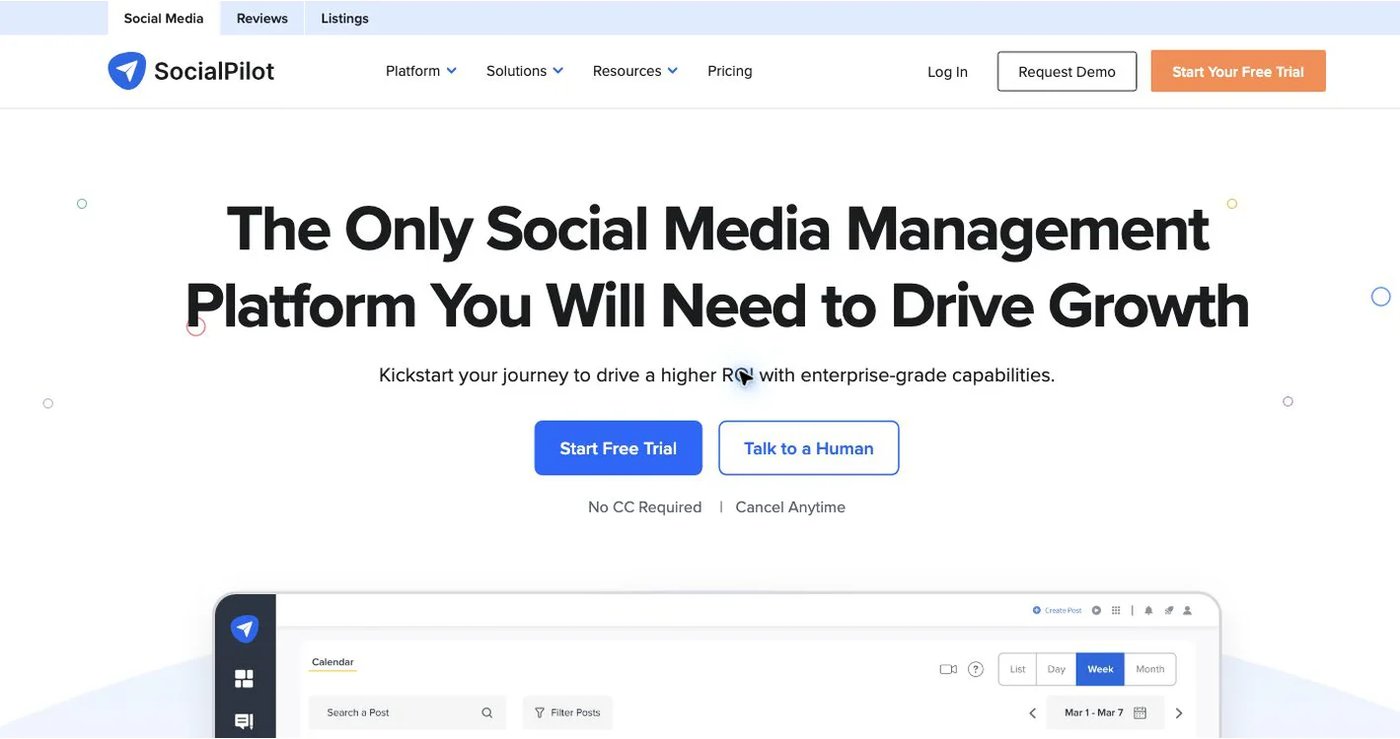
SocialPilot’s pricing, month to month (annual billing in brackets):
- Essentials: $20 ($17), 5 accounts, one user.
- Standard: $40 ($34), 10 accounts, three users; adds bulk scheduling, inbox, analytics, collaboration.
- Premium: $100 ($85), 20 accounts, six users; adds client approvals, client seats, white-label reports.
- Ultimate: $200 ($170), 40 accounts, unlimited users; adds advanced white label and an account manager.
Client approvals start on Premium at $100/month. The API is on custom Enterprise only. SocialPilot’s MCP server is on all four public plans for accounts, drafts, posts, and queue status.
Choose it when white-label client reporting is the deciding feature.
3. Buffer: best for a straightforward queue
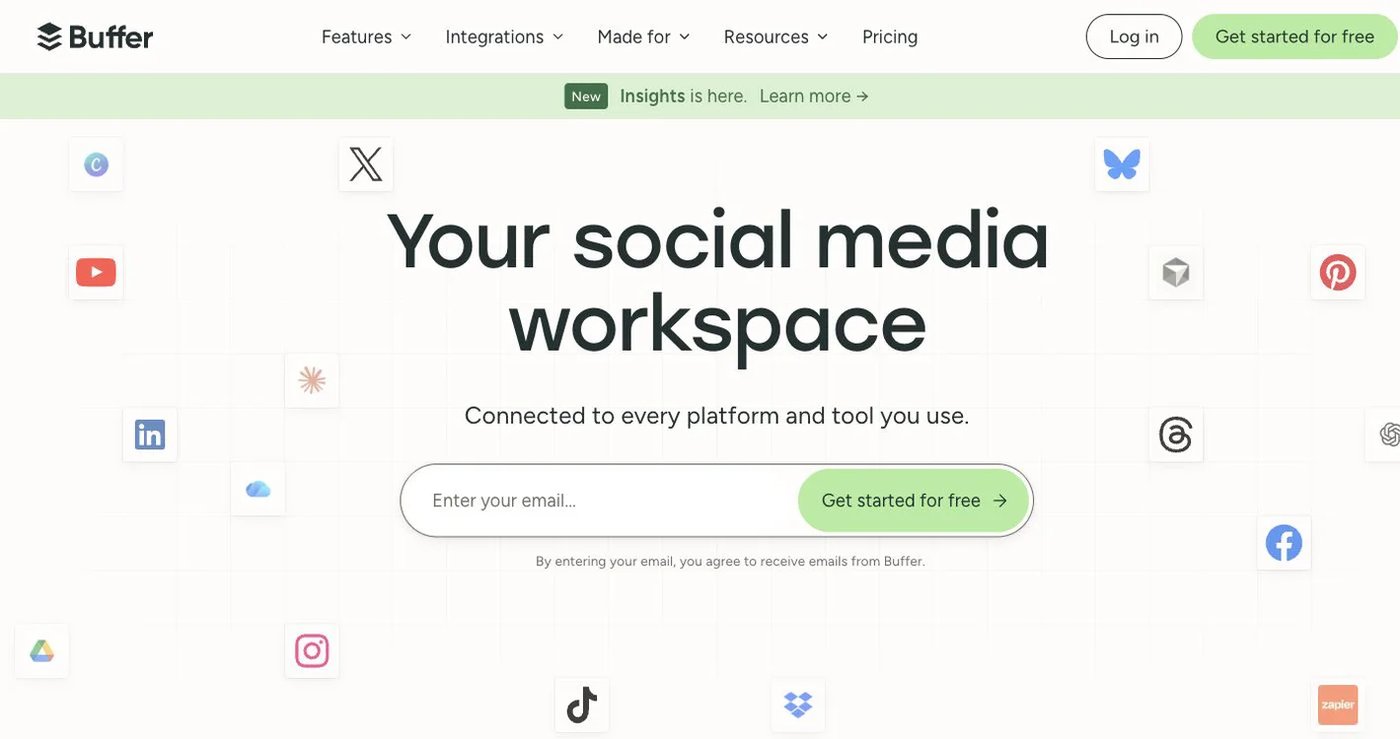
Buffer charges per connected channel.
- Free: three channels, one user, 10 scheduled posts per channel.
- Essentials: $6/channel monthly for the first 10 channels, or $5 billed annually.
- Team: $12/channel monthly or $10 billed annually; unlimited users and approvals.
Volume discounts apply after 10 channels. Approvals sit on Team, not Essentials. Ten channels on Essentials cost $60/month on monthly billing. Buffer includes API access on every plan with published limits (API page), plus analytics and a community inbox. Price your channel count on Buffer’s pricing page.
Choose it when a clean queue and per-channel billing fit better than bundled agency tiers.
4. Metricool: best for analytics and reporting
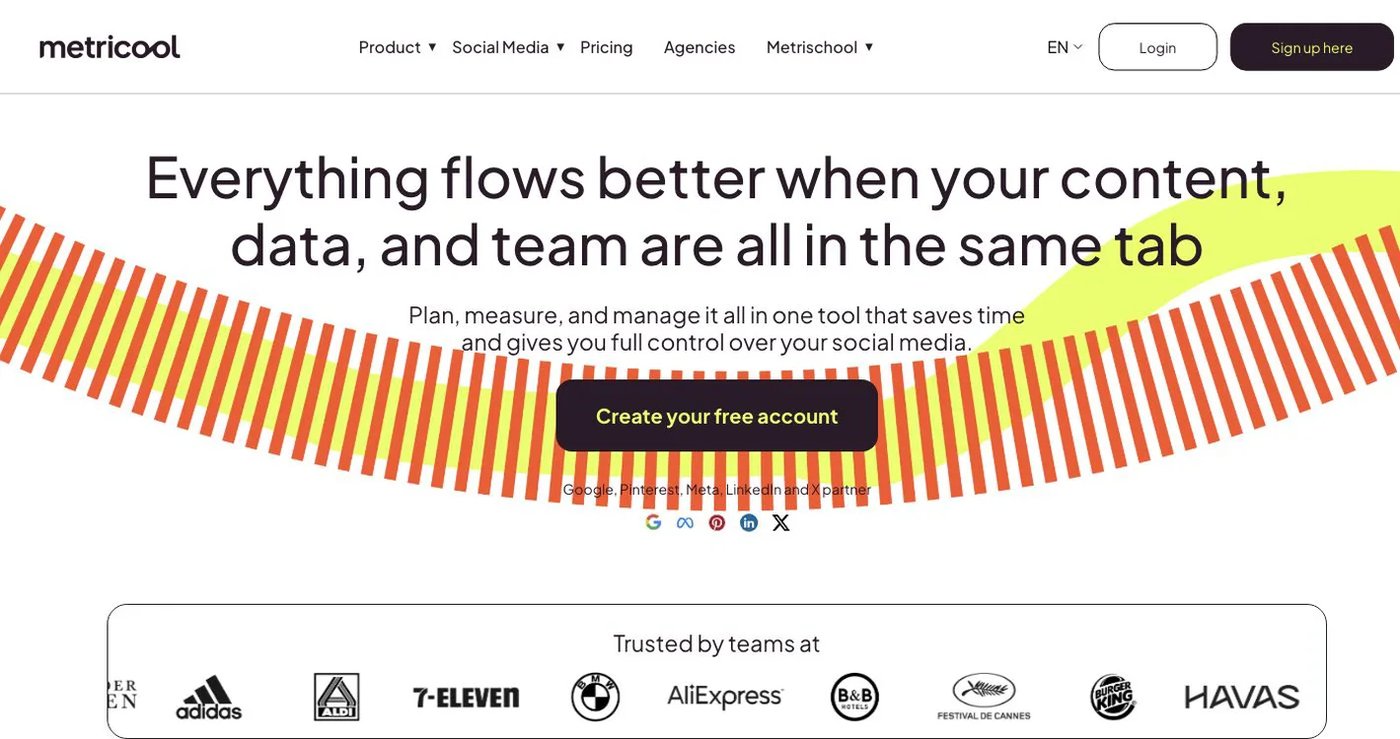
Metricool pairs scheduling with analytics, competitor tracking, ad dashboards, reports, and an inbox. Free covers one brand and 20 scheduled posts per month but excludes LinkedIn and X.
- Starter: $25 monthly or $20/month billed annually; five brands, unlimited scheduling, downloadable reports.
- Advanced: $67 monthly or $53/month billed annually; 15 brands, client and team roles, approvals, custom reports, Looker Studio, API, Zapier, Make.
Metricool’s MCP is available on every plan, including Free. The API is only on Advanced and Custom. X and some advanced analytics can need add-ons.
Choose it when analysis and client reporting matter more than AI content creation.
5. SocialBee: best for evergreen content libraries

SocialBee’s category queues, content sources, RSS imports, variations, expiration rules, and recycling suit teams that reuse posts. Bootstrap costs $29/month for five accounts, Accelerate $49 for 10, and Pro $99 for 25. Annual plans cost 10 months of the monthly price. Bootstrap’s five accounts cost less than a third of PostPlanify Growth.
SocialBee’s help center confirms it has no public API. It connects to Zapier and Make instead.
Choose it when category-based evergreen automation matters more than an inbox or API.
6. Postiz: best for broad channels and open-source deployment

Postiz offers a managed cloud service and an open-source self-hosted edition. Postiz cloud plans are $29/month for five channels, $39 for 10, $49 for 30, and $99 for 100. Plans include API, webhooks, repeated posts, RSS automation, analytics, and the Smart Agent. Postiz also supports many non-social destinations, such as communities and chat tools.
The API accepts an account API key, with OAuth2 for developers building apps for other users. Self-hosting means your team owns servers, backups, upgrades, security, and provider app approvals.
Choose it when the wider channel list or self-hosting outweighs managed convenience.
7. Mixpost: best for a commercial self-hosted workspace
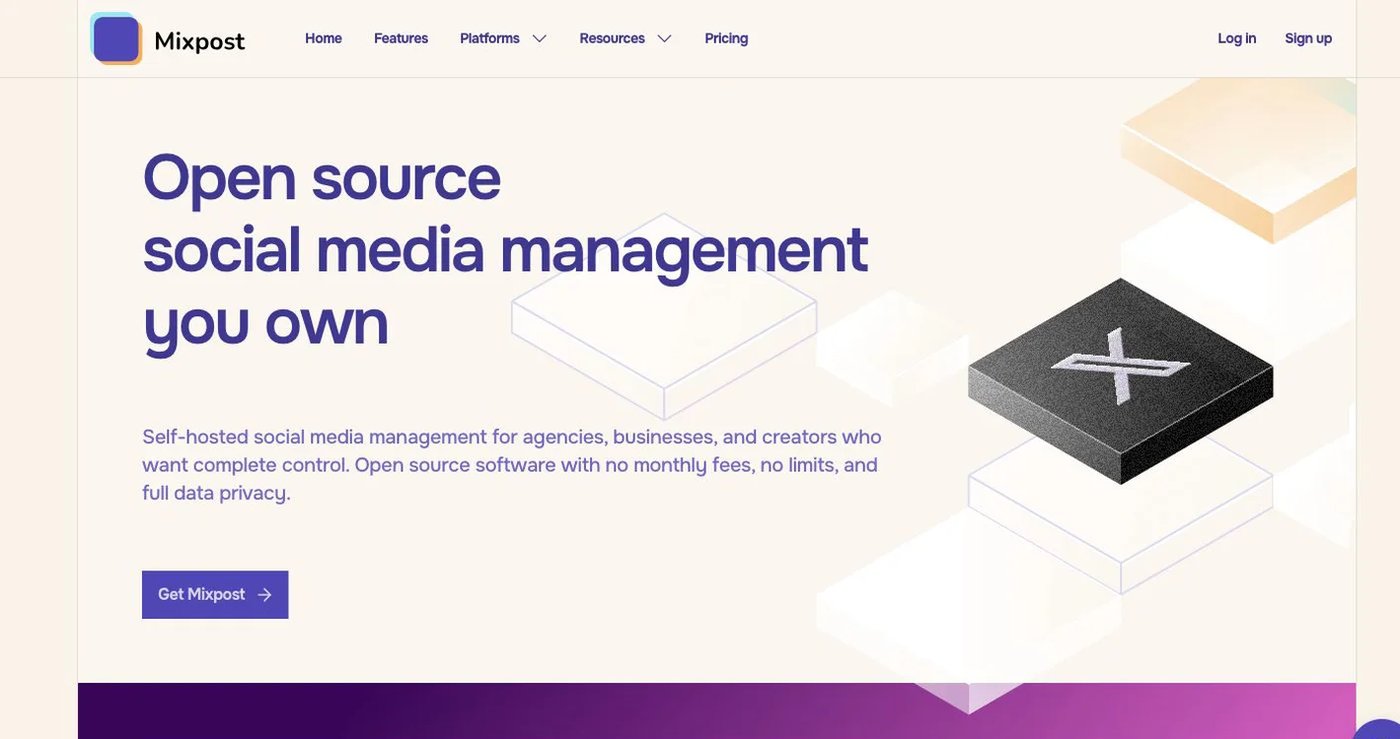
- Lite: free; publishes to Facebook Pages, X, and Mastodon.
- Pro: $299 once for one domain; adds major networks, unlimited accounts and members, multi-tenant workspaces, approvals, engagement, advanced analytics, API, MCP, and webhooks.
The license includes one year of updates and keeps working after that. Hosting, monitoring, backups, upgrades, and provider app maintenance stay with you. It suits agencies with in-house engineers more than solo marketers.
Choose it when self-hosting is a firm requirement and a one-time license beats a subscription.
How do you choose a PostPlanify alternative?
- Count accounts, workspaces, users, and external reviewers separately.
- Confirm the networks, account types, and formats you publish.
- Test one draft, revision, approval, scheduled post, and reply.
- Check that the REST API or MCP exposes the actions you need.
- Price the real bundle, including extra channels, seats, and add-ons.
- Keep PostPlanify active until the new tool publishes a test batch.
Which PostPlanify alternative should you choose?
Postqued is the best choice for most teams: approvals, unlimited posts on 10 platforms, and API plus MCP access from $9/month instead of a $99 bundle. Pick SocialPilot for white-label client reports, Buffer for a simple queue, Metricool for analytics, SocialBee for evergreen content, and Postiz or Mixpost for self-hosting.
Primary sources
- PostPlanify pricing, plan guide, MCP overview, and MCP setup and authentication
- SocialPilot pricing and MCP guide
- Buffer pricing and API
- Metricool pricing and plan/API guide
- SocialBee pricing and API policy
- Postiz pricing and API authentication
- Mixpost pricing and license boundaries
Replace a $99 bundle with Postqued Creator at $29/month, starting with a 7-day free trial: See Postqued pricing.