7 Best PostFlow Alternatives in 2026
Postqued is the best PostFlow alternative for most teams: unlimited posts on all 10 platforms, revision-aware approvals, and REST API plus MCP access from $9/month with a 7-day free trial. Your team, your scripts, and your AI agents all work on the same calendar, and the approved version is the one that publishes. Every plan also includes the Engagement Inbox for comments and replies.
PostFlow still wins when its two-way ClickUp integration or public guest-review links drive your workflow.
What are the best PostFlow alternatives?
| Product | Starting price | Best for | Main limit |
|---|---|---|---|
| Postqued | $9/month | Publishing, approvals, REST API and MCP | Analytics on 5 networks, inbox on 6 |
| Buffer | Free; Essentials $6/channel monthly | A simple queue with an API | Cost grows with channel count |
| SocialPilot | $20/month | Agency publishing and reporting | API on Enterprise only |
| SocialBee | $29/month | Evergreen categories and recycling | No public API |
| Postiz | $29/month | Broad network support and self-hosting | Self-hosting means running servers |
| Nuelink | $18/month | Source-driven automation | Approvals marked coming soon |
| Hootsuite | From $99/user/month billed annually | Listening, DMs, governance | Per-user pricing |
How much does PostFlow cost?
PostFlow’s pricing page lists:
- Solo: $12/month, 8 accounts, one group, one user.
- Brand: $27/month, 24 accounts, unlimited groups and users.
- Business: $57/month, 50 accounts.
- Agency: $97/month, 100 accounts.
- Trial: seven days; no permanent free plan.
PostFlow supports optional, required, multi-person, and multi-stage approvals, plus public links for reviewers without an account. Its ClickUp integration creates posts from tasks, syncs changes both ways, and writes metrics back to custom fields. A public API with bearer tokens covers publishing, scheduling, calendars, and analytics. PostFlow does not list an MCP server. PostFlow gives more accounts per dollar at the entry tier; Postqued adds MCP and an inbox.
1. Postqued: best for shared publishing and agent workflows

Postqued is built for teams where people and AI agents both create content. The dashboard, REST API, and 62-tool MCP server work on the same workspace, so an agent can draft a post and a person can approve it before it goes live.
Teammates can comment and suggest caption changes. Approvals are revision-aware, so the approved version is what publishes, and you can invite external reviewers by email. The Publish API supports dryRun validation, an Idempotency-Key header for real publishes, and dispatchAt scheduling.
Postqued publishes to TikTok, Instagram, YouTube Shorts, Facebook, LinkedIn, Pinterest, Threads, Bluesky, Mastodon, and X. The Engagement Inbox handles comments and replies on Facebook, Instagram, Threads, X, LinkedIn, and Mastodon. Analytics cover TikTok, Facebook, Instagram, Threads, and YouTube. Formats include Instagram Stories and Reels, TikTok photo posts up to 35 images, send-to-TikTok-drafts, Threads posts with up to 20 media items, and first comments on six networks.
PostFlow Solo gives 8 accounts for $12 but no MCP or inbox; Postqued Solo is $9 for 5 accounts with both, and Creator covers 20 for $29. Pro is $49 for 30 with unlimited workspaces and seats, and Agency $199 for unlimited accounts. On Pro and Agency, team seats are unlimited, so adding reviewers does not raise the bill. Every plan includes unlimited posts and a 7-day free trial. Postqued has no DMs, listening, or ClickUp sync.
See Postqued pricing or compare Postqued vs PostFlow.
2. Buffer: best for a straightforward queue
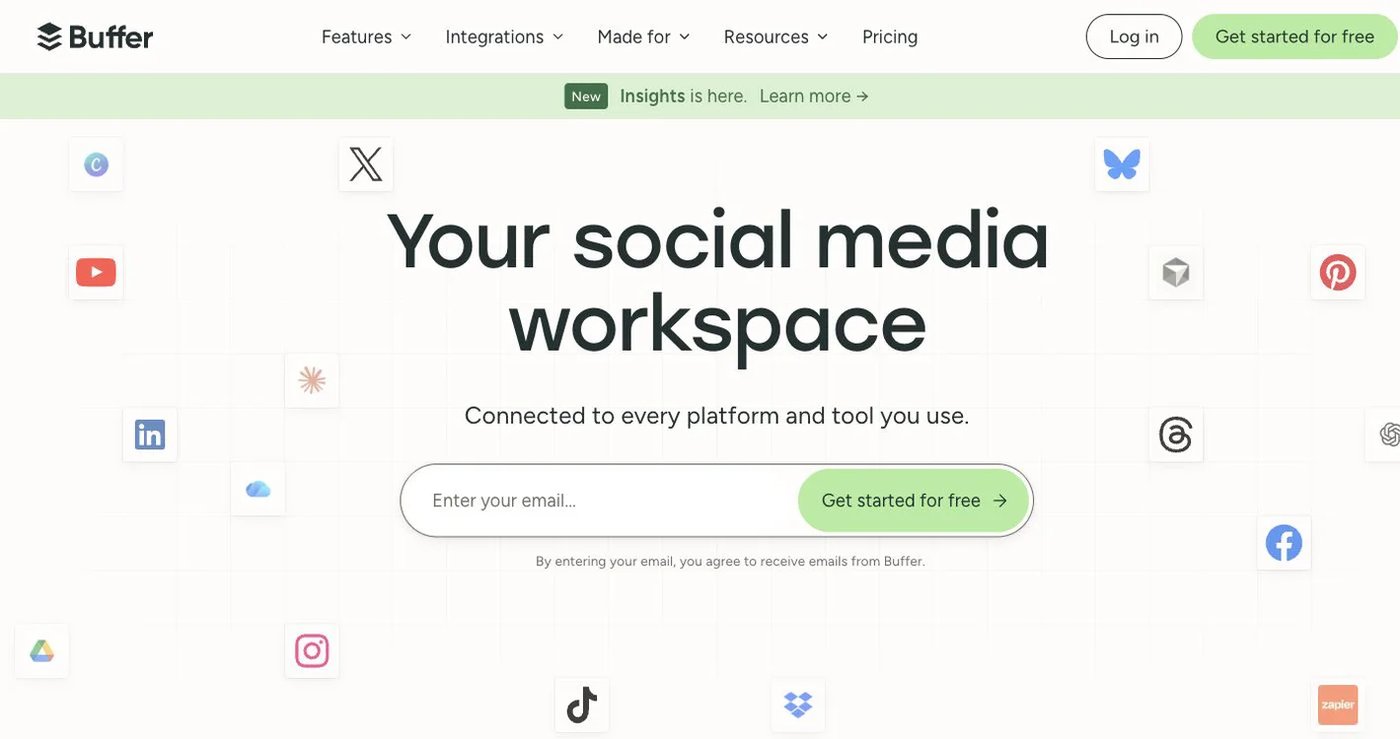
Buffer charges per connected channel.
- Free: three channels, one user, 10 scheduled posts per channel.
- Essentials: $6/channel monthly for the first 10 channels, or $5 billed annually.
- Team: $12/channel monthly or $10 billed annually; unlimited users and approvals.
Buffer includes API access on every plan with plan-specific limits (API page). It also offers analytics and a community inbox, with capabilities varying by network. Ten channels on Essentials cost $60/month on monthly billing, versus $27 for 24 accounts on PostFlow Brand. Approvals sit on Team, not Essentials.
Choose it when a familiar queue and per-channel billing fit better than bundled account tiers.
3. SocialPilot: best for established agency operations
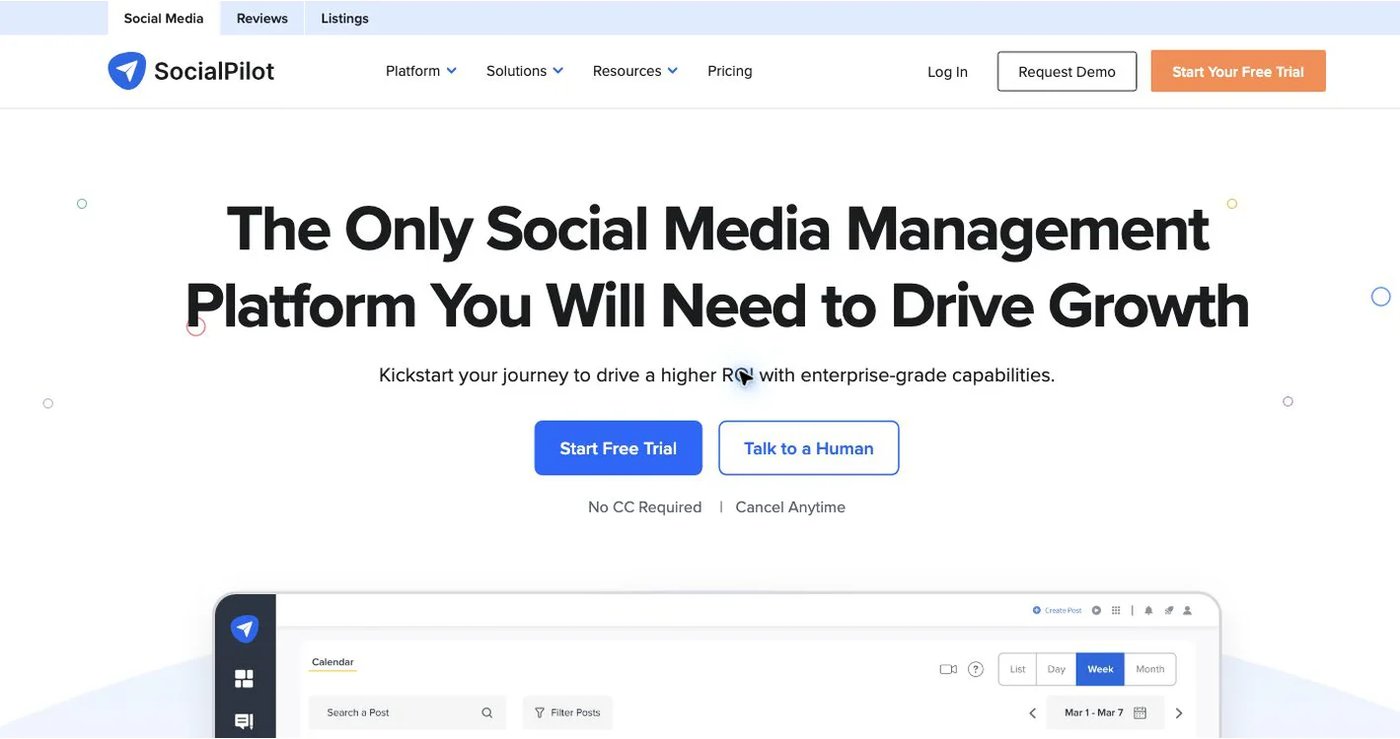
SocialPilot bundles publishing, bulk scheduling, analytics, an inbox, client approvals, and white-label reporting.
SocialPilot’s pricing, month to month:
- Essentials: $20/month, 5 accounts, one user.
- Standard: $40/month, 10 accounts, three users; adds inbox and bulk scheduling.
- Premium: $100/month, 20 accounts, six users; adds client approvals and white-label reports.
- Ultimate: $200/month, 40 accounts, unlimited users.
Annual rates are 15% lower. Client approvals start on Premium at $100/month, so smaller agencies pay more for review than on PostFlow. The API is on custom Enterprise only. Its MCP integration is on the four public plans.
Choose it when white-label client reports matter more than API access.
4. SocialBee: best for evergreen content categories

SocialBee sorts posts into categories, fills a schedule from them, and can recycle evergreen content. Bootstrap is $29/month for five accounts, Accelerate $49 for 10, and Pro $99 for 25. Annual billing costs 10 months of the monthly price. Bootstrap’s five profiles cost more than PostFlow Solo’s eight accounts.
Its RSS imports can keep a blog feed flowing into categories. Content sources, RSS imports, variations, and expiration rules solve a different problem from PostFlow’s ClickUp workflow. SocialBee’s help center confirms it has no public API.
Choose it when reusing an evergreen library matters more than custom integration.
5. Postiz: best for broad coverage and self-hosting

Postiz offers cloud hosting and an open-source self-hosted option. Postiz cloud plans run $29/month for five channels, $39 for 10, $49 for 30, and $99 for 100. Plans include a public API, webhooks, repeated posts, RSS automation, analytics, and its Smart Agent. Postiz also supports many non-social destinations, such as communities and chat tools.
The API uses an account API key, with OAuth2 for developers building apps for other Postiz users. Self-hosting removes the subscription, not the server maintenance, backups, upgrades, or provider app approvals.
Choose it when open-source control outweighs the operational work.
6. Nuelink: best for source-driven automation

Nuelink feeds content from blogs, ecommerce stores, podcasts, YouTube, and RSS into a publishing queue. Sources refresh automatically, so the queue fills without manual uploads. Standard costs $18 month to month for 10 channels, one brand, one member, 10 automations, 365 queued posts, and API and MCP access. Premium costs $48/month for 30 channels, three brands, three members, and unlimited queued posts.
Nuelink’s plan table still labels approval workflows as coming soon.
Choose it for automated content sourcing, not when formal approvals are required.
7. Hootsuite: best for listening and governed social care
Hootsuite combines publishing with DMs, a unified inbox, listening, sentiment analysis, competitor benchmarks, analytics, ads, and enterprise governance. Hootsuite’s plans start at $99/user/month billed annually for Standard, $199 for Professional, and $399 for Advanced. Enterprise is custom, and pricing varies by region and add-ons.
It is a much larger product than PostFlow, and listening and ads tools are where it earns its price. A three-person team on Standard starts near $297/month billed annually. Per-user pricing adds up fast for teams that only need scheduling and approvals.
Choose it when listening, private messages, and customer care justify the cost.
How do you choose a PostFlow alternative?
- List the accounts, account types, and formats you publish today.
- Recreate one internal approval, one external approval, and one edited revision.
- Test the exact API or MCP action you need on a non-production account.
- Check roles, workspace access, and token revocation.
- Export analytics and approval records you must keep.
- Keep PostFlow active until the new tool publishes a test batch.
Which PostFlow alternative should you choose?
Postqued is the best choice for most teams: approvals, unlimited posts on 10 platforms, and API plus MCP access in one workspace from $9/month. Pick Buffer for a simple queue, SocialPilot for agency reporting, SocialBee or Nuelink for reusable content, Postiz for self-hosting, and Hootsuite for listening.
Primary sources
- PostFlow pricing, API documentation, approval workflow, and ClickUp integration
- Buffer pricing and API
- SocialPilot pricing and MCP guide
- SocialBee pricing and API policy
- Postiz pricing and API authentication
- Nuelink pricing and MCP documentation
- Hootsuite plans
Add MCP and an inbox with Postqued Creator at $29/month, starting with a 7-day free trial: See Postqued pricing.