7 Best Postcron Alternatives in 2026
Postqued is the best Postcron alternative for most teams: unlimited posts on all 10 platforms, revision-aware approvals, and REST API plus MCP access from $9/month with a 7-day free trial. You also get clear, published pricing and current documentation, which makes planning a migration simple.
Postcron’s site and sign-in still work, but its English pricing page shows no plan details. Confirm signup and checkout terms directly if you plan to stay.
What are the best Postcron alternatives?
| Product | Starting price | Best for | Main limit |
|---|---|---|---|
| Postqued | $9/month | Publishing, approvals, API and MCP | No evergreen recycling |
| OneUp | $25 monthly; $15/month billed annually | Repeating posts, RSS, bulk scheduling | Starter has a 300-post queue limit |
| RecurPost | $9/month | Evergreen content libraries | Starter covers two accounts |
| Sendible | $35/month | Client workspaces and reports | White-label on higher tiers |
| Loomly | $65 monthly; $49/month billed annually | Calendar-led approvals | No public posting API advertised |
| Nuelink | $18/month | RSS and store automations | Standard has one brand and one user |
| Vista Social | $99/month | Inbox, listening, and reviews | Automation starts on Advanced |
How much does Postcron cost?
Postcron’s Spanish pricing page lists Facebook, Instagram, TikTok, LinkedIn, Pinterest, and X. Threads, YouTube, Bluesky, and Mastodon are not on the list. It shows:
- Free tier: available.
- Personal: $12/month billed annually.
- Entrepreneur: $24/month billed annually.
- Corporate: $58/month billed annually.
- Enterprise: $166/month billed annually.
- Trial: seven days of premium features.
Bulk uploads, watermarks, video, post history, team members, insights, and moderation vary by plan. A Postcron support article confirms monthly or annual renewal and the seven-day trial. Postcron does not publish an API or approval workflow.
1. Postqued: best for approvals and developer automation

Postqued gives you one workspace to plan, review, approve, and publish. It covers TikTok, Instagram, YouTube Shorts, Facebook, LinkedIn, Pinterest, Threads, Bluesky, Mastodon, and X, which is four more networks than Postcron lists.
Approvals are revision-aware, so the approved version is what publishes. You can invite external reviewers by email. The Engagement Inbox handles comments and replies on Facebook, Instagram, Threads, X, LinkedIn, and Mastodon. Analytics cover TikTok, Facebook, Instagram, Threads, and YouTube.
Formats include Instagram Stories and Reels, TikTok photo posts up to 35 images, X posts with up to 4 images or a GIF, Threads posts with up to 20 media items, send-to-TikTok-drafts, and first comments on six networks. Developers get a REST API with dryRun validation and dispatchAt scheduling, plus a 62-tool MCP server.
Postcron Corporate lists at $58/month billed annually; Postqued Creator covers 20 accounts on 10 networks for $29. Solo is $9 for 5 accounts, Pro $49 for 30 with unlimited workspaces and seats, and Agency $199 for unlimited accounts. On Pro and Agency, team seats are unlimited, so adding reviewers does not raise the bill. Every plan includes unlimited posts and a 7-day free trial. Postqued has no DMs, listening, or evergreen recycling.
See Postqued pricing or compare Postqued vs Postcron.
2. OneUp: best for repeating individual posts
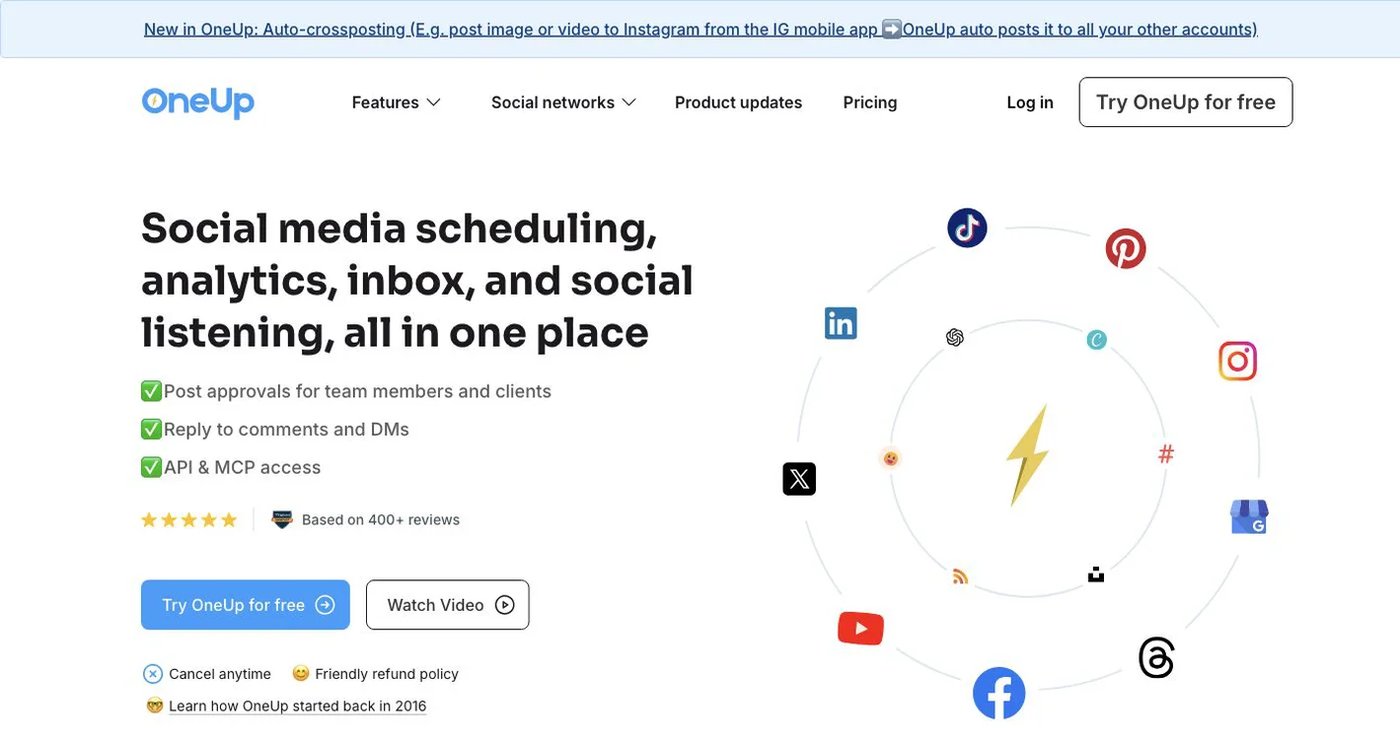
OneUp is the closest match for people who used Postcron to repeat content. It supports recurring posts, RSS feeds, CSV bulk scheduling, image and video bulk tools, cross-posting workflows, an inbox, and social listening.
- Starter: $25 monthly or $15/month billed annually; five accounts, 300 scheduled posts, one workflow, API/MCP scheduling.
- Intermediate: $60 monthly or $48/month billed annually; 15 accounts, unlimited scheduled posts, three workflows, two extra team members, video bulk upload, API/MCP comment replies.
The Starter queue cap is the main limit for high-volume posters.
Choose it when repeating a post at a fixed interval is non-negotiable.
3. RecurPost: best for evergreen content libraries
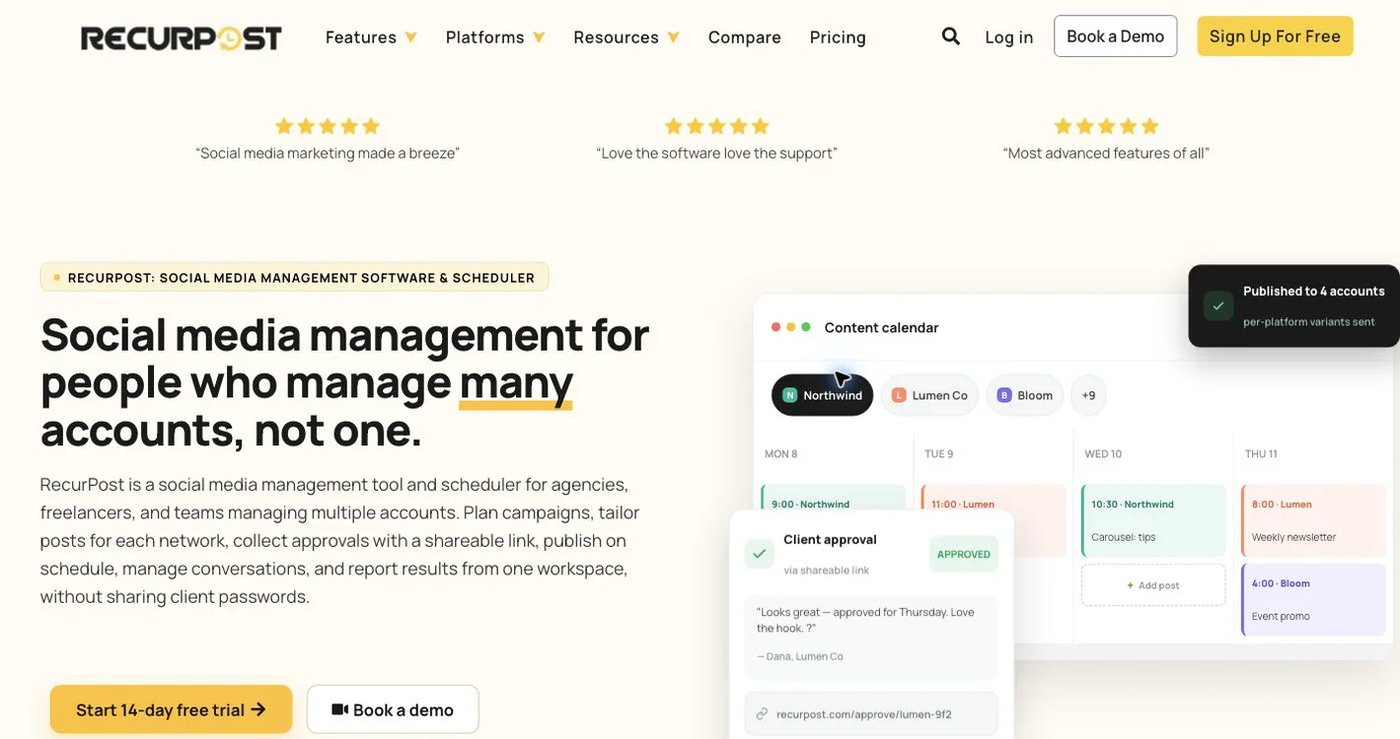
RecurPost organizes reusable posts into libraries and republishes them on a schedule. Its pricing page lists Starter at $9/month for two accounts, Personal at $25 for five, and Agency at $79 for 20. Starter’s two-account limit means most teams start on Personal.
You add evergreen content once, assign it to a schedule, and eligible items return to the queue. CSV bulk scheduling is also supported. That is closer to Postcron’s repeat-content use than a calendar that publishes each item once.
Test video, carousels, and first comments on a non-critical account before importing a large library.
Choose it when an evergreen library is the deciding feature.
4. Sendible: best for client workspaces and reporting

Sendible is built for agencies that organize publishing, approvals, inbox work, and reports by client.
- Core: $35/month, or $31/month billed annually; one workspace, six profiles, unlimited users.
- Plus: $99/month ($86 billed annually).
- Premium: $199/month ($170 billed annually).
- Elite: $299/month ($255 billed annually).
- Enterprise: $750/month ($638 billed annually).
Unlimited users on Core make it cheap to add reviewers. Core includes a single workspace, so agencies with several clients should price Plus or higher. White-label options sit on larger plans. Sendible does not advertise a general public posting API on its pricing page.
Choose it when separating client calendars, conversations, and reports is the main reason to switch.
5. Loomly: best for calendar-led approvals

Loomly combines a visual calendar, post creation, approval workflows, roles, previews, an inbox, and analytics. Starter is $65 monthly or $49/month billed annually for 12 accounts and three users. Beyond raises capacity to 60 accounts and unlimited users. Enterprise is custom.
Loomly suits stakeholders who review content in a calendar and move it through set approval stages. It does not recycle posts, and its pricing does not advertise a developer posting API.
Compare approval states and account limits in Loomly’s plans.
Choose it when a visual review process matters more than automation.
6. Nuelink: best for RSS and ecommerce automations

Nuelink pulls content from RSS feeds and supported ecommerce or content sources into automated social queues.
- Standard: $18/month; 10 channels, one brand, one member, 10 automations, 365 queued posts.
- Premium: $48/month; 30 channels, three brands, three members, 30 automations, unlimited queued posts.
Nuelink fits teams that want source-driven content more than human review. Standard’s 365 queued-post cap fills quickly for daily posters on several networks. Check source integrations, refresh timing, and format mapping on Nuelink’s pricing page before moving a live feed.
Choose it when RSS or store feeds should fill your queue automatically.
7. Vista Social: best for inbox, listening, and reviews

Vista Social pairs publishing with a broad engagement suite. Professional starts at $99/month ($950/year) for 15 profiles and two users, with inbox, reporting, review management, and listening. Higher plans add profiles, users, workflow controls, and integrations. Two users on Professional is tight for agencies with several reviewers.
MCP, Make, and Zapier sit on the Advanced plan, not the entry plan. Confirm automation limits on Vista Social’s pricing page.
Choose it when DMs, review sites, and listening are part of the buying decision.
How do you choose a Postcron alternative?
- List every network and post format you publish today.
- Decide whether you need recurring posts, approvals, or an API.
- Export the post history and analytics you want to keep.
- Connect a test account and publish each important format.
- Invite a real reviewer and run one approval end to end.
- Price your real account count on the plan you will buy.
Which Postcron alternative should you choose?
Postqued is the best choice for most teams: 10 platforms, unlimited posts, approvals, and API plus MCP access from $9/month. Pick OneUp or RecurPost for evergreen recycling, Sendible or Loomly for client and calendar approvals, Nuelink for RSS automation, and Vista Social for listening and reviews. Postcron users who relied on bulk uploads can load a batch of posts through the Postqued API in one script.
Primary sources
- Postcron pricing page and subscription support article
- Postqued pricing, platform directory, API documentation, and MCP page
- OneUp pricing
- RecurPost pricing
- Sendible pricing
- Loomly pricing
- Nuelink pricing
- Vista Social pricing
Trade unclear pricing for Postqued Solo at $9/month, starting with a 7-day free trial: See Postqued pricing.