7 Best Post Planner Alternatives in 2026
Postqued is the best Post Planner alternative for most teams: unlimited posts on all 10 platforms, revision-aware approvals, and REST API plus MCP access from $9/month with a 7-day free trial. Post Planner’s Starter caps you at 150 queued posts; Postqued has no post cap on any plan.
Post Planner still wins when its content discovery feed, topic buckets, and automatic recycling are the heart of your workflow.
What are the best Post Planner alternatives?
| Product | Best for | Starting price | Main limit |
|---|---|---|---|
| Postqued | Publishing, approvals, API and MCP | $9/month | No content discovery or recycling |
| SocialBee | Category queues and evergreen content | $29/month | No public API |
| Publer | Bulk, recurring, and recycled posts | Free; paid scales by accounts | API needs Business or Enterprise |
| OneUp | Repeating posts and RSS automation | $25/month | Starter allows 300 scheduled posts |
| RecurPost | Evergreen content libraries | $9/month | Starter covers two accounts |
| Buffer | A clean queue for a few channels | Free; paid per channel | No discovery library |
| Metricool | Analytics, competitor tracking, reports | Free; Starter from $25/month | API starts on Advanced |
How much does Post Planner cost?
Post Planner combines publishing with content discovery, post ideas, topic buckets, bulk scheduling, and recycling. Its pricing page lists:
- Free: one account, one user, 15 future scheduled posts, three daily posts per account.
- Starter: $14 monthly or $9/month billed annually; three accounts, 150 future scheduled posts.
- Growth: $59 monthly or $39/month billed annually; 15 accounts, two users, 1,500 future scheduled posts.
- Business: $99 monthly or $69/month billed annually; 25 accounts, five users, 5,000 future scheduled posts.
- Enterprise: custom pricing for 100 accounts, 15 users, and 20,000 future scheduled posts.
All plans include recycling, bulk upload, buckets, carousels, Reels and Stories, and a calendar. Growth and higher add premium curation and analytics. The trial lasts seven days, then unpaid accounts move to Free. Post Planner does not advertise a public publishing API.
1. Postqued: best for unlimited publishing and automation

Postqued fits teams that hit Post Planner’s queue caps or need approvals and an API. Every plan includes unlimited posts on TikTok, Instagram, YouTube Shorts, Facebook, LinkedIn, Pinterest, Threads, Bluesky, Mastodon, and X.
Teammates can comment and suggest caption changes. Approvals are revision-aware, so the approved version is what publishes, and you can invite external reviewers by email. Developers and AI agents get a REST API with dryRun validation and dispatchAt scheduling, plus a 62-tool MCP server.
The Engagement Inbox handles comments and replies on Facebook, Instagram, Threads, X, LinkedIn, and Mastodon. Analytics cover TikTok, Facebook, Instagram, Threads, and YouTube. Formats include Instagram Stories and Reels, TikTok photo posts up to 35 images, and first comments on six networks.
Post Planner Growth costs $59/month for 15 accounts and 1,500 queued posts; Postqued Creator covers 20 accounts with no cap for $29. Solo is $9 for 5 accounts, Pro $49 for 30 with unlimited seats, and Agency $199 for unlimited accounts. A three-account Post Planner Starter user gets more accounts and no queue cap on Solo for $9. Every plan includes a 7-day free trial. Postqued has no discovery feed or evergreen recycling.
See Postqued pricing or compare Postqued vs Post Planner.
2. SocialBee: best for category-based evergreen queues

SocialBee is the closest match to Post Planner’s buckets and recycling. It sorts posts into categories, imports RSS sources, creates per-network variations, and can recycle or expire content on a posting schedule.
SocialBee’s pricing page lists:
- Bootstrap: $29/month, five profiles, one user, one workspace.
- Accelerate: $49/month, 10 profiles.
- Pro: $99/month, 25 profiles, three users per workspace, five workspaces.
Bootstrap costs more than Post Planner Starter but covers five profiles instead of three. Annual billing is lower, and extra profiles, users, or workspaces are add-ons. SocialBee’s help center confirms it has no public API.
Choose it when structured evergreen categories are the feature you cannot lose.
3. Publer: best for flexible bulk and recycled publishing
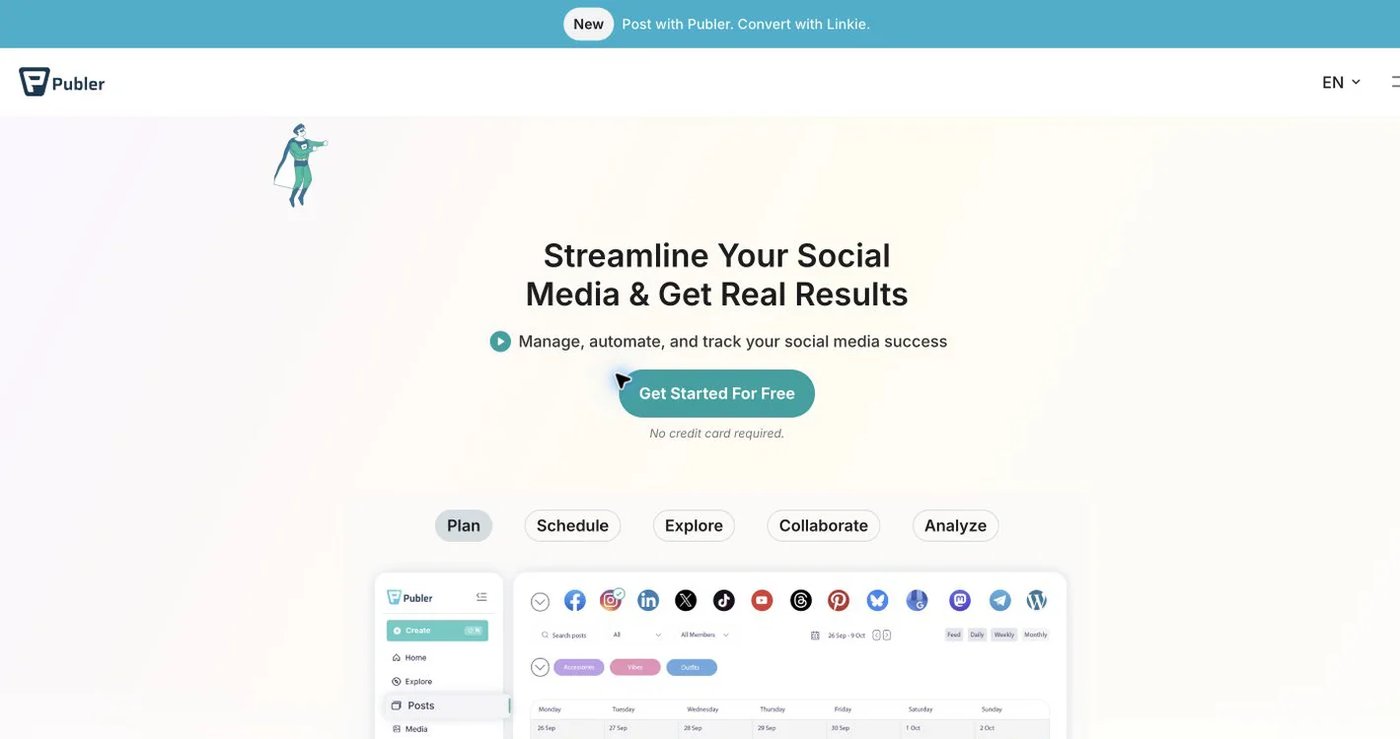
Publer supports bulk scheduling, recurring and recycled posts, RSS automation, workspaces, media tools, and AI-assisted writing. Free connects up to three accounts and holds 10 scheduled posts per account. Paid pricing scales with accounts and members, so use the live calculator.
Professional adds unlimited scheduling. Business adds analytics and team features. Recycling sits on Business, so price that tier if reuse is the reason you are switching. Publer’s API access guide limits the public API to Business and Enterprise customers. Its developer documentation covers publishing, media, analytics, and rate limits.
Choose it when bulk operations and recycling matter more than a discovery feed.
4. OneUp: best for repeating posts and RSS automation
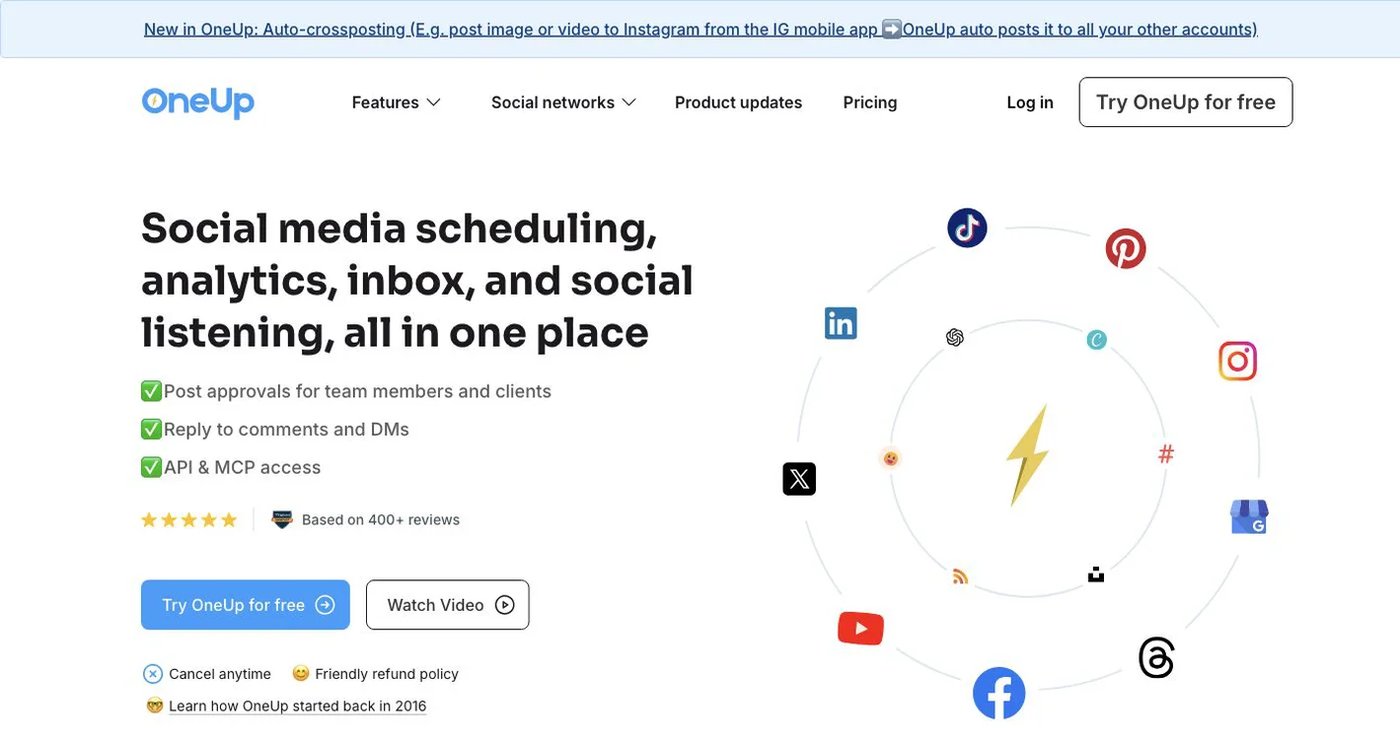
OneUp supports repeating posts, queue times, RSS feeds, bulk uploads, an inbox, listening, reports, client approval, API, and MCP.
OneUp’s pricing lists:
- Starter: $25 monthly or $15/month billed annually; five accounts, 300 scheduled posts, one workflow, API/MCP scheduling.
- Intermediate: $60 monthly or $48 billed annually; 15 accounts, unlimited posts, three workflows, two extra team members, API/MCP comment replies.
The 300-post Starter cap is the main limit for daily posters.
Choose it when RSS feeds and repeating posts justify the switch.
5. RecurPost: best for evergreen libraries
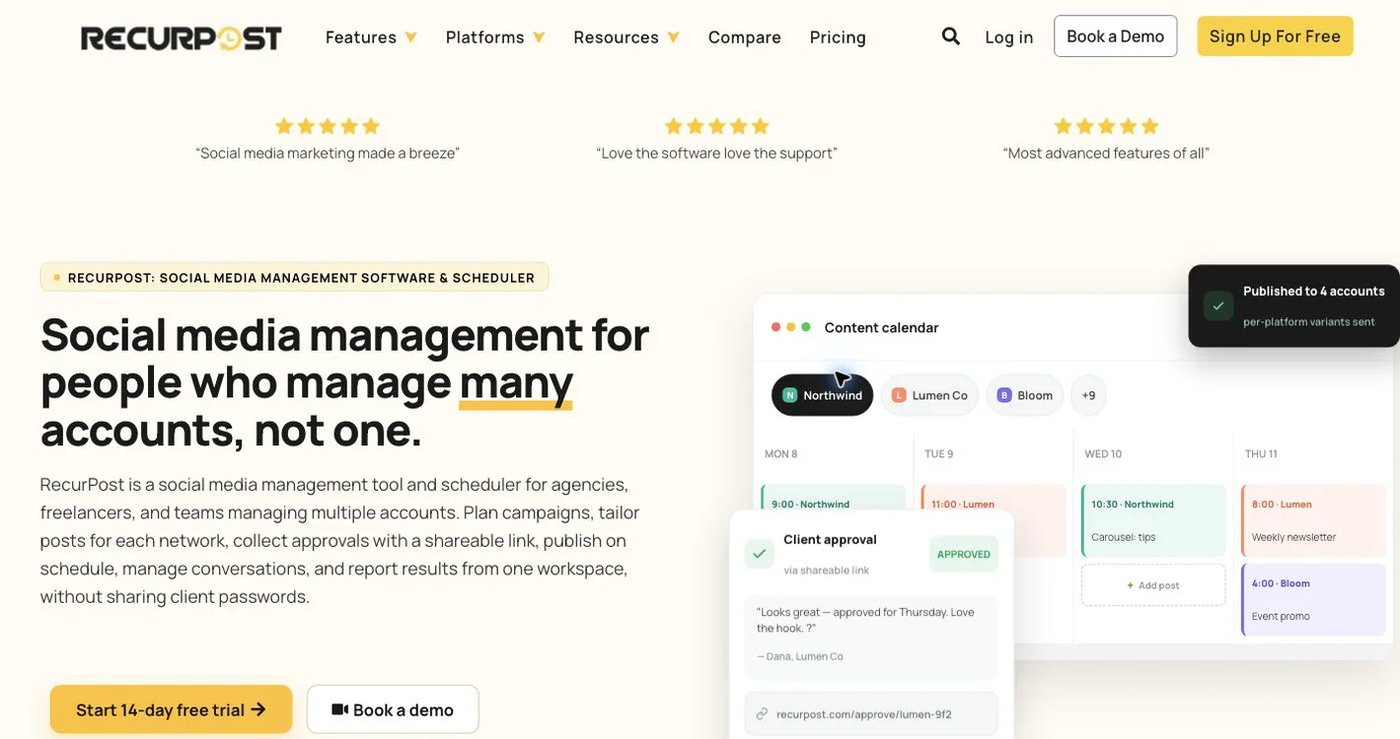
RecurPost is built around content libraries that publish on repeat. It also supports scheduling and bulk uploads, so it suits teams that use Post Planner mainly as an evergreen engine.
RecurPost’s pricing page lists Starter at $9/month for two accounts, Personal at $25 for five, and Agency at $79 for 20. Personal suits a single brand across five networks. Compare library, user, and format limits on the plan you need.
Scheduled posts and recycling rules will not transfer on their own. Rebuild and test one library before you cancel Post Planner.
Choose it when evergreen libraries are the deciding requirement.
6. Buffer: best for a straightforward editorial queue
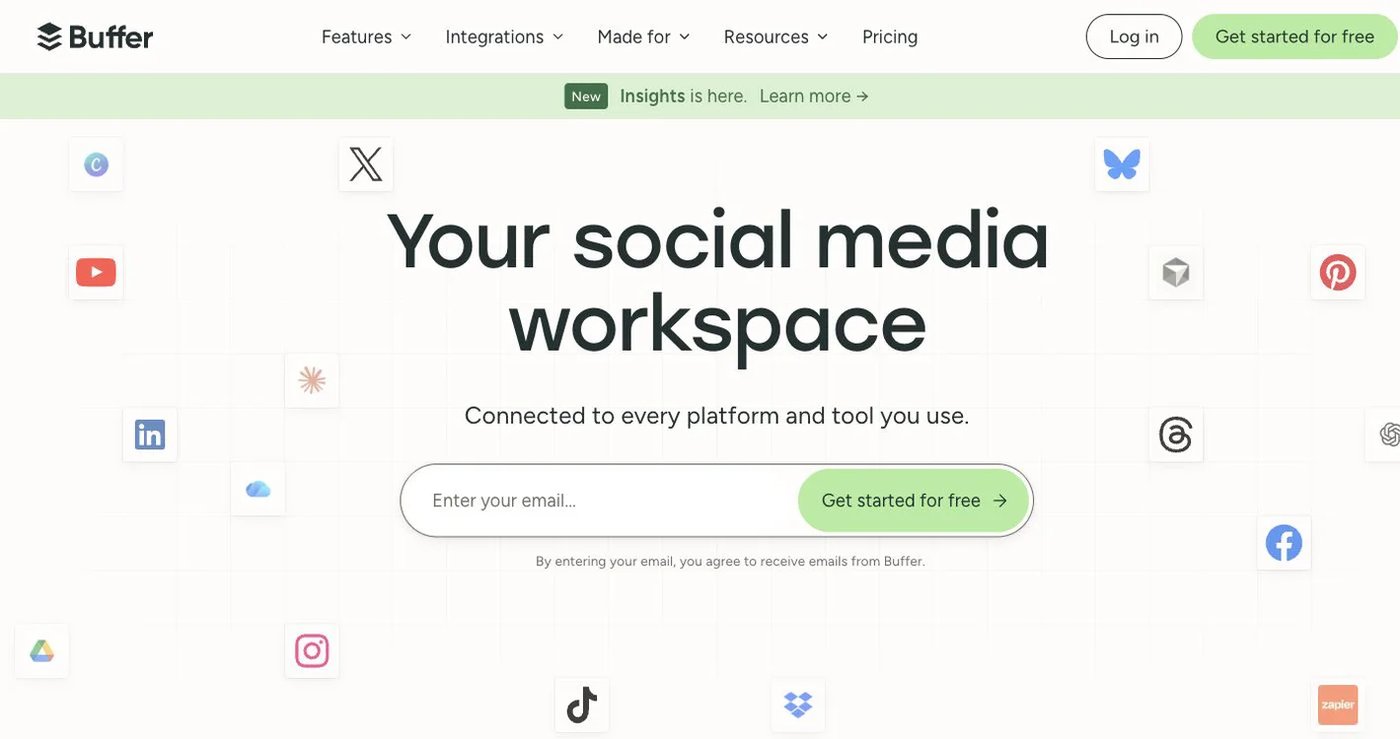
Buffer suits teams that already know what they want to publish.
- Free: three channels, one user, 10 scheduled posts per channel.
- Essentials: $6/channel monthly or $5 billed annually.
- Team: $12/channel monthly or $10 billed annually; unlimited users, access levels, and approvals.
Buffer has a public GraphQL API on every plan with plan-specific limits. Ten channels on Essentials cost $60/month on monthly billing. It has no content discovery or evergreen categories. Price your real channel count on Buffer’s pricing page.
Choose it when a clean queue and per-channel billing are enough.
7. Metricool: best for analytics and reporting
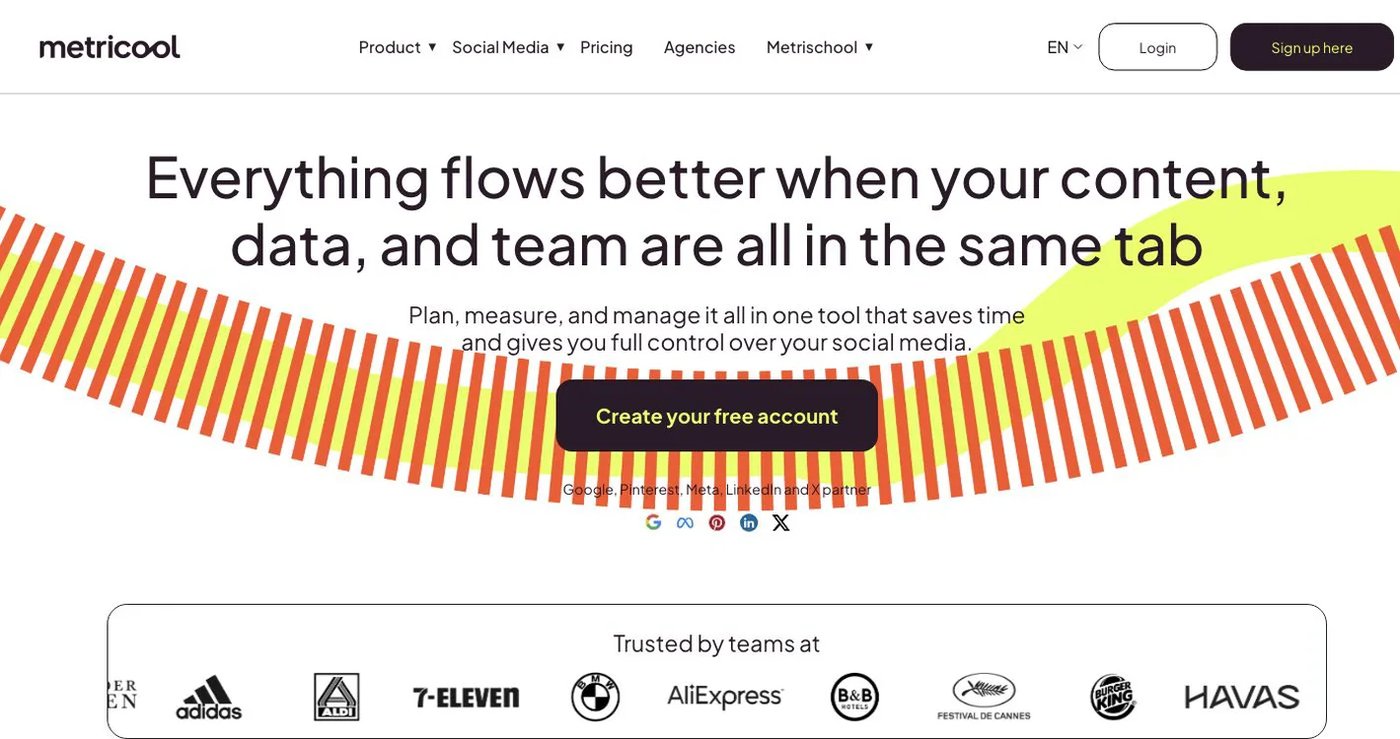
Metricool combines publishing with cross-network analytics, competitor tracking, ad dashboards, reports, and a link-in-bio tool. Free manages one brand, excludes LinkedIn and X, and limits scheduling to 20 posts per month.
Metricool’s pricing page lists Starter from $25/month for up to five brands with competitor analysis and report exports. Advanced starts at $67/month for 15 brands and adds team and client management, approvals, custom reports, Looker Studio, API, Zapier, and Make.
Metricool’s MCP is available on every plan, including Free. The API is only on Advanced and Custom.
Choose it when measurement and competitor data matter more than a discovery library.
How do you choose a Post Planner alternative?
- Export future posts, categories, sources, and evergreen rules.
- Decide whether you need content discovery, recycling, or neither.
- Check each network, post format, and queue limit you rely on.
- Recreate one category, one recurring post, and one approval flow.
- Confirm API or MCP access on the exact plan you will buy.
- Keep Post Planner active until the new queue publishes correctly.
Which Post Planner alternative should you choose?
Postqued is the best choice for most teams: unlimited posts on 10 platforms, approvals, and API plus MCP access from $9/month. Pick SocialBee, OneUp, or RecurPost to keep evergreen recycling, Publer for bulk scheduling, Buffer for a simple queue, and Metricool for analytics.
Primary sources
- Post Planner pricing, allowances, features, and trial
- Postqued pricing, About Postqued, and MCP setup
- SocialBee pricing and public API status
- Publer plans and pricing, API access, and API documentation
- OneUp pricing and features
- RecurPost pricing
- Buffer pricing and Buffer API
- Metricool pricing, plans, API, and MCP
Lift the queue cap on Postqued Solo at $9/month, starting with a 7-day free trial: See Postqued pricing.