9 Best Ocoya Alternatives in 2026

If you already create your images and copy elsewhere, Postqued is a simpler Ocoya alternative for planning, approvals, and publishing. Plans start at $9 a month for five accounts, with unlimited posts across 10 networks and API and MCP access on every plan.

Ocoya remains distinctive because it combines AI copywriting and image creation, design templates, ecommerce integrations, and scheduling. A product can be a better scheduler without replacing that creative stack. Comparing only entry prices hides that difference.

Ocoya alternatives at a glance

Product Current public starting point Best fit Creative and automation boundary
Postqued $9/month Shared publishing, approvals, API and MCP No Ocoya-style design or generative creative suite
Vista Social $79/month Full-suite inbox, listening and reviews API is a separately sold add-on
Tailwind Free; Pro $17.99/month billed annually Pinterest, Instagram and Facebook creative workflow Narrower network coverage; no TikTok
Agorapulse $79/user/month billed annually Inbox, moderation and reporting Custom plan for API/report integration
Buffer Free; Essentials $5/channel/month billed annually Simple queue and lightweight AI assistance Per-channel pricing; API limits vary by plan
Metricool Free; Starter $20/month billed annually Analytics, competitor tracking and reports API starts on Advanced, from $53/month billed annually
SocialBee $29/month or $24.20/month billed annually Evergreen categories and AI-assisted content No public API
Publer Free; Professional advertised from $5/month Flexible bulk scheduling and recycling Public API requires eligible Business or Enterprise
Pallyy Free; Starter $15/month Visual planning and Instagram-led workflow Pro is needed for AI captions, inbox and approvals

What Ocoya costs now

Ocoya’s pricing page lists four self-service monthly plans. Bronze costs $15 for one user, one workspace, five social profiles, and 100 credits. Silver costs $39 for five users, five workspaces, 20 profiles, and 500 credits. Gold costs $79 for 20 users, 20 workspaces, 50 profiles, and 1,500 credits. Diamond costs $159 for 50 users, unlimited workspaces, 150 profiles, and unlimited credits. Ocoya advertises a 20% annual-billing discount and a seven-day trial.

The old claim that Gold includes the API is incorrect. Ocoya’s official plan guide places the REST API on Diamond. Its API documentation publishes a global limit of 60 requests per minute. If the API is a buying requirement, confirm the exact endpoints and entitlement with Ocoya because the public pricing grid does not expose every feature row clearly.

How to compare these products fairly

First decide which Ocoya job must be replaced:

  • Creation: AI copy, images, templates, asset libraries, and ecommerce-generated posts.
  • Publishing: supported networks and post formats, calendar, queues, bulk scheduling, and reliability.
  • Operations: workspaces, reviewers, approvals, inboxes, listening, reporting, and client access.
  • Automation: public API or MCP availability, plan entitlement, authentication, rate limits, and endpoint coverage.

The nine options below make different tradeoffs across those jobs.

1. Postqued — best for shared publishing and agent workflows

Postqued official website

Postqued is a focused replacement when Ocoya’s scheduler and automation matter more than its design canvas or generative content tools. Every paid plan includes unlimited posts, publishing across TikTok, Instagram, Facebook, Threads, LinkedIn, YouTube, X, Pinterest, Mastodon, and Bluesky, plus API and remote MCP access.

Monthly pricing is $9 for Solo with five connected accounts, $29 for Creator with 20, $49 for Pro with 30, and $199 for Agency with unlimited accounts. Pro and Agency include unlimited workspaces and team seats. Annual billing lowers the effective monthly prices to $7, $19, $39, and $159 respectively.

The boundary is important. Postqued does not reproduce Ocoya’s AI copywriting, image generation, design templates, ecommerce content creation, listening, or DM inbox. Analytics cover five supported networks, while its Engagement Inbox handles comments and replies on seven networks. Social accounts still connect through provider authorization flows; a Postqued machine key authenticates API or MCP work after accounts are connected.

Choose Postqued for permissioned planning, revision-aware approvals, publishing, and agent automation. Choose Ocoya or a creative-first alternative if generating the asset inside the scheduler is the main requirement.

Review Postqued pricing or see Postqued vs Ocoya.

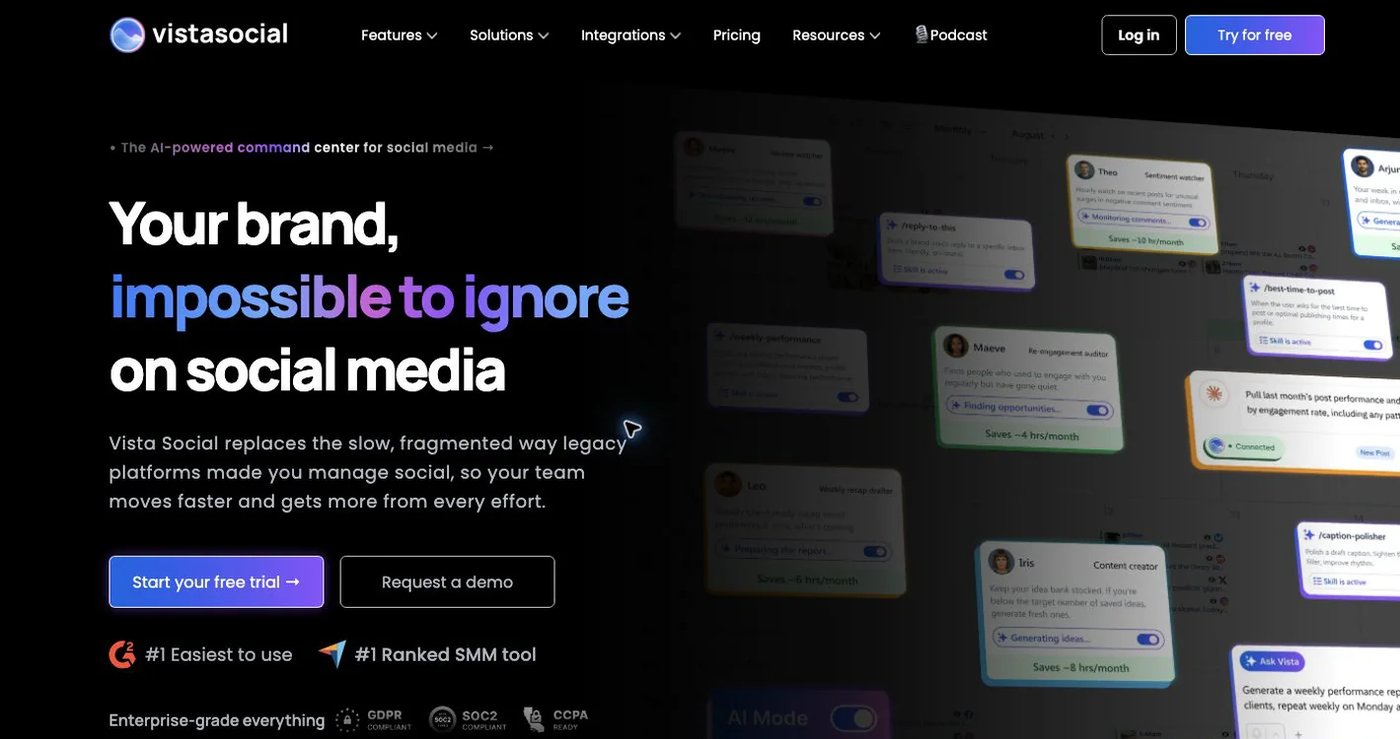
2. Vista Social — best for a broad operational suite

Vista Social official website

Vista Social combines planning, unlimited scheduling, approvals, inbox, analytics, listening, review management, and AI-assisted creation. Its current pricing starts at $79 monthly for Professional with 15 profiles and two users. Advanced is $149 with 30 profiles and four users; Scale is $349 with 70 profiles and eight users. Annual billing is discounted.

Professional already includes substantial publishing and reporting depth, while broader web/news listening starts as a $75 monthly add-on. This makes Vista Social a stronger replacement than Postqued when DMs, reviews, listening, and wide analytics belong in one workspace.

The API boundary changed. Vista Social’s API documentation says custom API access requires a separately enabled add-on and directs customers to their Customer Success Manager; it is not simply included because a buyer selects Advanced. Zapier and Make are included on Advanced and above without that custom-API add-on.

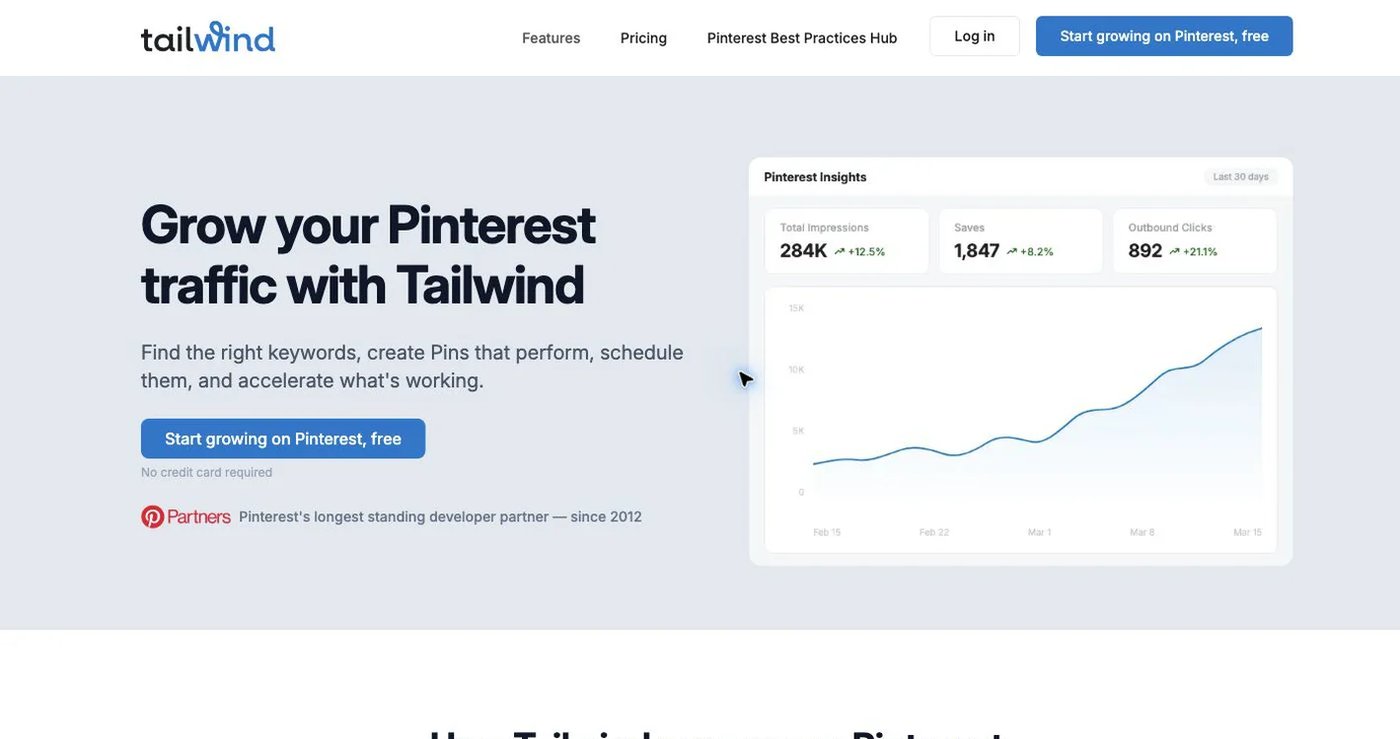
3. Tailwind — best for Pinterest-led visual marketing

Tailwind official website

Tailwind is the most specialized option here. Its scheduler, design generation, SmartSchedule, Communities, and analytics are oriented around Pinterest, with Instagram and Facebook publishing also supported. That focus can be more useful than Ocoya’s wider suite for a business whose traffic strategy depends on Pins.

Tailwind’s pricing page lists a free plan with five posts and five design/AI credits monthly. Pro is currently shown at $17.99 effective monthly with annual billing and includes 150 posts, 150 credits, 200 designs, one Pinterest account, one Instagram account, one Facebook page, and one user. Advanced and Max expand account, credit, and post allowances; Max includes unlimited scheduled posts.

Tailwind is not a broad Ocoya substitute: it does not publish to TikTok and should not be selected as a general multi-network developer API. Choose it for Pinterest workflow and design productivity, not for replacing Ocoya’s full network or automation footprint.

4. Agorapulse — best for inbox and moderation operations

Agorapulse official website

Agorapulse fits teams that spend more time managing messages, comments, assignments, and reports than generating creative assets. Standard includes unlimited publishing, an inbox, and basic branded reports. Professional adds assignments and team reports; Advanced adds moderation rules, bulk inbox actions, deeper reporting, and competitor benchmarking.

Current Agorapulse pricing is $79 per user per month billed annually or $99 monthly for Standard, $119 annual or $149 monthly for Professional, and $149 annual or $199 monthly for Advanced. Each self-service tier includes one user and 10 shared social profiles; extra users and profiles cost more.

Custom adds options including unlimited profiles, SSO, multi-step approvals, historical-data imports, and API integration. The API language appears inside the reporting section, so do not assume it is a general posting API without confirming the required endpoints. Choose Agorapulse for community operations; retain Ocoya or another creator for templates and AI asset production.

5. Buffer — best for a straightforward queue

Buffer official website

Buffer offers a clean queue, calendar, ideas board, AI Assistant, analytics, and community features without Ocoya’s larger creative canvas. It is easy to price for a small number of social accounts because each connected account is a channel.

The free plan includes three channels, 10 scheduled posts per channel, and one user. Essentials is $5 per channel per month billed annually and adds unlimited scheduled posts, advanced analytics, and three API keys. Team is $10 per channel annually and adds unlimited users, permissions, and approvals. Monthly billing costs more, and Buffer applies volume discounts above 10 channels.

Older claims that Buffer’s API is unavailable or reserved for high tiers are stale. Buffer’s GraphQL API is available on Free, Essentials, and Team, with respective 30-day request limits of 3,000, 7,500, and 15,000 per key. Buffer is a credible publishing/API alternative, but its AI Assistant and ideas tools are not the same as Ocoya’s combined copy, image, video-template, and ecommerce suite.

6. Metricool — best for analytics and competitor reporting
Metricool official website

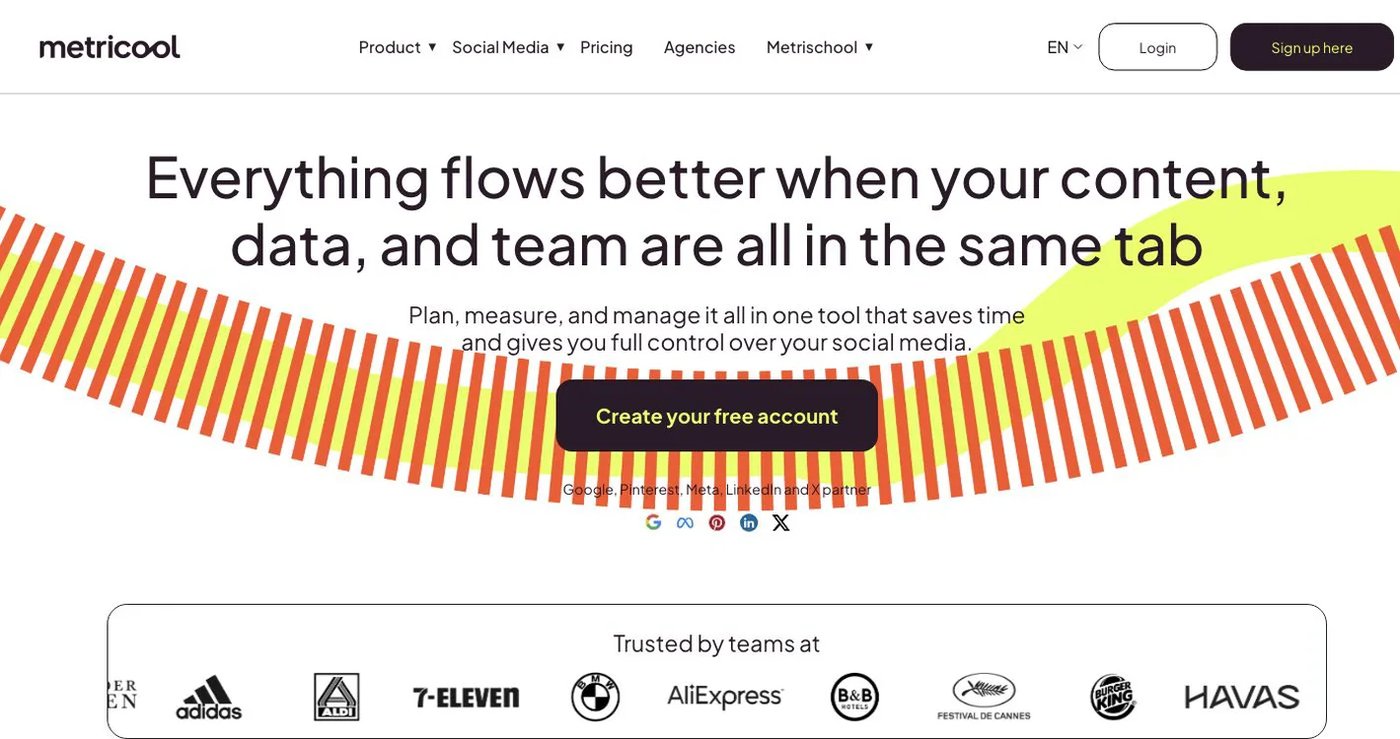
Metricool brings planning, analytics, an inbox, competitor analysis, ad reporting, SmartLinks, and downloadable reports together. The free plan supports one brand and 20 scheduled posts monthly, with important limits such as no LinkedIn or X connection.

Starter costs $25 monthly or starts at $20 effective monthly when billed annually for five brands. It adds unlimited scheduling subject to fair use, longer analytics history, reports, and LinkedIn. Advanced starts at $67 monthly or $53 effective monthly annually for 15 brands and adds team/client access, approvals, custom report templates, Looker Studio, and the Metricool API. X and expanded analytics can require paid add-ons. See Metricool’s current plan guide.

Metricool also offers MCP on every plan, including Free, but the conventional API remains Advanced or Custom. Choose it when measurement, competitor context, and reporting outweigh Ocoya’s creative suite. Its AI assistant helps with social copy, but it is not a one-for-one replacement for Ocoya’s design and ecommerce creation tools.

7. SocialBee — best for evergreen content categories

SocialBee official website

SocialBee’s category queues, content sources, RSS imports, recycling rules, AI Copilot, unlimited AI content generation, and Canva/Unsplash/GIPHY integrations make it one of the closer creative-workflow alternatives to Ocoya. It is particularly useful when a library of evergreen posts should keep circulating.

SocialBee pricing is $29 monthly for Bootstrap with five profiles, one user, one workspace, and three months of analytics. Accelerate is $49 with 10 profiles, approvals, bulk tools, and advanced analytics. Pro is $99 with 25 profiles, three users per workspace, five workspaces, report export, and internal notes. Annual rates are $290, $490, and $990, equivalent to about $24.17, $40.83, and $82.50 per month.

SocialBee supports automation through integrations such as Zapier and Make, but its help center states that it has no public API. Choose it for content generation and recycling; choose a documented API product for direct custom integration.

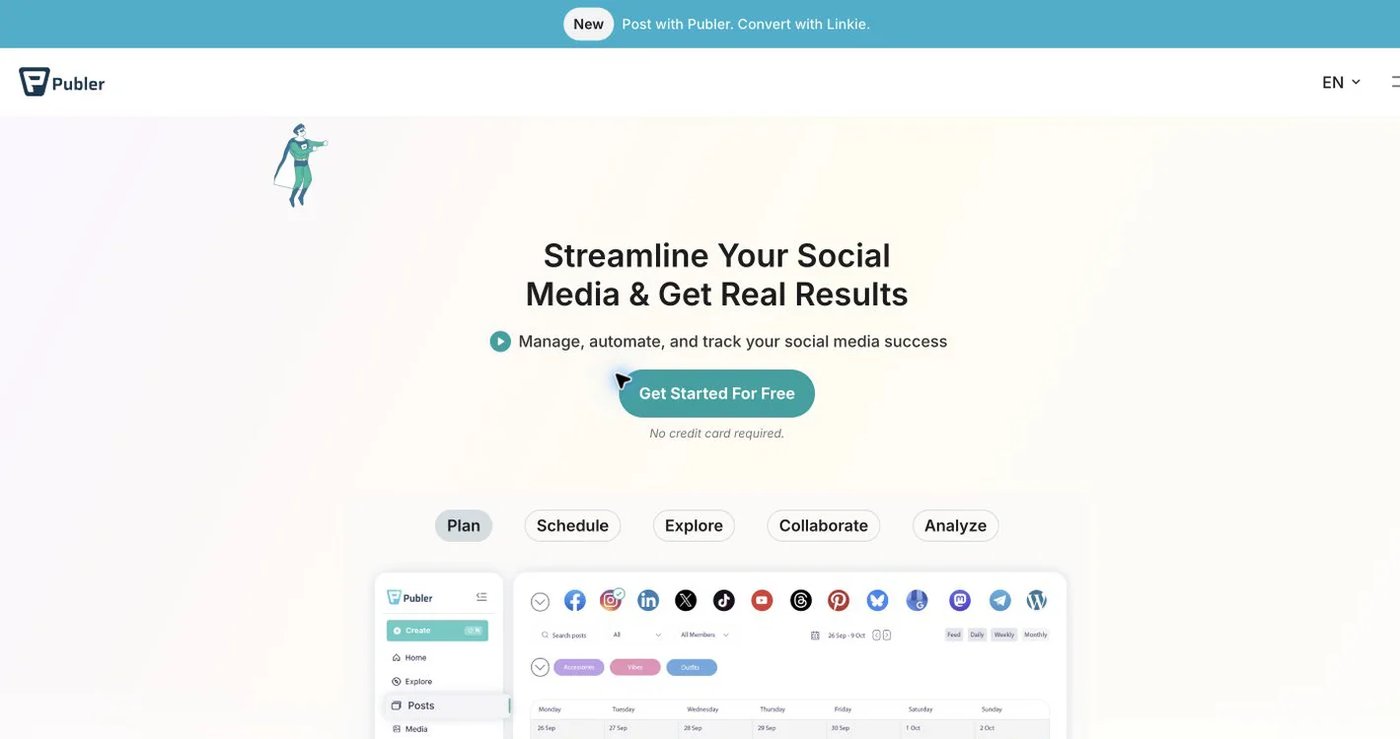
8. Publer — best for flexible bulk scheduling

Publer official website

Publer supports publishing across 13 networks and services, bulk scheduling, recurring and recycled posts, workspaces, and AI-assisted copy and images. Its free plan connects three accounts other than X and holds 10 pending posts per account. Publer advertises Professional from $5 monthly and Business from $10, with extra accounts and members priced separately. Its official pages currently conflict on whether a paid configuration begins with one or three accounts, so use the live calculator for the actual minimum and total. Business adds analytics, best-time recommendations, recycling, and included AI prompts. See Publer’s plan explanation.

API availability is better than older comparisons report. Publer’s July 2026 API guidance says the public API is available to Enterprise customers and Business customers in good standing. Its documented scope includes publishing, scheduling, media, accounts, and analytics, with published request and per-network posting limits.

Choose Publer for flexible account-based scaling and bulk workflows. Calculate the actual configuration rather than comparing only the one-account starting price.

9. Pallyy — best for visual planning and approvals

Pallyy official website

Pallyy focuses on the content calendar, Instagram grid preview, media library, analytics, and a simple brand/client structure called a social set. It is a lighter visual workflow than Ocoya, with fewer built-in creation capabilities on the entry tiers.

Pallyy’s current pricing includes a free plan with one account and 15 posts monthly. Starter is $15 monthly for one social set containing up to two accounts, 20 posts, and one user. Pro is $25 monthly for one set containing up to 11 accounts and adds unlimited posts, post ideas, queue scheduling, AI captions, social inbox, client/team approvals, and shared calendars. Extra sets cost $10 monthly on eligible plans; Agency and Scale bundle more sets and users.

Choose Pallyy when visual review and a clean calendar matter more than Ocoya’s AI design generation or a documented public API. Pro, not Starter, is the relevant comparison if inbox and approval workflows are required.

Choosing the right Ocoya replacement

Use a requirement-first shortlist:

  1. List the networks, profile types, and exact post formats you publish.
  2. Mark Ocoya features you use to create assets: copy, images, templates, ecommerce feeds, and integrations.
  3. Count accounts, users, workspaces, and reviewers before comparing prices.
  4. Separate inbox, DMs, listening, reviews, and analytics; vendors cover different networks for each.
  5. For automation, verify the required API endpoint, plan, key model, rate limits, and provider-account authorization flow.

Before canceling Ocoya, archive the content and reports you need, reconnect a test account on each network, recreate or import future posts where supported, and test approvals and publishing. Keep both systems active until the replacement workflow passes those checks.

Primary sources

Frequently Asked Questions

What is the best Ocoya alternative?

Postqued is our recommendation if you create images and copy elsewhere and need Ocoya mainly for planning, approvals, and publishing. It starts at $9 per month and includes API and MCP access. If Ocoya's creative tools are central to your workflow, compare the creation-focused products later in this guide.

How much does Ocoya cost in 2026?

Ocoya lists Bronze at $15 per month, Silver at $39, Gold at $79, and Diamond at $159. The plans include 5, 20, 50, and 150 social profiles respectively. Annual billing is advertised with a 20 percent discount, and a seven-day trial is available.

Which Ocoya plan includes REST API access?

Ocoya's help center lists REST API access on Diamond, its $159 per month plan, not Gold. Ocoya's API documentation publishes a global limit of 60 requests per minute. Confirm endpoint coverage and current entitlement before building an integration.

Does Postqued include creative AI and design tools like Ocoya?

No. Postqued does not provide an Ocoya-style suite of AI copywriting, image generation, templates, and ecommerce content creation. It covers shared planning, approvals, publishing, comments and replies, and API or MCP workflows.

Which Ocoya alternatives provide documented API access?

Postqued includes API and MCP access on every paid plan. Buffer provides API access on all plans with plan-specific limits. Metricool provides its API on Advanced and Custom. Publer provides its public API to eligible Business and Enterprise customers. Vista Social sells an API add-on, while Agorapulse lists API/report integrations on Custom.

Will scheduled posts transfer automatically from Ocoya?

Do not assume they will. Export or archive available content, reconnect social accounts through each provider's authorization flow, recreate or import future posts where supported, test publishing, and retain Ocoya until the new workflow is verified.