7 Best Hopper HQ Alternatives in 2026
Postqued is the best Hopper HQ alternative for most teams: you get revision-aware approvals, publishing to 10 platforms, and REST API plus MCP access with unlimited posts from $9/month and a 7-day free trial. Pricing is per connected account, so you skip Hopper HQ’s social-set math, and every teammate reviews in one place.
Hopper HQ still wins for creators whose day centers on arranging an Instagram grid.
What are the best Hopper HQ alternatives?
| Product | Starting price | Best for | Main limit |
|---|---|---|---|
| Postqued | $9/month | Approvals, publishing, API and MCP | No Instagram grid preview |
| Pallyy | Free; Pro $25/month | Visual planning and client approvals | No documented public API |
| Later | $18.75/month billed annually | Visual planning and link in bio | Approvals start on Growth |
| Buffer | Free; $5/channel billed annually | Simple queue with API | No grid planner |
| Metricool | Free; Starter $20/month | Reports, ads, competitors | API on Advanced and Custom only |
| Iconosquare | Free after trial | Analytics and benchmarks | Launch caps at 100 posts/month |
| Plann | Free for one Instagram account | Instagram-first strategy | Free plan is Instagram only |
How much does Hopper HQ cost?
Hopper HQ is a visual-first scheduler with a grid planner, calendar, bulk upload, image editing, hashtag research, link in bio, and mobile apps. Its pricing page shows two plans:
- Grow: one user, unlimited posts, AI assistant.
- Scale: unlimited users, permissions, and approvals.
The FAQ says pricing starts at $16/month billed yearly, scales by social set, and includes a 14-day trial. A social set holds up to one account per network, so two Instagram accounts need two sets. Networks include Instagram, TikTok, X, Facebook, Pinterest, LinkedIn, YouTube Shorts, Bluesky, and Threads.
1. Postqued: best for approvals and agent workflows

Postqued suits teams that have outgrown a solo grid planner and need controlled, multi-person publishing. You schedule to TikTok, Instagram (including Stories and Reels), YouTube Shorts, Facebook, LinkedIn, Pinterest, Threads, Bluesky, Mastodon, and X. Teammates and external reviewers invited by email comment, suggest caption edits, and approve a specific revision; that approved snapshot is what publishes.
Every plan includes unlimited posts, the REST API, an MCP server with 62 tools, and an Engagement Inbox for comments on Facebook, Instagram, Threads, X, LinkedIn, and Mastodon. Analytics cover TikTok, Facebook, Instagram, Threads, and YouTube.
Two Instagram accounts need two Hopper HQ social sets; Postqued Solo covers any 5 accounts for $9/month. Creator is $29 for 20, Pro $49 for 30 with unlimited seats, and Agency $199 for unlimited accounts. Each starts with a 7-day free trial. Postqued has no grid preview, hashtag explorer, or link-in-bio builder.
See Postqued pricing or compare Postqued vs Hopper HQ.
2. Pallyy: best for visual planning with client approvals
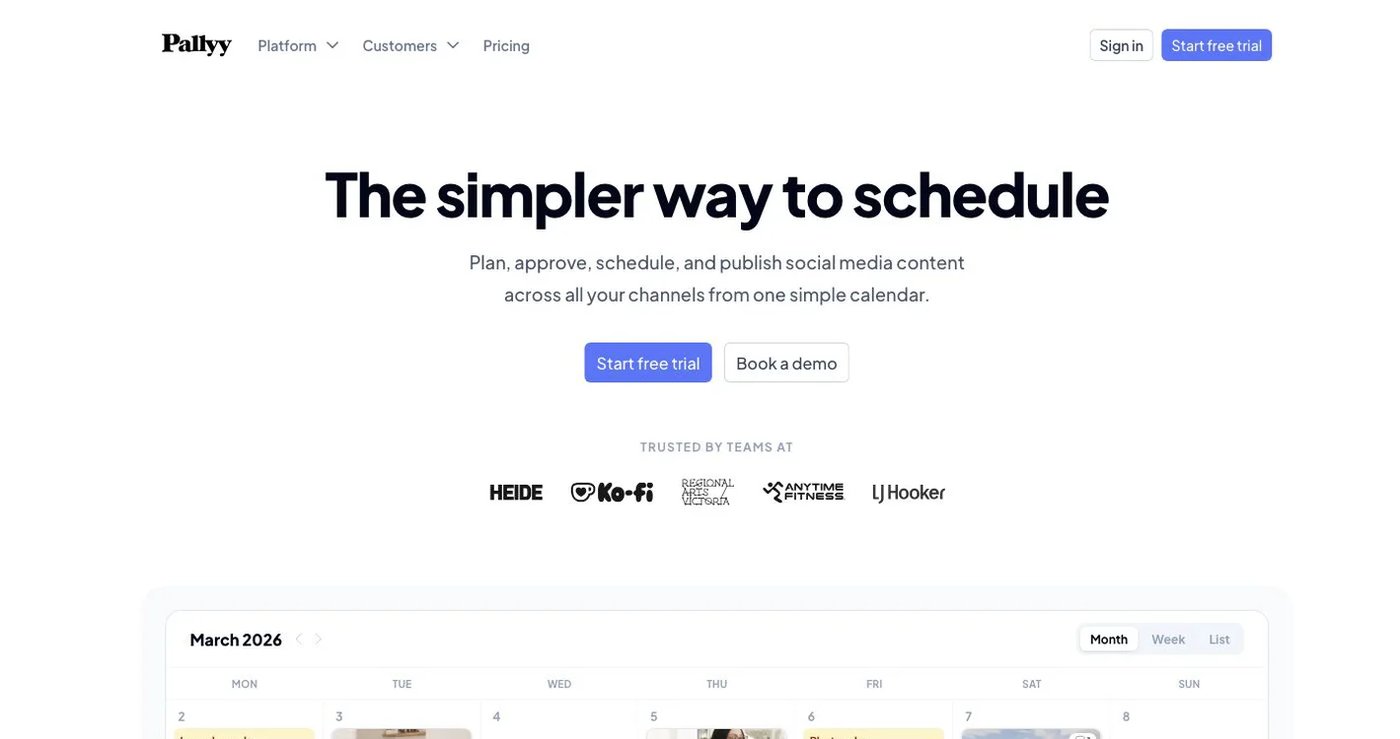
Pallyy combines a calendar, Instagram grid preview, media library, analytics, shared calendars, client approvals, and an inbox covering DMs, comments, mentions, and reviews. Free includes one social set and 15 scheduled image posts per month. Pro is $25/month for one social set with unlimited posts, approvals, AI captions, and the inbox. Agency is $99 for 10 sets and three users. See Pallyy pricing.
Choose it for visual client review without a large suite.
3. Later: best for visual planning and creator workflows
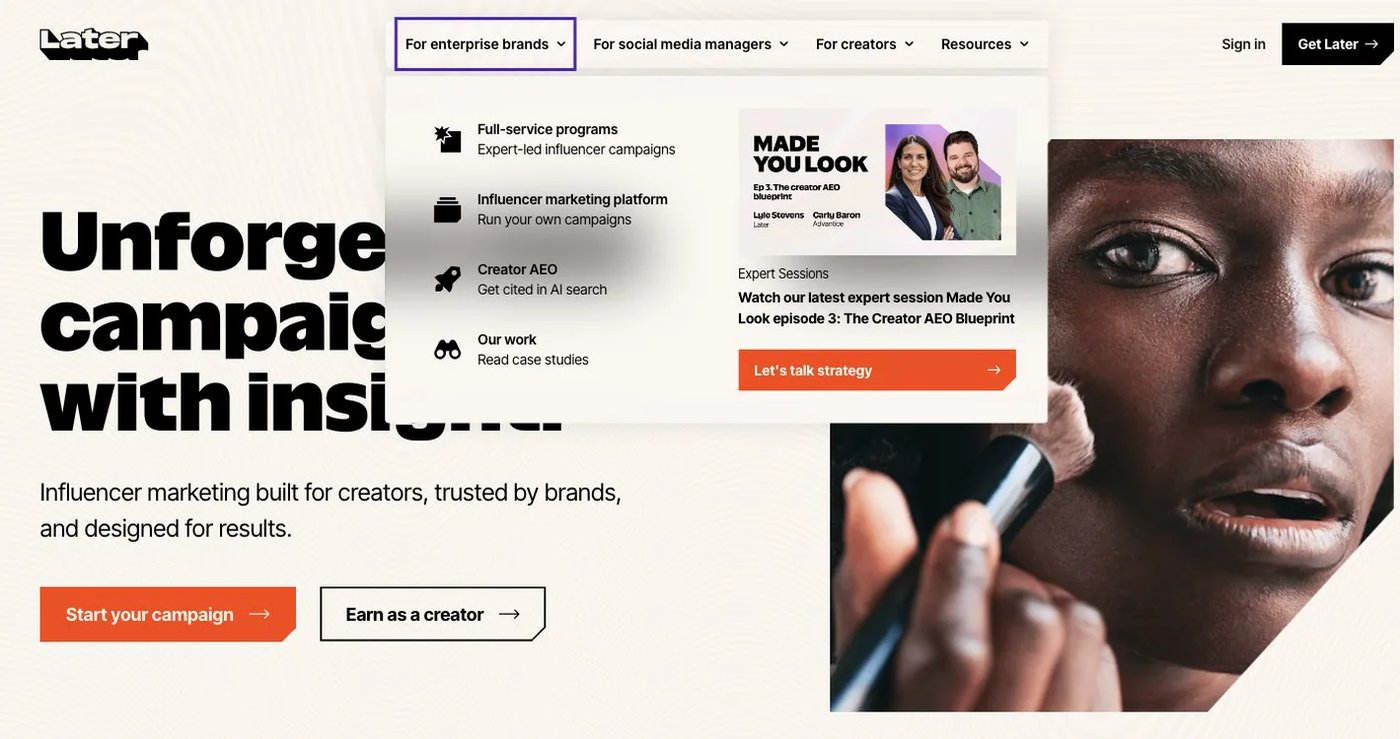
Later pairs a visual Instagram planner with multi-profile scheduling, link in bio, analytics, and creator-campaign features. Starter is $18.75/month billed annually for one social set, one user, and 30 posts per profile. Growth adds two sets, two users, 180 posts per profile, an inbox, and internal and external approvals. Scale has six sets, four users, and unlimited posts. See Later pricing.
Choose it when feed planning stays central but you want a broader creator toolkit.
4. Buffer: best for a straightforward queue and public API
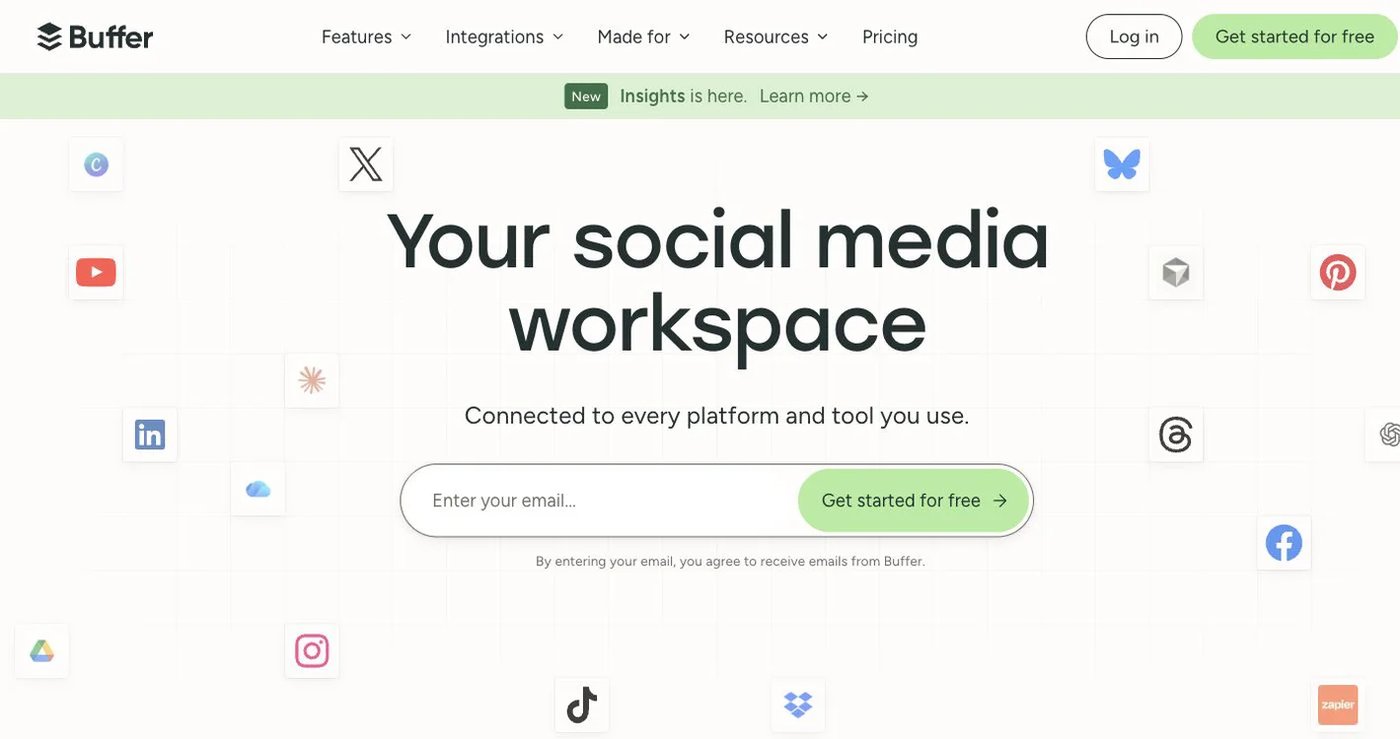
Buffer fits teams filling a reliable queue across a few channels. Free includes three channels, one user, 10 scheduled posts per channel, and one API key with 3,000 requests per month. Essentials is $5/channel billed annually with unlimited posts and 7,500 requests; Team is $10/channel and adds unlimited users, approvals, and 15,000 requests. See Buffer pricing.
It has no drag-and-drop grid or image editor. Choose it for a simple queue with developer access.
5. Metricool: best for reports, ads, and competitor analysis
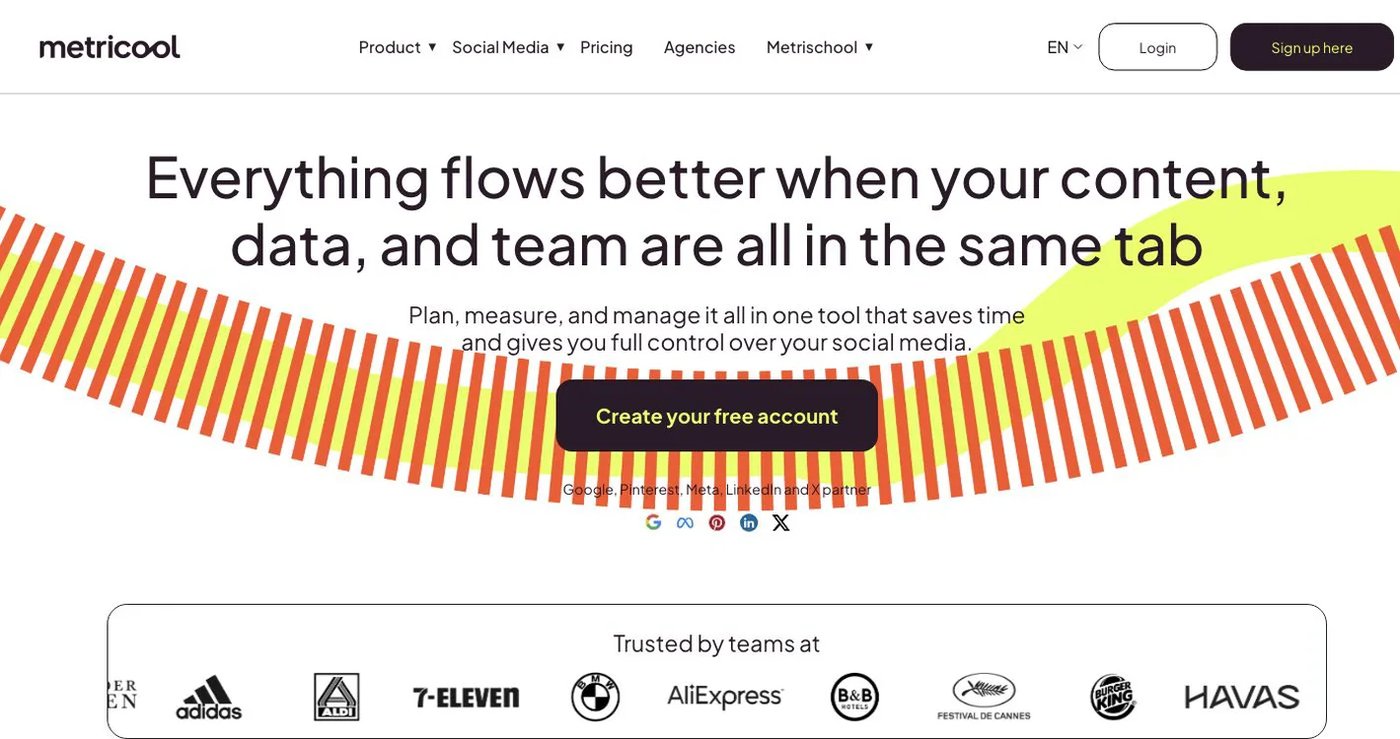
Metricool combines publishing with competitor tracking, web and social analytics, ad reporting, and downloadable reports. Free covers one brand and 20 scheduled posts per month, without LinkedIn or X. Starter is $20/month for five brands; Advanced is $53 for 15 brands and adds roles, approvals, and Looker Studio.
MCP is on every plan including Free; the API is on Advanced and Custom only. See Metricool pricing and the plan access guide. Choose it when measurement matters more than feed design.
6. Iconosquare: best for social analytics and benchmarks
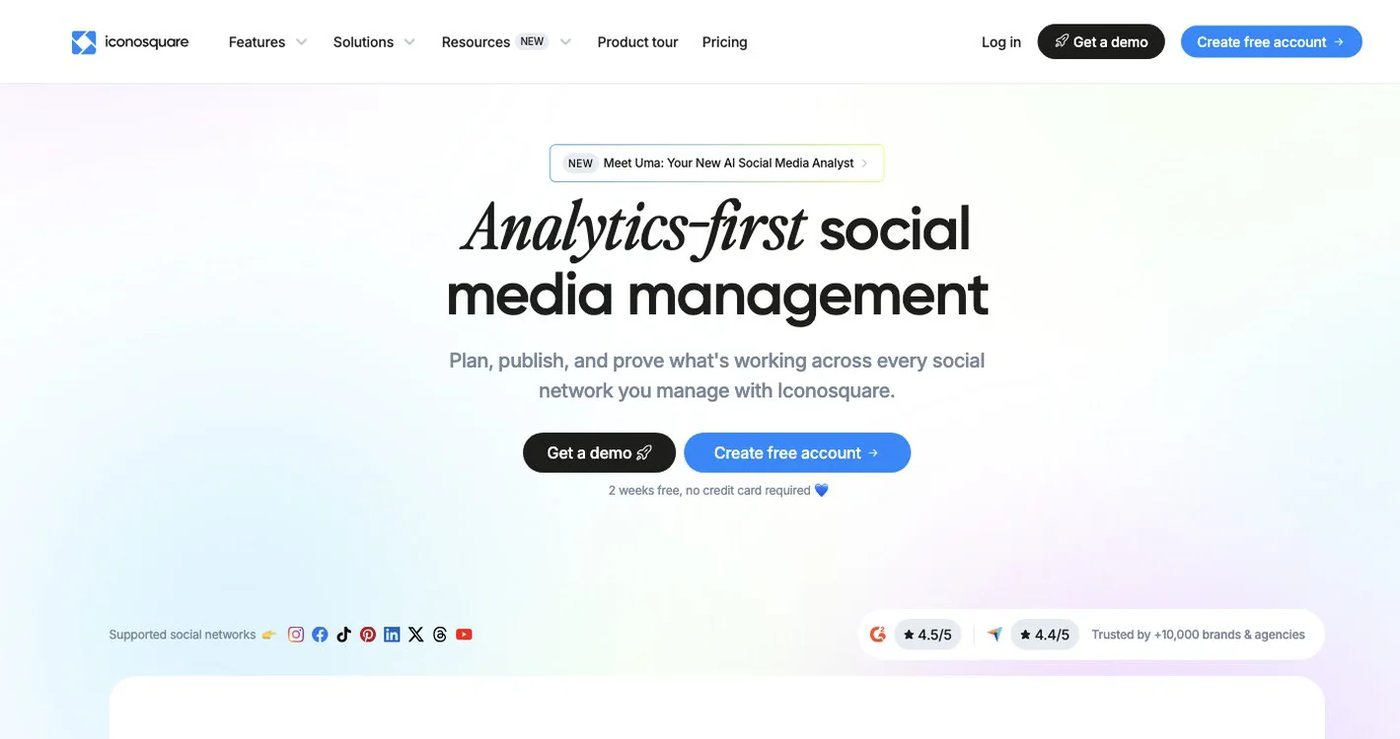
Iconosquare pairs publishing with dashboards, industry benchmarks, competitor analysis, listening, and an inbox. After the 14-day trial, a free plan covers one user, two profiles, and 10 posts per profile per month. Launch includes five profiles and 100 posts per month. Scale adds three users, unlimited posts, approvals, and DMs. Excel adds white-label reporting and API access. See Iconosquare plans and the plan guide.
Choose it for reporting teams more than grid-focused creators.
7. Plann: best for Instagram-first content strategy
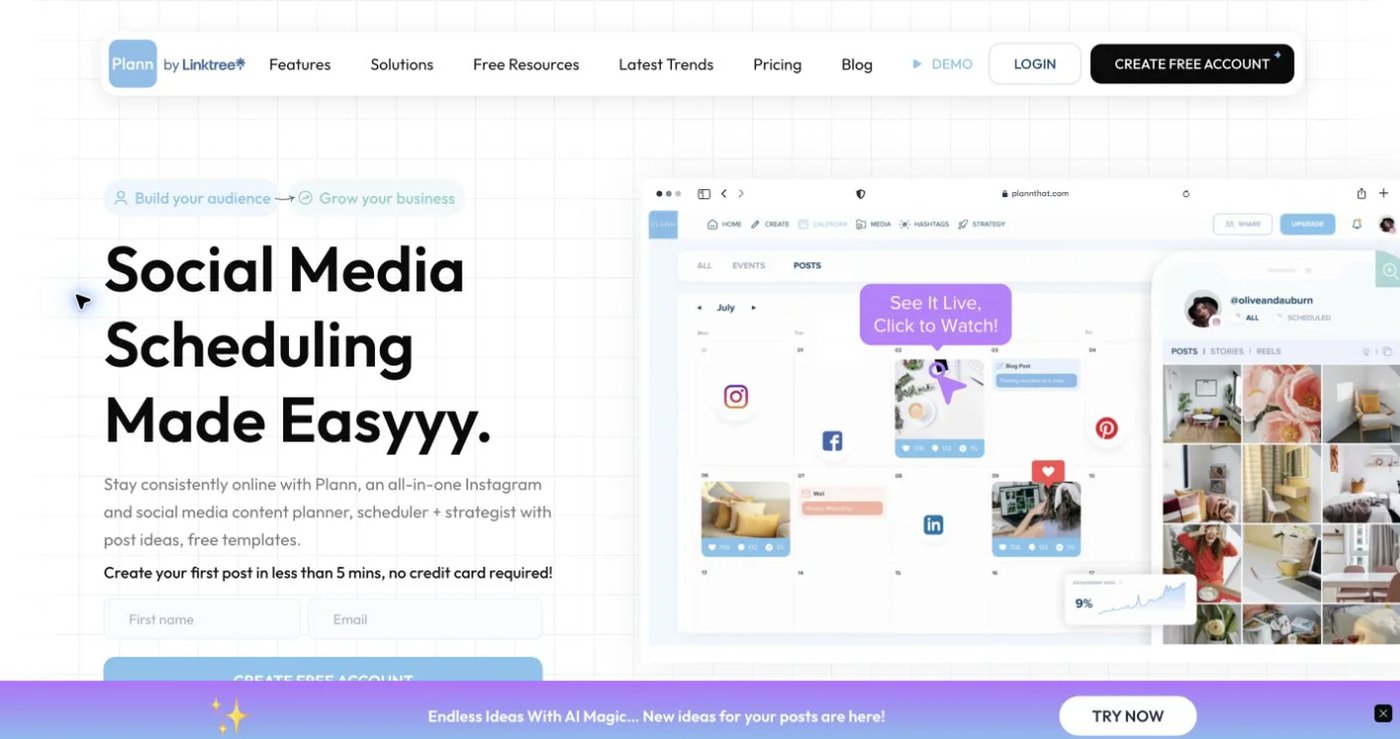
Plann is built around visual planning, media collections, strategy prompts, and an Instagram grid. Free Forever supports one Instagram account, 30 scheduled posts, 120 media uploads, and five scheduled videos per month. Paid tiers add networks, brands, and users: Power User covers one brand, Build two, and Grow five. See the free plan and paid plans.
Choose it when visual storytelling and prompts matter most.
How do you choose a Hopper HQ alternative?
- Decide if stakeholders must approve the Instagram grid itself.
- Convert social sets, brands, and channels into your real profile count.
- Check who can comment, request changes, and approve.
- Decide if you need analytics, competitor tracking, or listening.
- Confirm API or MCP access is on the plan you will buy.
- Test one post per network before you cancel Hopper HQ.
Which Hopper HQ alternative should you choose?
Choose Postqued if you want team approvals and API plus MCP publishing to 10 platforms with unlimited posts from $9/month. Choose Pallyy, Later, or Plann if grid previews are essential, Buffer for a simple queue, Metricool for reporting, and Iconosquare for benchmarks.
Primary sources
- Hopper HQ pricing and social-set FAQ
- Pallyy pricing
- Later pricing
- Buffer pricing and API allowances
- Metricool pricing and API plan
- Iconosquare pricing and plan guide
- Plann free plan and paid plans
Route next week’s posts through approvals on Postqued Solo at $9/month with a 7-day free trial: See Postqued pricing.