7 Best Hookle Alternatives in 2026
Postqued is the best Hookle alternative for most teams: you get a shared web calendar, revision-aware approvals, and REST API plus MCP publishing to 10 platforms, with unlimited posts from $9/month and a 7-day free trial. Writers, reviewers, and AI agents work in one process instead of passing a phone around.
Hookle still wins for a solo owner who works from a phone and manages a Google Business Profile alongside social accounts.
What are the best Hookle alternatives?
| Product | Starting price | Best for | Main limit |
|---|---|---|---|
| Postqued | $9/month | Web planning, approvals, API and MCP | No Google Business Profile |
| Buffer | Free; paid per channel | Simple web and mobile scheduling | Cost rises per channel |
| OneUp | $25/month | RSS, inbox, API and MCP | Starter holds 300 scheduled posts |
| SocialBee | $29/month | AI-assisted category planning | No public API |
| Publer | Free; paid scales by account | Bulk scheduling and recycling | API on Business and Enterprise only |
| Metricool | Free; paid scales by brand | Analytics and competitor tracking | API on Advanced and Custom only |
| Sendible | $35/month | Client workspaces and reporting | White label on higher tiers |
What does Hookle offer in 2026?
Hookle is an app-first social assistant for small businesses:
- Networks: Instagram professional accounts, TikTok, LinkedIn profiles and Pages, Facebook Pages, X, Threads, YouTube, Bluesky, Google Business Profiles, and Pinterest, per its supported platforms guide.
- Plans: Free allows three accounts; the July 2026 plans added Solo and a multi-brand tier with up to five brands and 30 accounts.
- Pricing: shown in the app in local currency.
- Limits: no browser or desktop version, no advertised public API, and no statistics for several post types including TikTok.
1. Postqued: best for a shared publishing workspace

Postqued suits businesses that have grown past one person and one phone. You plan on a web calendar and schedule to TikTok, Instagram, YouTube Shorts, Facebook, LinkedIn, Pinterest, Threads, Bluesky, Mastodon, and X. Reviewers comment, suggest caption edits, and approve a specific revision; that approved snapshot is what publishes. You can invite external reviewers by email.
Every plan includes unlimited posts, the REST API, an MCP server with 62 tools, and an Engagement Inbox for comments on Facebook, Instagram, Threads, X, LinkedIn, and Mastodon. Analytics cover TikTok, Facebook, Instagram, Threads, and YouTube.
Hookle Free stops at three accounts; Postqued Solo covers 5 accounts on a web calendar for $9/month. Creator is $29 for 20, Pro $49 for 30 with unlimited seats for a growing team, and Agency $199 for unlimited accounts. Each starts with a 7-day free trial. Postqued does not connect Google Business Profiles.
See Postqued pricing or compare Postqued vs Hookle.
2. Buffer: best for simple web and mobile scheduling
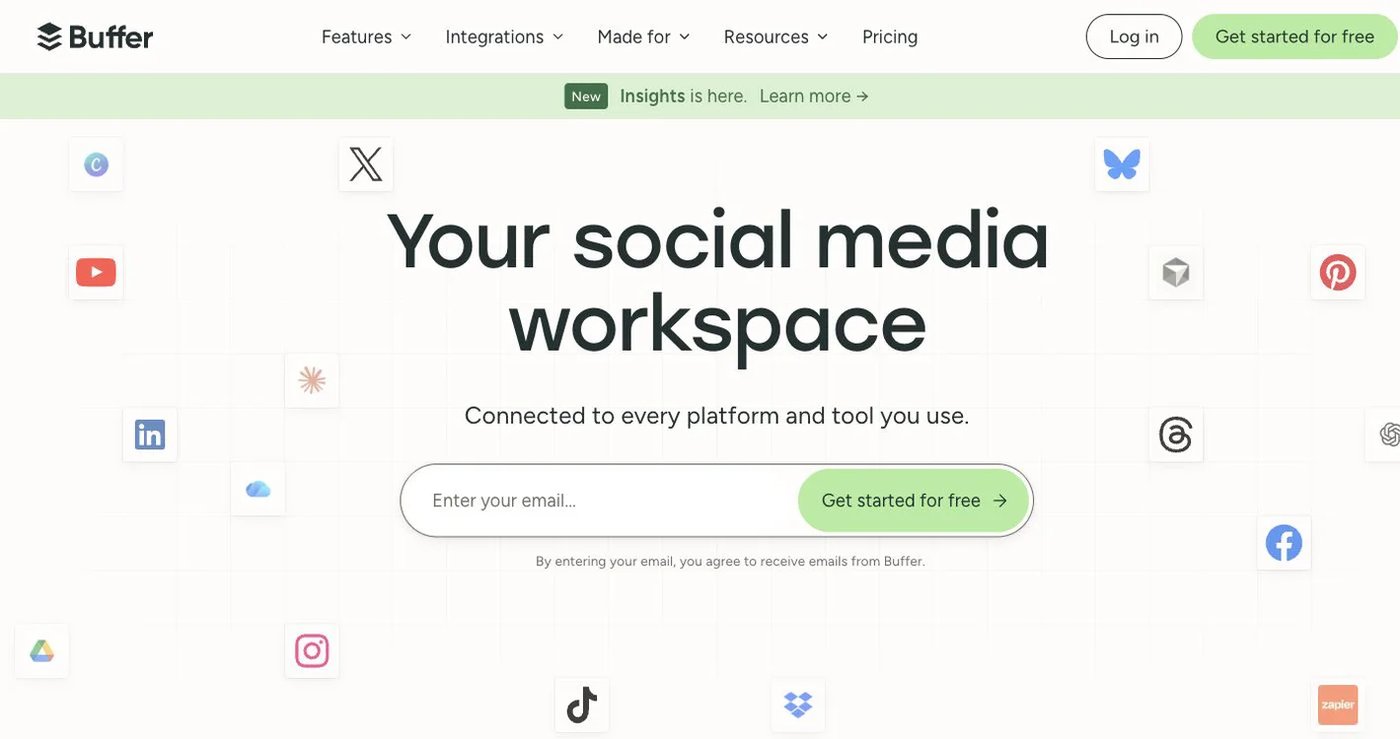
Buffer has web and mobile apps, so it is an easy step up when Hookle feels too phone-bound. Free covers three channels with 10 queued posts each. Paid plans add unlimited scheduled posts, analytics, and team features, priced per channel. It also documents a GraphQL API.
Per-channel pricing is cheap for a few accounts and adds up for many; check Buffer pricing. Choose it for a familiar calendar with little setup.
3. OneUp: best for broad social automation
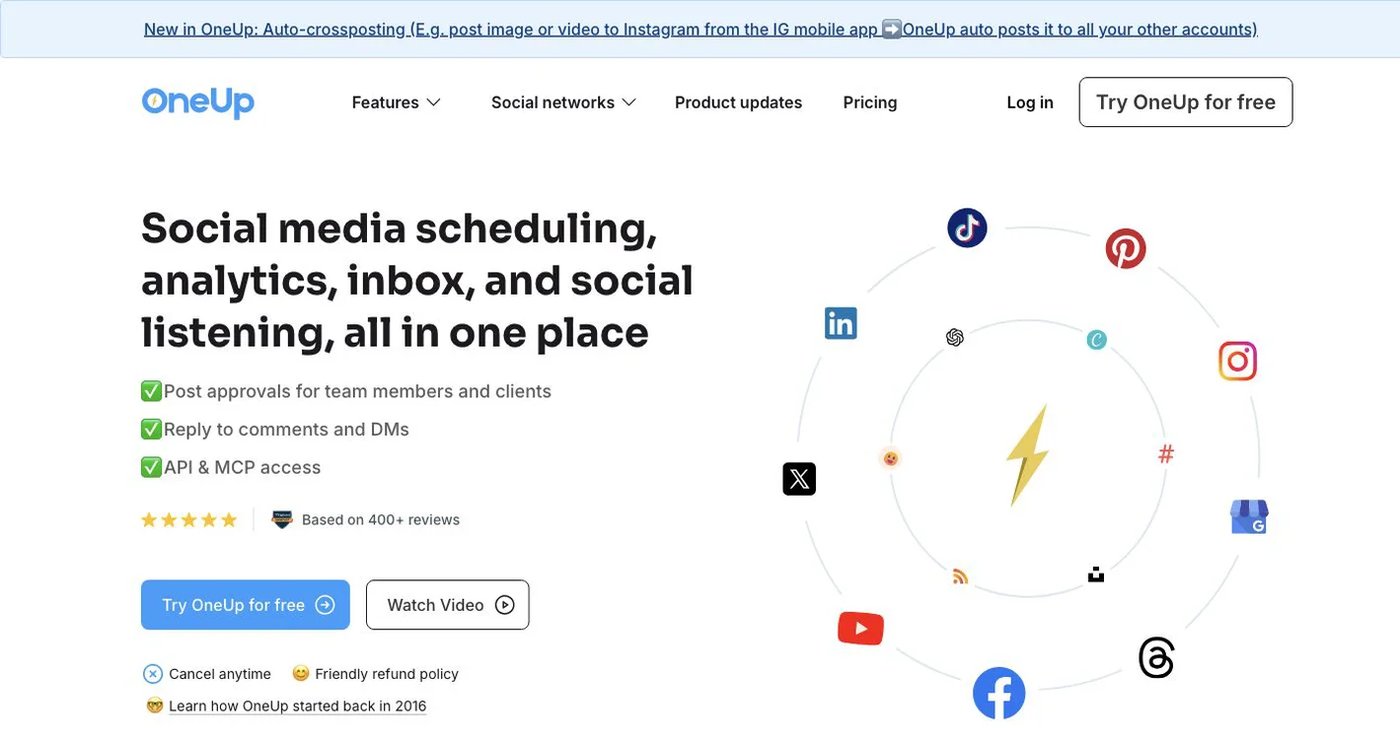
OneUp combines publishing with repeating posts, RSS feeds, bulk uploads, reports, inbox, listening, and API plus MCP access. OneUp pricing lists Starter at $25/month for five accounts and 300 scheduled posts. Intermediate raises that to 15 accounts and unlimited scheduled posts and adds team members.
Choose it when you want a broad operational toolkit rather than a focused small-business app.
4. SocialBee: best for AI-assisted category planning
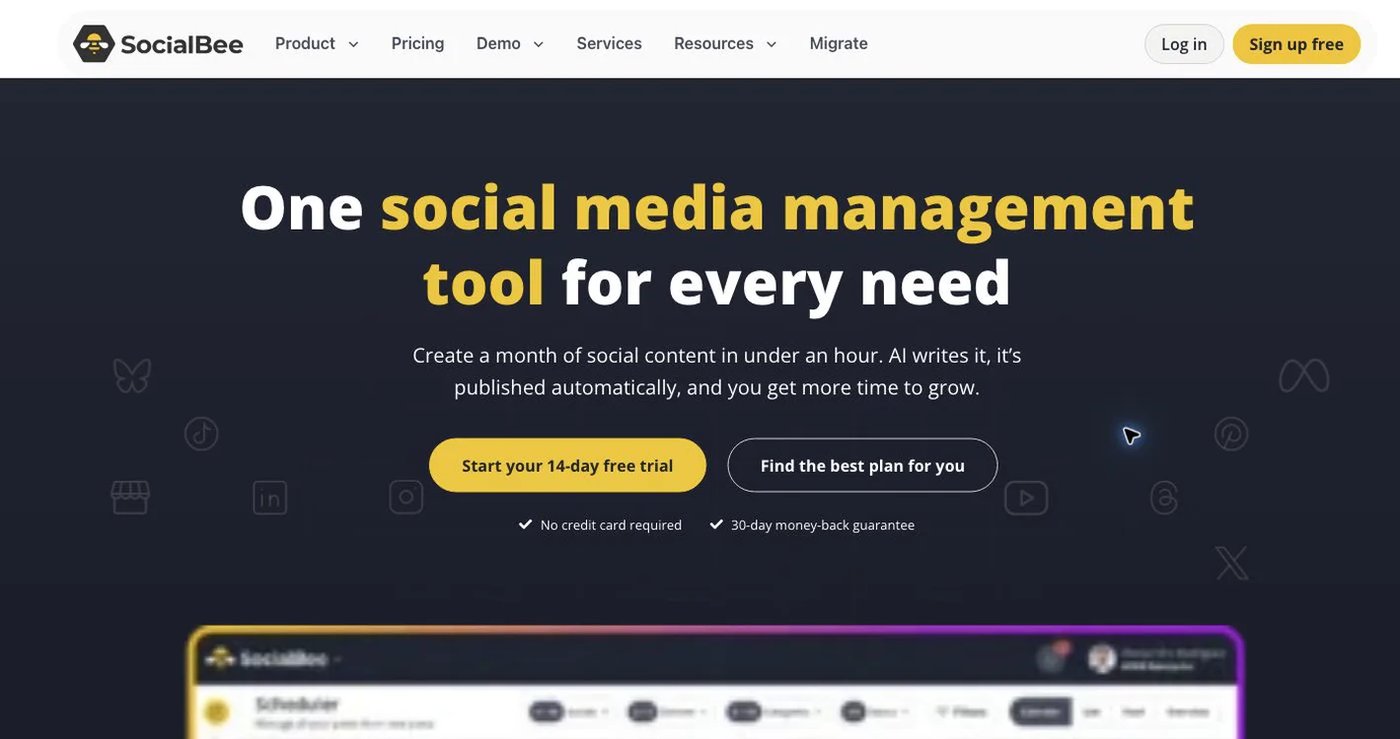
SocialBee pairs an AI Copilot with category queues, evergreen recycling, content sources, approvals, and analytics. It suits businesses that like Hookle’s guidance but want a structured web workflow. Bootstrap starts at $29/month for five profiles, one user, and one workspace. See SocialBee pricing.
Its help center confirms there is no public API. Choose it for a finished planning system.
5. Publer: best for bulk scheduling and recycling
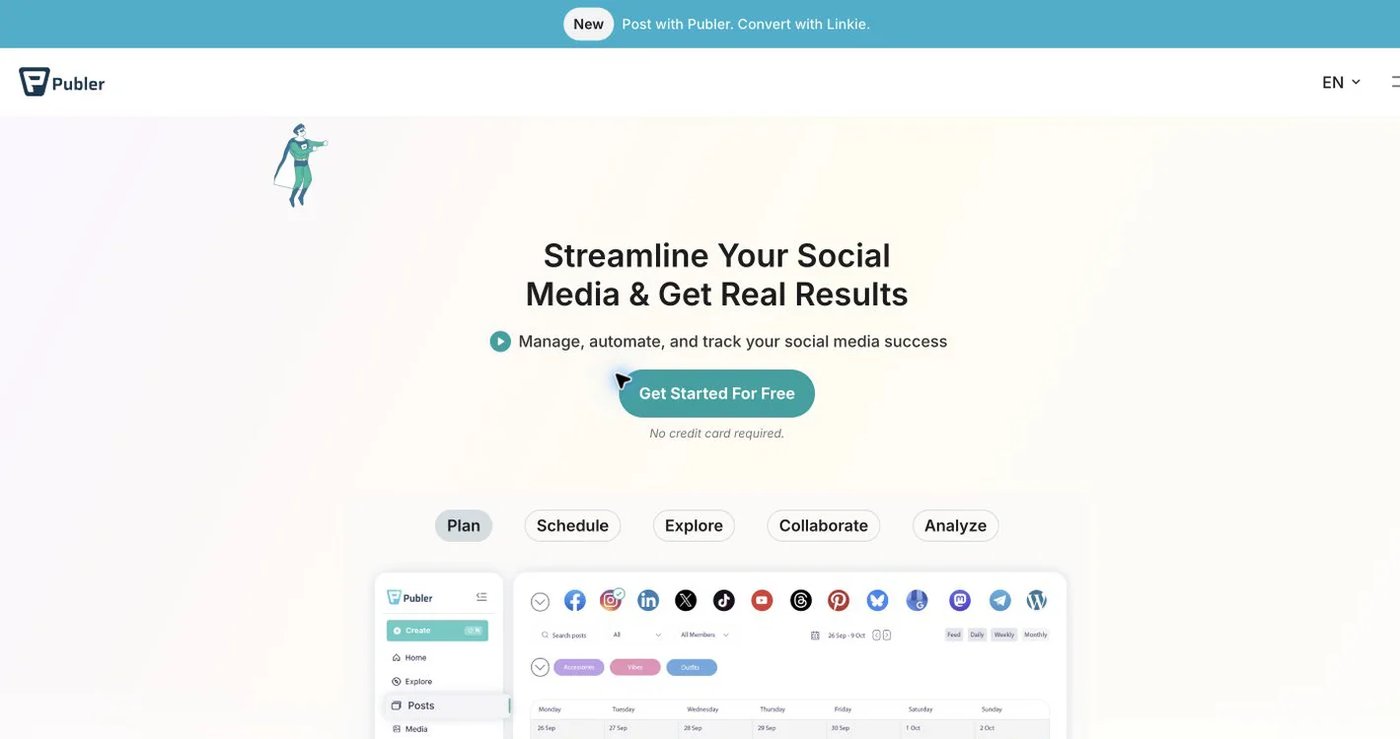
Publer supports bulk scheduling, recurring and recycled posts, workspaces, and AI assistance. The free plan is good for testing. Professional is advertised from $5/month and Business from $10; use the plan calculator for your real total.
Its API guide limits access to Business and Enterprise customers. Choose it for bulk uploads and evergreen reuse.
6. Metricool: best for analytics and campaign oversight
Metricool combines scheduling with analytics, competitor tracking, an inbox, ad reporting, and link-in-bio tools. It fits when Hookle’s simple statistics are no longer enough. The free plan covers one brand and 20 posts per month. Starter is $25/month ($20 billed annually) for five brands, and Advanced is $67 ($53) for 15 brands with approvals.
MCP is on every plan including Free; the API is on Advanced and Custom only. See Metricool pricing and supported networks. Choose it for measurement breadth.
7. Sendible: best for agencies and client reporting
Sendible is built for agencies that need client separation, approvals, reports, an inbox, and publishing in one system. Sendible pricing starts with Core at $35/month ($31 billed annually) for one workspace and six profiles, with unlimited users. Plus is $99, Premium $199, and Elite $299.
Choose it when a solo Hookle workflow has grown into a client service.
How do you choose a Hookle alternative?
- Decide whether work happens on one phone or across a team on desktop.
- List every account type and format you post, including Stories and carousels.
- Check whether you still need Google Business Profile posting.
- Compare real totals: per channel, per user, per brand, or per account.
- Confirm API or MCP access if you plan to automate.
- Test one post per network before you cancel Hookle.
Which Hookle alternative should you choose?
Choose Postqued if you want a shared web workspace, approvals, and API plus MCP publishing to 10 platforms from $9/month. Choose Buffer for a simple queue, OneUp for broad automation, SocialBee for guided planning, Publer for bulk work, Metricool for analytics, and Sendible for client delivery.
Primary sources
- Hookle supported platforms
- Hookle plan announcement
- Hookle pricing and upgrades
- Hookle desktop and web-app status
- Buffer pricing
- OneUp pricing
- SocialBee pricing
- Publer pricing
- Metricool pricing
- Sendible pricing
- Postqued pricing
- Postqued platforms
Move from one phone to a shared web calendar on Postqued Solo at $9/month with a 7-day free trial: See Postqued pricing.