9 Best eClincher Alternatives in 2026
Postqued is the best eClincher alternative for most teams: you get planning, revision-aware approvals, and publishing to 10 platforms with unlimited posts and REST API plus MCP access, starting at $9/month instead of $149. Every plan includes a 7-day free trial, so you can move a week of posts before you cancel.
eClincher still wins for multi-location brands that need review management, local SEO, and listening in one suite.
What are the best eClincher alternatives?
| Tool | Starting price | Best for | Main limit |
|---|---|---|---|
| Postqued | $9/month | Publishing, approvals, API and MCP | No listening or DM inbox |
| CoSchedule | $19/user/month billed annually | Marketing calendar | Three profiles; X billed separately |
| Hootsuite | $99/user/month billed annually | Broad suite and governance | Listening depth varies by tier |
| Sprout Social | $79/seat/month billed annually | Reporting and enterprise workflows | Listening is an add-on |
| Buffer | Free; $6/channel monthly | Simple queue publishing | Cost rises per channel |
| ContentStudio | $19/month billed annually | Content discovery | Listening is a $99 add-on |
| Sendible | $35/month | Client workspaces | White label on higher tiers |
| Agorapulse | $79/user/month billed annually | Inbox-led management | API on Custom only |
| Loomly | $49/month billed annually | Visual calendars and approvals | Big jump to Beyond tier |
How much does eClincher cost?
eClincher pricing has three tiers:
- Standard: $149/month, one brand, one user, 15 social profiles (up to 2 users and 20 profiles).
- Professional: $349/month, unlimited brands, five users, 25 profiles (up to 10 users and 40 profiles).
- Enterprise: custom pricing.
API and MCP access are listed on all three tiers, and the free trial lasts 14 days. The suite bundles publishing, a unified inbox, analytics, review moderation, client dashboards, and optional listening and local search. That breadth is hard to justify when scheduling and approvals are the main job.
1. Postqued: best for focused publishing and agent automation

Postqued fits teams paying eClincher prices mainly to plan, approve, and publish. You schedule to TikTok, Instagram, YouTube Shorts, Facebook, LinkedIn, Pinterest, Threads, Bluesky, Mastodon, and X. Reviewers approve a specific revision, and that approved snapshot is what publishes. You can invite external reviewers by email.
Every plan includes unlimited posts, the REST API, an MCP server with 62 tools, and an Engagement Inbox for comments on Facebook, Instagram, Threads, X, LinkedIn, and Mastodon. Analytics cover TikTok, Facebook, Instagram, Threads, and YouTube.
eClincher Standard costs $149/month for 15 profiles and one user; Postqued Creator covers 20 accounts for $29, and Pro covers 30 with unlimited seats for $49. Solo starts at $9 for 5 accounts, and Agency at $199 is unlimited. Each starts with a 7-day free trial. Postqued has no social listening, DMs, or review management.
See Postqued pricing or compare Postqued vs eClincher.
2. CoSchedule: best for a unified marketing calendar
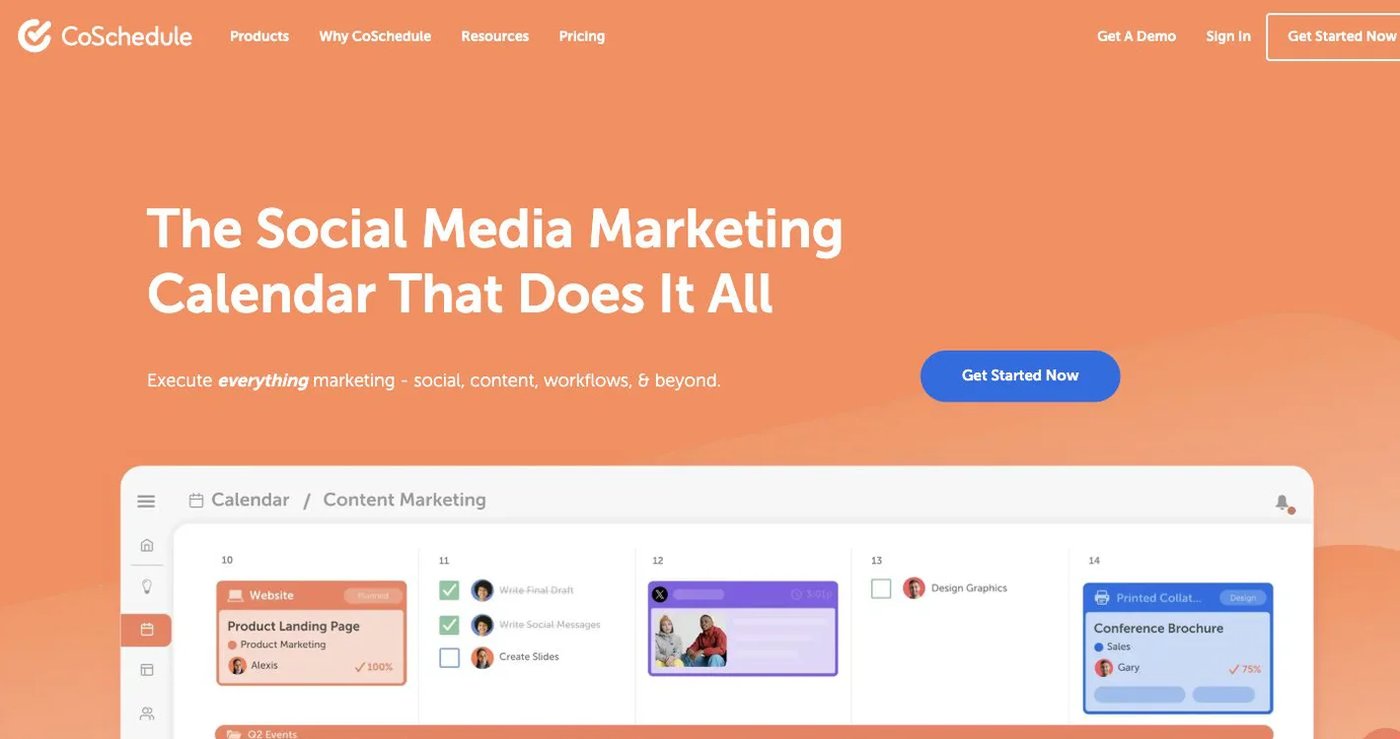
CoSchedule puts social posts, blog promotion, tasks, and projects on one calendar. ReQueue fills gaps with evergreen posts, and the inbox covers Facebook and Instagram. Social Calendar is $19/user/month billed annually or $29 monthly, with three profiles and up to three users. Extra profiles cost $5/month and X is billed separately. Agency Calendar starts at $59/month billed annually.
It supports direct TikTok scheduling for video and eligible image posts. Choose it when the content calendar is your organizing system.
3. Hootsuite: best for a broad social suite
Hootsuite is the closest like-for-like suite to eClincher: publishing, monitoring streams, analytics, inbox, and mature permissions. Hootsuite’s plans list Standard at $99 per user per month billed annually (10 accounts), Professional at $199 with unlimited accounts, and Advanced at $399, with a 14-day trial. Advanced adds approval and routing controls; Enterprise adds SSO.
Listening depth varies by plan and add-on. Choose it when streams, governance, and monitoring matter as much as scheduling.
4. Sprout Social: best for reporting and enterprise workflows
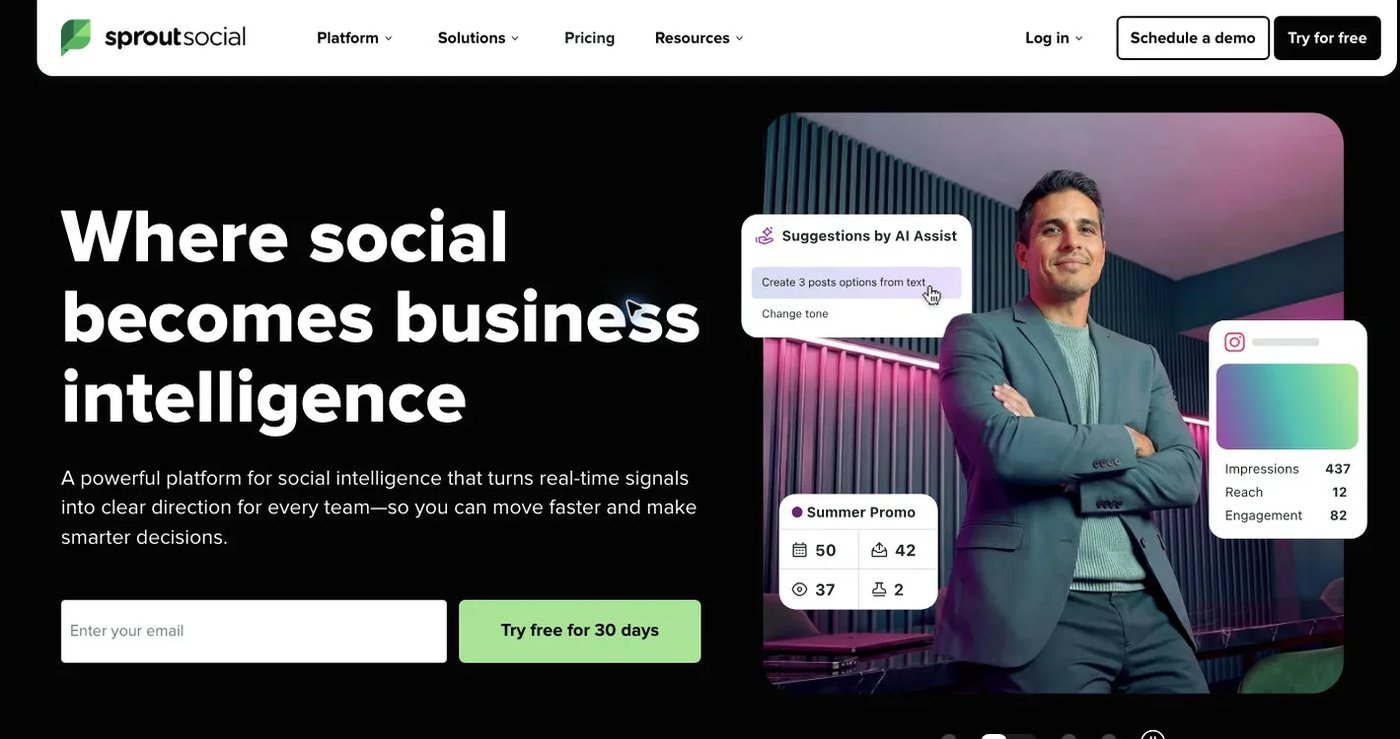
Sprout Social suits buyers who value polished reporting, a unified inbox, and permissions over price. Sprout pricing lists Essentials at $79/seat/month billed annually ($99 monthly) with five profiles, Standard at $199, Professional $299, and Advanced $399. Listening and Premium Analytics are add-ons, and the API is listed with Advanced.
It publishes TikTok video directly for Business Accounts. Choose it for governed care workflows and executive reporting.
5. Buffer: best for a simple publishing queue
Buffer keeps things simple: connect channels, fill the queue, publish. The free plan covers three channels with 10 scheduled posts each. Essentials is $6/channel monthly ($5 billed annually); Team is $12/channel monthly ($10 annually) and adds unlimited users and approvals.
Its GraphQL API and MCP are available on every plan, including Free. Costs rise with each channel you add. Choose it for a clean queue with light collaboration.
6. ContentStudio: best for content discovery
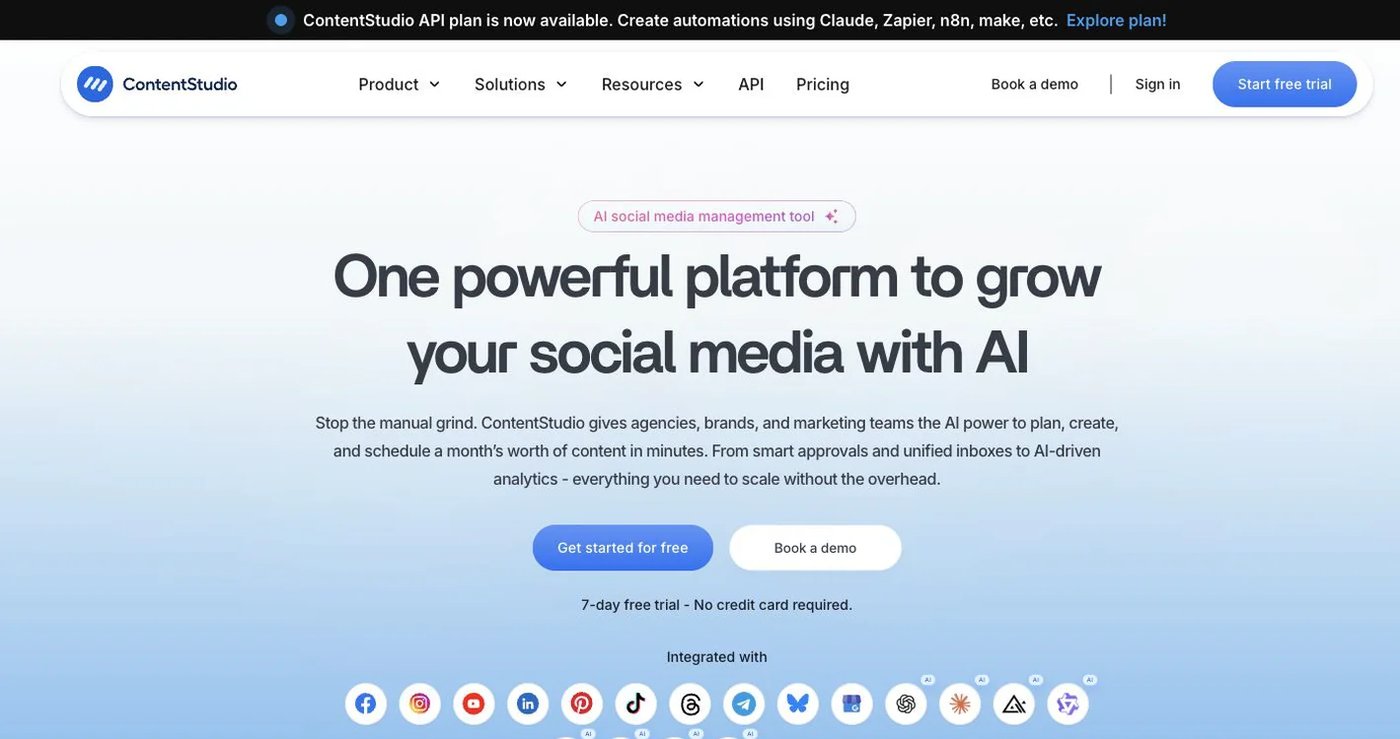
ContentStudio pairs publishing with content discovery, curation, AI writing, and RSS automation. Standard is $19/month billed annually or $29 monthly for one user, five accounts, unlimited posts, API, and MCP. Advanced is $49/month annually and adds inbox, approvals, and competitor analytics. Agency Unlimited starts at $99/month annually. Listening is a $99 add-on. See ContentStudio pricing.
Choose it when finding and repackaging content is a big part of your week.
7. Sendible: best for client workspaces
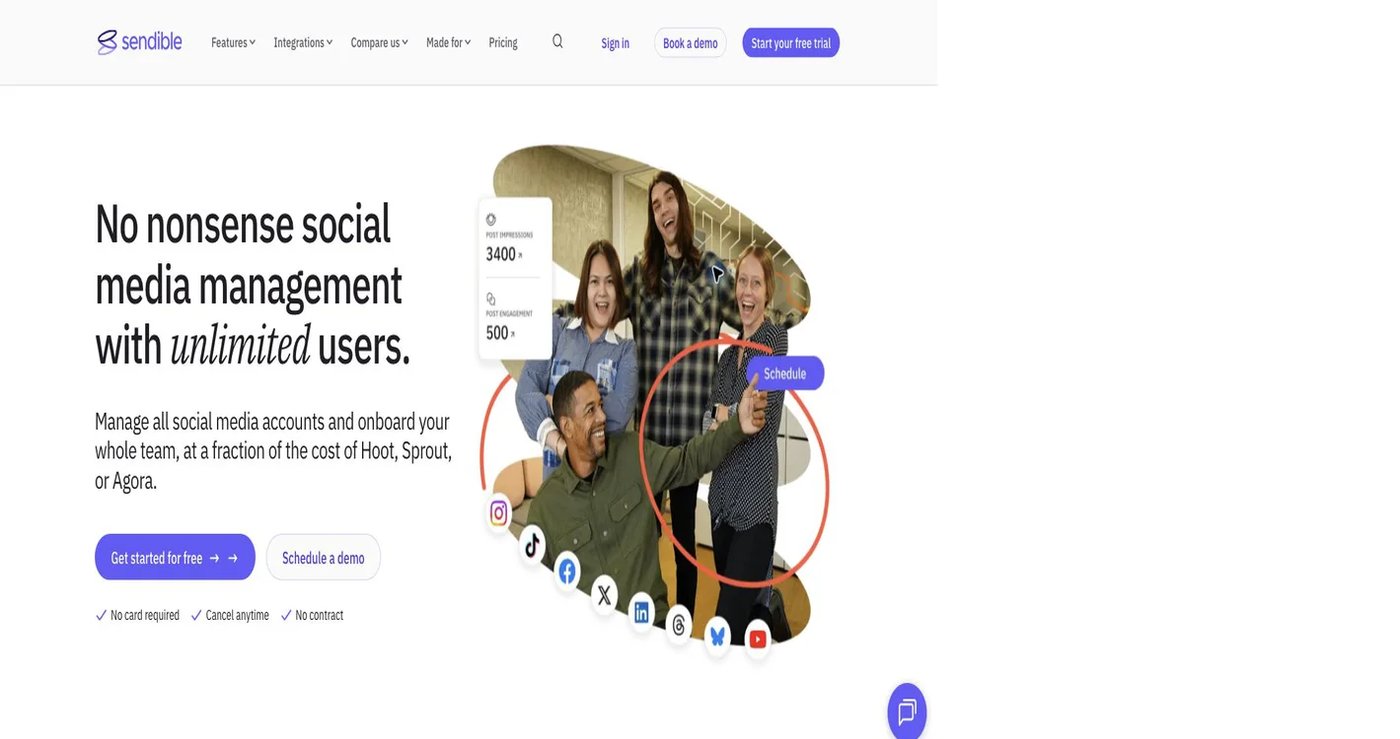
Sendible is built for agencies managing separate clients. Sendible pricing lists Core at $35/month ($31 billed annually) for 1 workspace and 6 profiles, Plus at $99 for 3 workspaces and 18 profiles, Premium at $199 for 7 and 42, Elite at $299 for 15 and 90, and Enterprise at $750. Every plan has unlimited users.
It publishes TikTok video directly and includes approvals and client reporting. White label sits on Elite or Enterprise. Choose it when client separation matters most.
8. Agorapulse: best for inbox-led social management

Agorapulse centers daily work on a unified inbox, monitoring, reporting, and publishing. Agorapulse pricing lists Standard at $99/user monthly or $79 billed annually, Professional $149 or $119, and Advanced $199 or $149. Each includes 10 social profiles. There is no free plan; the trial lasts 30 days.
API access is on the Custom plan only. Choose it when clearing comments and mentions is the team’s main routine.
9. Loomly: best for visual calendars and approvals
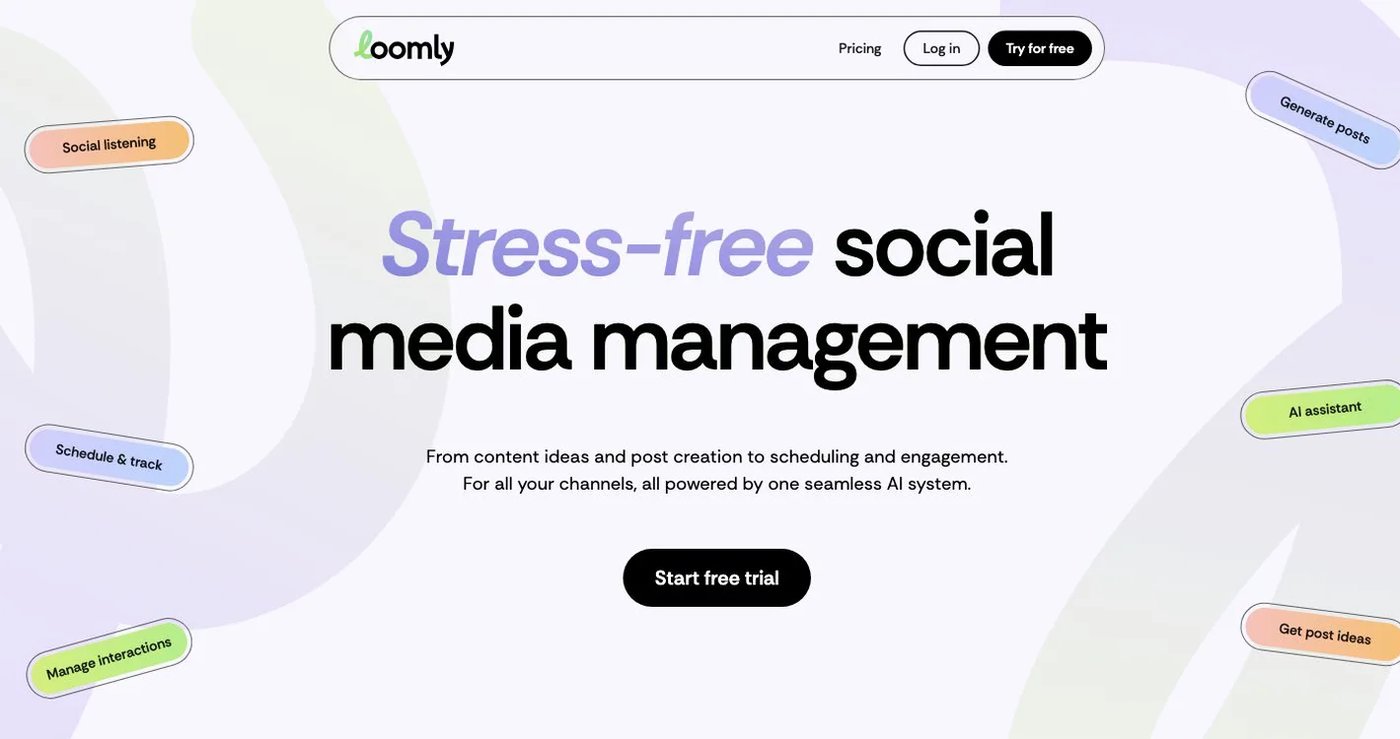
Loomly offers a visual calendar, post ideas, asset libraries, roles, and approval steps, with direct publishing including TikTok. Starter is $65/month or $49 billed annually for 12 accounts, three users, and unlimited calendars. Beyond is $332/month or $249 billed annually for 60 accounts and unlimited users, adding custom roles and workflows. See Loomly pricing.
Choose it when a visual review calendar is the priority and you do not need API automation.
How do you choose an eClincher alternative?
- List every network, account type, and post format you publish.
- Decide if you need comments, DMs, reviews, listening, or only publishing.
- Count users, client workspaces, and approval steps.
- Confirm API or MCP access is on the plan you will buy.
- Price add-ons and annual commitments, not just the headline rate.
- Test one post per network before you cancel eClincher.
Which eClincher alternative should you choose?
Choose Postqued if publishing, approvals, and API plus MCP automation are what you use eClincher for: you get all 10 platforms and unlimited posts from $9/month. Choose Hootsuite or Sprout Social for full-suite governance and listening, Agorapulse for inbox work, Sendible or Loomly for client approvals, and Buffer, CoSchedule, or ContentStudio for lighter needs.
Primary sources
- eClincher pricing and developer documentation
- CoSchedule pricing and TikTok support
- Hootsuite plans
- Sprout Social pricing and publishing support
- Buffer pricing and API documentation
- ContentStudio pricing
- Sendible pricing
- Agorapulse pricing
- Loomly pricing
Replace a $149 suite with Postqued Creator at $29/month, starting with a 7-day free trial: See Postqued pricing.